A shared inbox is an email address, like info@ or sales@, that multiple team members can access and manage together. Mailbutler works with the shared inbox you’ve already set up through your email provider, adding the collaboration features needed to keep everyone organized and accountable.
Drowning in email chaos?
Endless email threads, missed follow-ups, and unclear responsibilities.
When your inbox lacks structure, teamwork suffers.
Important messages get buried, tasks slip through the cracks, and efficiency takes a hit.
Mailbutler’s Inbox Collaboration helps you keep your team aligned and in control.
Turn your shared inbox into a collaboration hub
Got an info@ or sales@ inbox that’s being managed by multiple teammates? Assign emails, track progress with live status updates, and keep everything organized with shared notes, tasks, and tags.
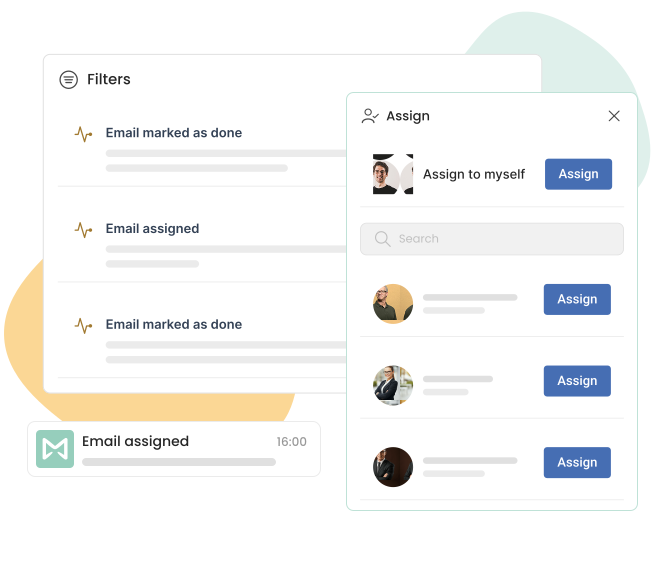
Seamless inbox collaboration in Apple Mail, Gmail, and Outlook
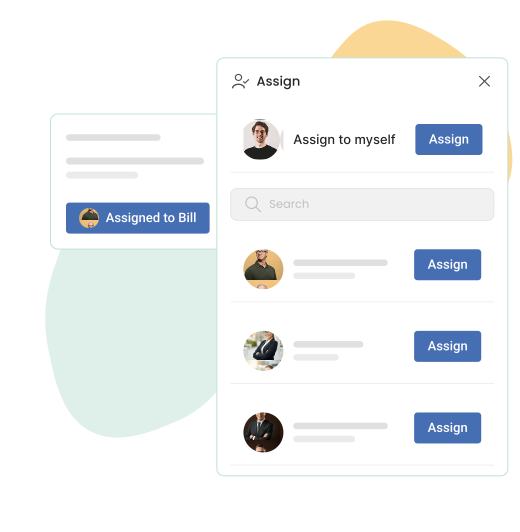
Assign emails for clear task ownership
Delegate emails to the right teammates to ensure prompt and clear accountability. Both you and your colleagues can access and manage your email assignments in one place.
No app switching — 100% integrated into your shared mailbox!
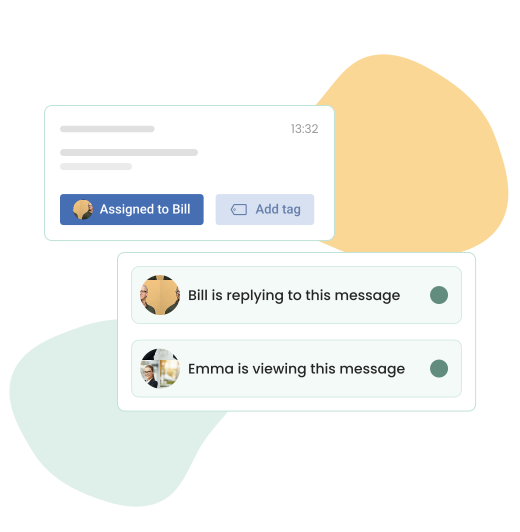
Avoid double work with live status indicators
See when a teammate is viewing or replying to an email in real time, helping you prevent duplicate responses and ensuring a seamless workflow.
With live status indicators, you’ll always know who is handling a message at any given moment, reducing confusion, improving coordination, and ensuring timely resolution of customer inquiries.
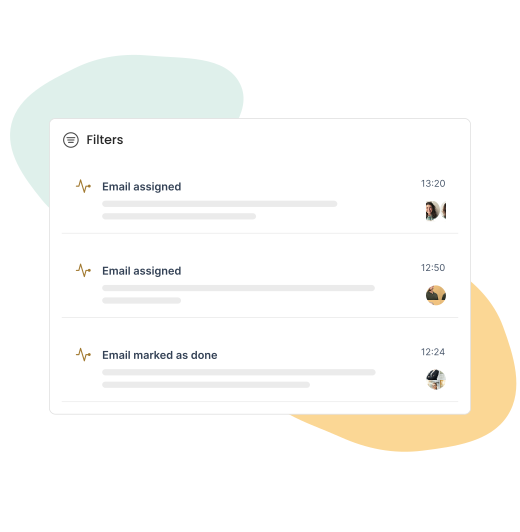
Stay informed with real-time updates
See exactly when an email is assigned to you, when an assigned message has been marked as done, or when a team member is viewing an email.
With real-time status updates, you can ensure no email goes unnoticed and your team stays aligned without constant back-and-forth communication.
Effortless inbox organization with Mailbutler’s powerful tools
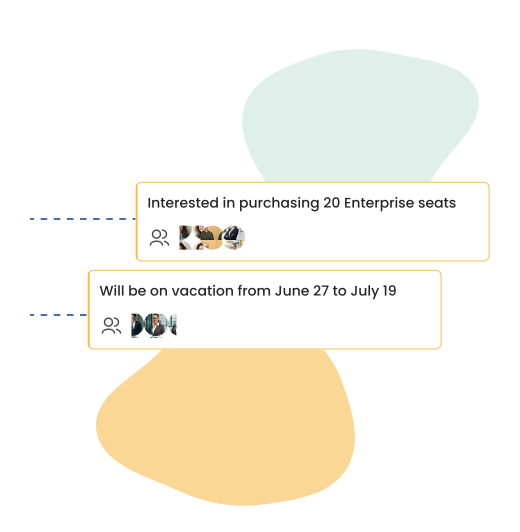
Keep everyone in the loop with shared notes
Add internal notes to emails, allowing your team members to see important context without having to leave the shared inbox.
Whether it’s a quick summary, follow-up instructions, or background details, shared notes ensure everyone stays on the same page without forwarding emails or using external apps.
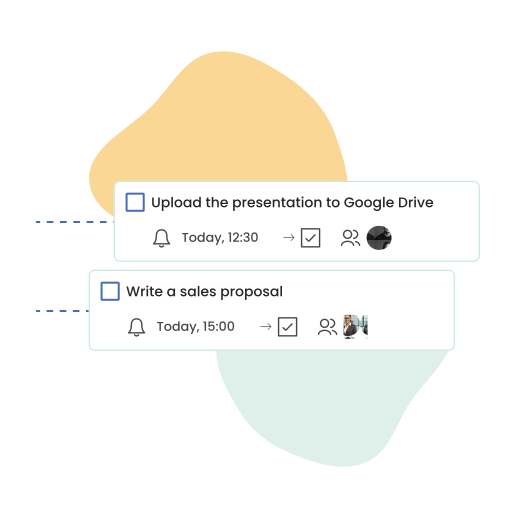
Turn emails into actionable items with shared tasks
Shared tasks allow you and your teammates to collaborate on email-related to-dos, assign responsibilities, and track progress.
Whether it’s following up with a client, gathering internal feedback, or resolving customer inquiries, shared tasks keep everyone aligned and accountable.
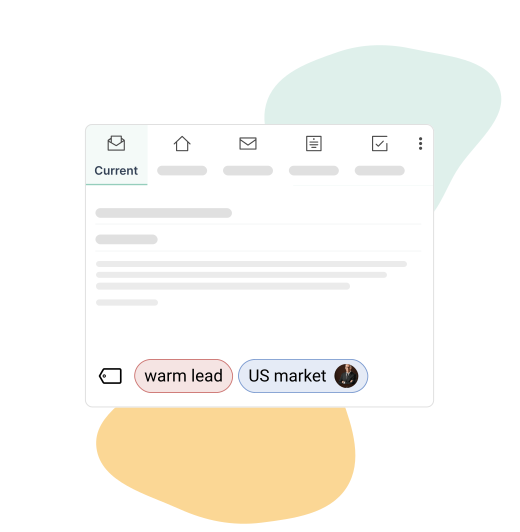
Categorize emails with color-coded tags
Easily categorize and prioritize emails with color-coded tags. Add different tags to emails based on urgency, department, or project, making it easy to find important messages and helping your team stay efficient.
Automations
Put your inbox on autopilot
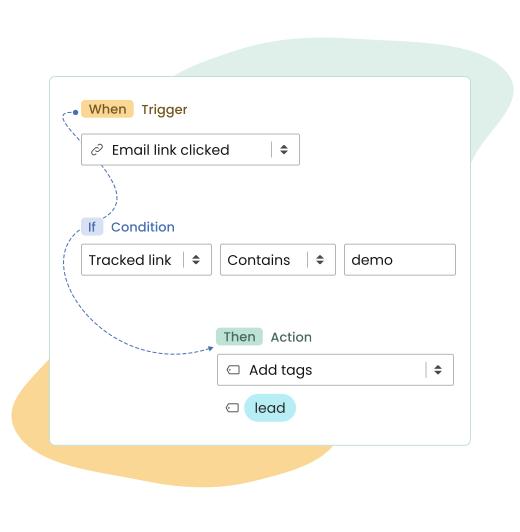
Take manual work off your plate by automating repetitive actions across your inbox. With Automations, you can set up rules that trigger actions based on email events like sends, opens, link clicks, and draft creations.
Automatically add recipients, insert signatures, tag emails, create notes or tasks, and do more, so you can stay organized and focused without extra effort.
Build workflows around your email activity
Create flexible workflows using triggers, conditions, and actions that fit the way you manage your inbox. Start quickly with ready‑made automation presets or build custom automations from scratch.
Automations run in the background, helping you stay consistent, reduce errors, and ensure every email is handled the right way.

Integrations
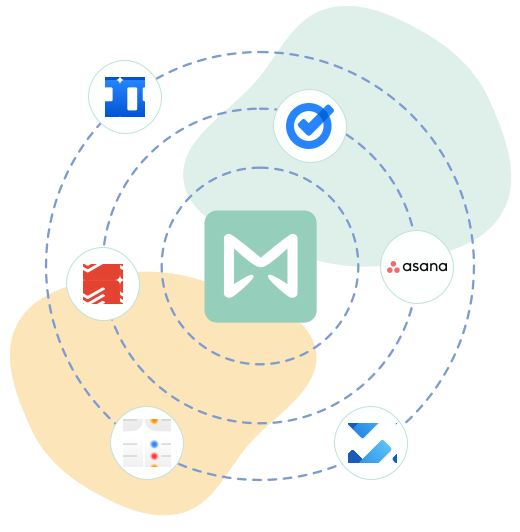
Sync your tasks and assigned emails with your favorite task manager
Stay organized across tools with seamless syncing between Mailbutler and your favorite task manager.
Sync your tasks and assigned emails directly to your preferred to-do app, including Asana, Todoist, Google Tasks, Microsoft To Do, Trello, and Apple Reminders.
This brings all your action items together, minimizes context switching, and keeps you fully focused on what matters most.
Sync your notes with your favorite note‑taking app
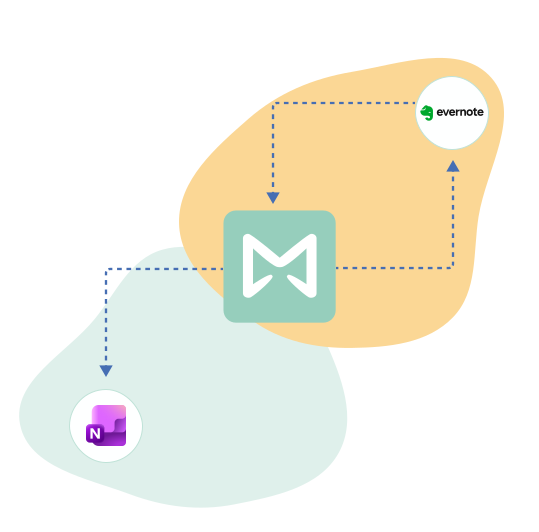
Connect your Mailbutler notes to Evernote or Microsoft OneNote, making it easy to save key details, meeting summaries, reference material, and follow‑up information alongside the rest of your notes.
This gives you a single source of truth, reduces manual copy‑pasting, and keeps important information accessible across your workspace.

Inbox Collaboration FAQs
What is a shared inbox?
Does Mailbutler provide a shared inbox?
No, Mailbutler doesn’t create or host a shared inbox for you. It adds collaboration tools on top of a shared inbox you already have in Gmail, Outlook, or Apple Mail (like a team’s info@ or sales@ address), letting you assign emails, share notes and tasks, and see live status updates without leaving the inbox you already use.
Do I need a shared inbox to use Mailbutler’s Inbox Collaboration features?
Yes, Inbox Collaboration is built to work with a shared inbox you already have set up. If your team doesn’t have one yet, you can create one through your email provider (Gmail, Outlook, or Apple Mail), then connect it to Mailbutler to start assigning emails, sharing notes, and tracking progress together.
How is Mailbutler different from Front or Hiver?
Front and Hiver ask you to move your team’s email into a new platform. Mailbutler works the other way around: it adds collaboration features — assignments, live status indicators, shared notes and tasks — directly to the shared inbox you already use in Gmail, Outlook, or Apple Mail, so there’s no migration and no new inbox to learn.
Can multiple people manage the same shared inbox with Mailbutler?
Yes. Once your shared inbox is connected to Mailbutler, any team members with access can assign emails to each other, see who’s currently viewing or replying to a message, and collaborate through shared notes and tasks — all without leaving the inbox.