


Looking for Gmail read receipts?
Gmail’s built-in read receipts only work with Google Workspace accounts. They aren’t available for personal Gmail accounts, and recipients can often choose not to send a receipt.
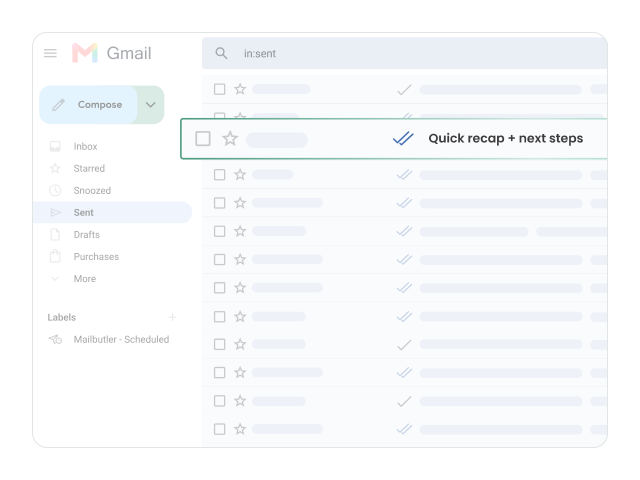
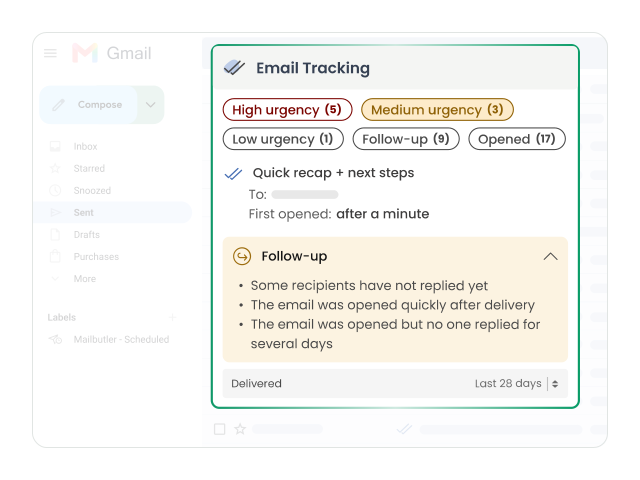
Mailbutler works differently. It records open events automatically, so you can see detected opens on your sent messages without asking the recipient for anything.
- Works with personal Gmail and Google Workspace accounts
- No action needed from your recipients
- Tracking status shown right next to your sent emails
See detected email opens and tracked link clicks
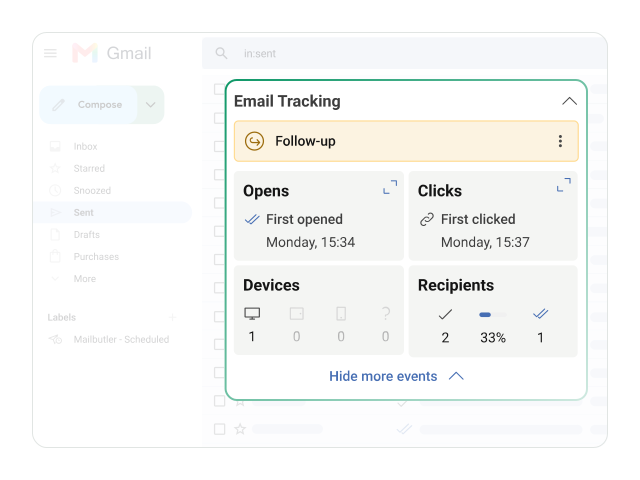
Find out when your emails are opened and which links your recipients click. Mailbutler records each open and click, so you know which messages got attention and which ones didn’t.
- See when and how often an email was opened
- Track clicks on the links in your emails
- Spot which emails and links get the most engagement
Get open and click alerts in real time
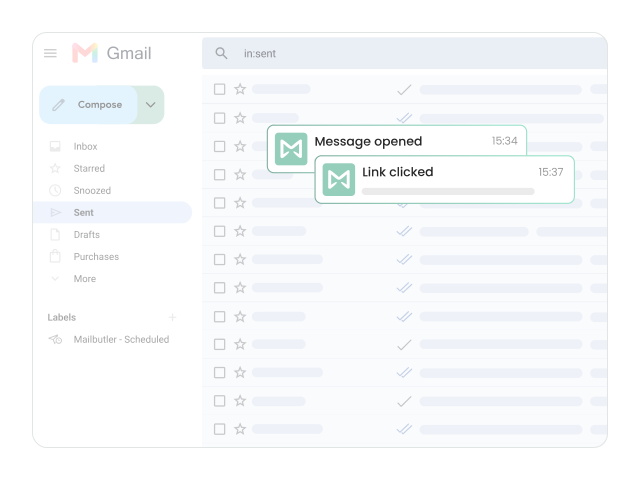
Receive an alert when Mailbutler detects an email open or tracked link click. No need to check your sent folder over and over.
- Instant notifications for detected opens and clicks
- Stay informed while you work on other things
- React while your email is still top of mind
Review your Gmail tracking history in one place
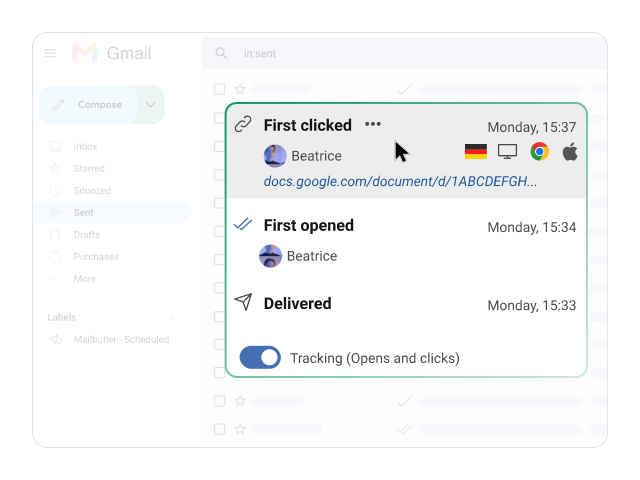
Check the activity on your sent emails without leaving your Gmail workflow. Mailbutler keeps a tracking history, so you can see what happened before you reply or follow up.
- All tracking activity available inside Gmail
- Check recipient activity before replying
- No switching between tools
Identify the perfect moment to follow up
Use real-time recipient activity to decide when to follow up. With Smart Follow-ups, Mailbutler suggests who to follow up with and when, so promising conversations don’t go cold.
- Follow up while your email is fresh in the recipient’s mind
- Prioritize recipients who showed interest
- Ideal for sales outreach, recruiting, and client communication
How to start tracking in Gmail
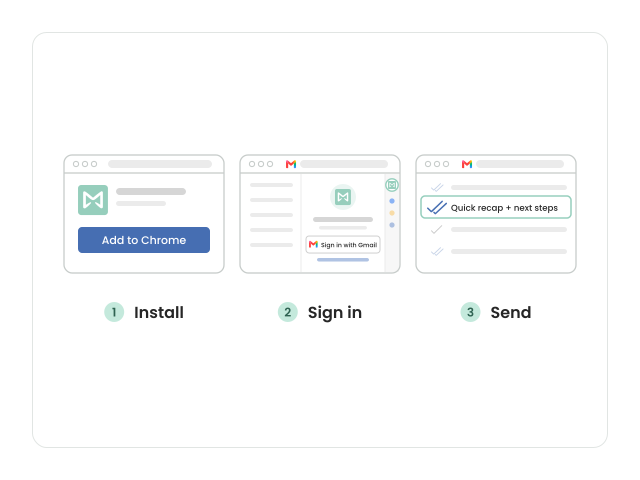
- Add Mailbutler to your browser. For Chrome or Edge, install the extension from the Chrome Web Store. For Safari, get it from the Mac App Store.
- Sign in from Gmail. Open Gmail. The Mailbutler sidebar opens automatically. Choose “Sign in with Gmail” to create your account, or use a different email address.
- Send your first tracked email. Write and send your email as usual. Mailbutler tracks opens automatically. To track link clicks too, turn on link tracking in Account & Preferences.