Mail Merge is a way to send personalized emails to multiple recipients at once. Instead of sending the same message to everyone, this feature uses data like names, companies, and job titles to tailor each email automatically.
Send personalized bulk emails with Mail Merge
Personalized outreach shouldn’t slow you down.
With Mailbutler’s Mail Merge, you can send tailored emails at scale directly from your Apple Mail, Gmail, or Outlook inbox.
No complex setup. Just a seamless way to personalize, send, and track your emails.
How it works
Connect your data source
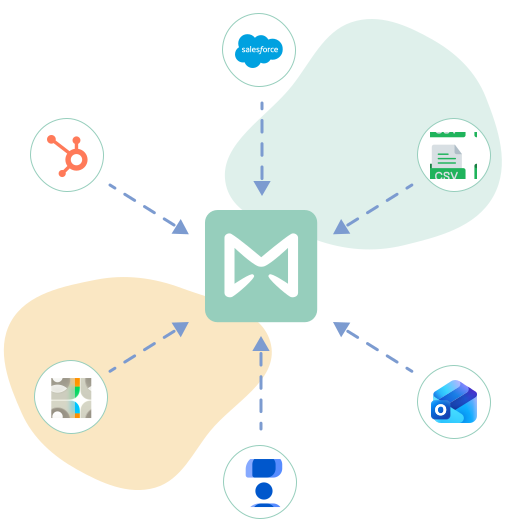
Start by bringing in your contact data. Connect your favorite contact service (Apple/Google/Outlook Contacts), your CRM (HubSpot or Salesforce), or upload a CSV file.
Pull in the data you need—like names, companies, and job titles—to personalize every message.
Create a message template
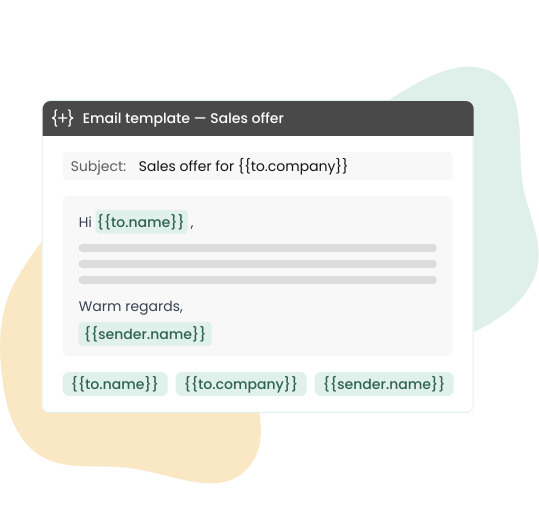
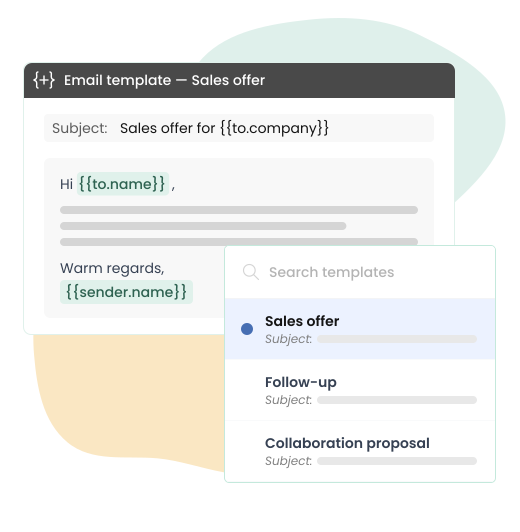
Write your email once and save it as a Mailbutler template. Add dynamic placeholders to automatically adapt each email to the recipient—no manual edits needed.
Choose your recipients
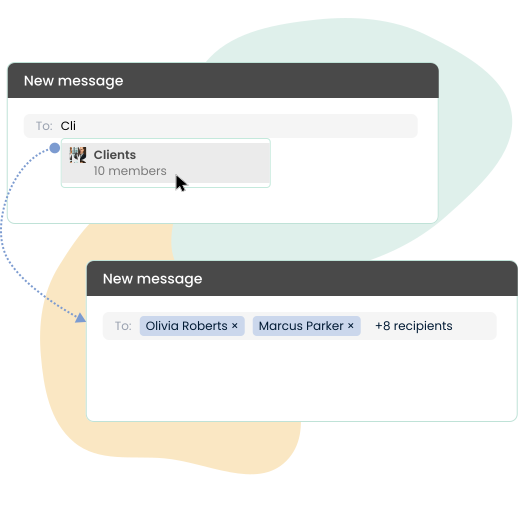
Compose a new email in your inbox. Then, add recipients manually or select a contact group from your CRM or address book.
Whether you’re sending mass emails in Outlook or running a Gmail mail merge, everything stays inside your existing workflow.
Insert your template
Drop your Mailbutler template directly into your email draft. Instantly turn your message into a personalized email campaign—ideal for sending batch emails in Outlook, Gmail, or Apple Mail.
Preview personalization
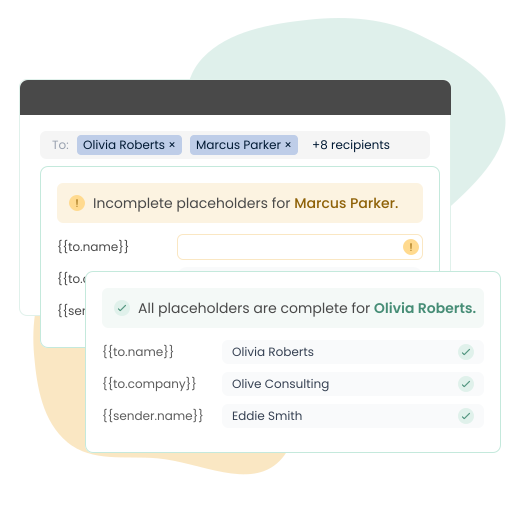
Mailbutler lets you check if all dynamic placeholders are filled before sending. No broken variables. No awkward gaps. Just clean personalized email output.
Track performance by recipient
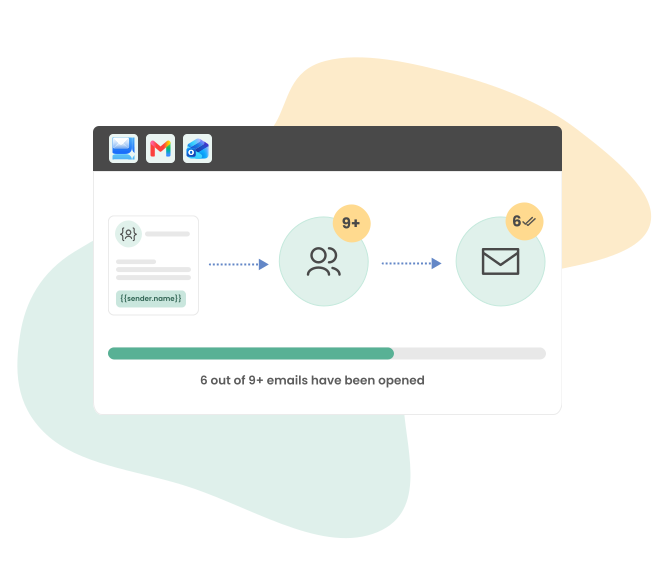
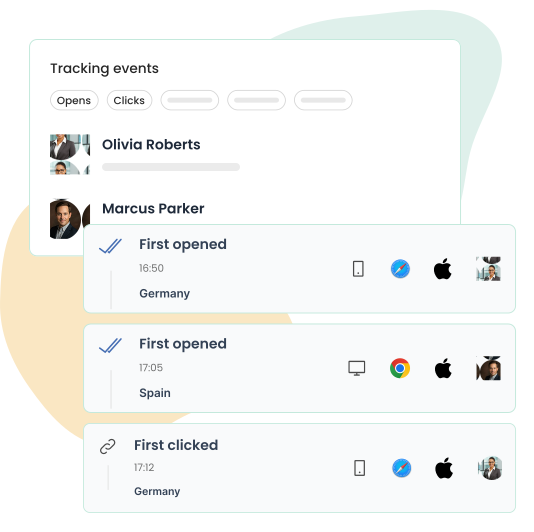
Track your mail merge campaign performance per recipient, focusing on opens, clicks, and engagement. Understand what works and improve your outreach accordingly.

FAQs
What is Mail Merge?
How does Mail Merge work in Gmail and Outlook?
With Mailbutler, Mail Merge works directly inside Gmail and Outlook.
You connect your contact data (Google Contacts, Outlook Contacts, CRM, or CSV), create a template with placeholders, and send personalized bulk emails—all from your regular inbox.
Can I use Mail Merge in Apple Mail?
Yes. Mailbutler brings mail merge capabilities to Apple Mail, allowing you to send personalized emails directly from the email client you already use.
Simply connect your contacts, CRM data, or a CSV file, create a template with placeholders, and send individualized emails to multiple recipients at once.
Before sending, you can preview how each message will appear and verify that all personalization fields are complete.
Can I send mass emails from Gmail?
Absolutely. Mailbutler acts as a mail merge extension for Gmail, allowing you to send personalized mass emails using templates, contact groups, or CSV data without leaving your inbox.
Can I use Mail Merge in Outlook?
Yes, Mailbutler is a mail merge add-in for Outlook that lets you send batch emails and mass email campaigns with personalized fields and built-in tracking.
How is Mailbutler different from GMass mail merge?
Tools like GMass often rely on Google Sheets and external configurations.
Mailbutler simplifies the process by working directly inside your inbox, letting you connect contacts, CRM data, or CSV files, and providing built-in templates, previews, and tracking.
No need to manage a mail merge Gmail Sheets integration unless you want to.
Can I track mail merge emails?
Yes, Mailbutler provides email tracking for each recipient, so you can see who opened your email, who clicked your links, and who engaged with your message. This helps you optimize your mass campaigns and outreach.
Is Mail Merge suitable for business outreach?
Mail Merge is ideal for sales outreach, customer engagement, newsletter campaigns, and CRM-driven communication. With Mailbutler, you can run personalized email campaigns at scale while keeping every message relevant.