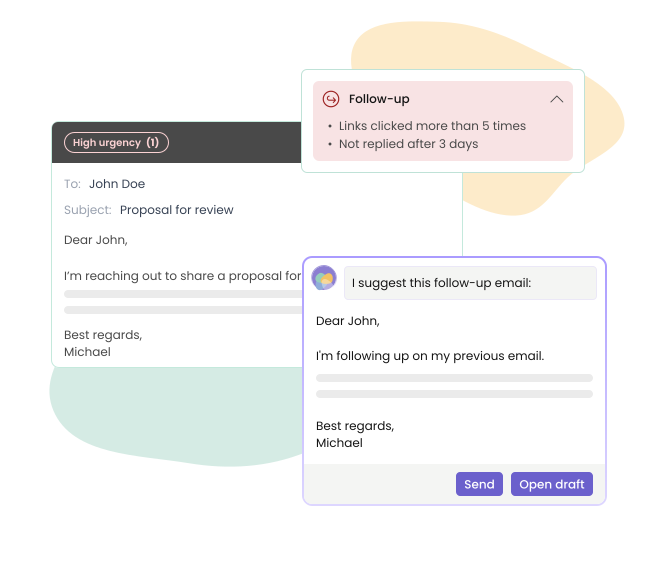
With Mailbutler, there’s no need to set reminders manually. The system automatically detects when a follow-up is needed—based on recipient behavior like unopened emails—so you’re prompted at exactly the right time without having to keep track of it yourself.
Close more deals with a smart follow-up workflow
Get intelligent follow-up recommendations based on real engagement insights, and instantly generate personalized, context-relevant follow-up reminder emails to your clients with AI.
Maximize deals. Minimize manual work.
How it works
Track engagement automatically
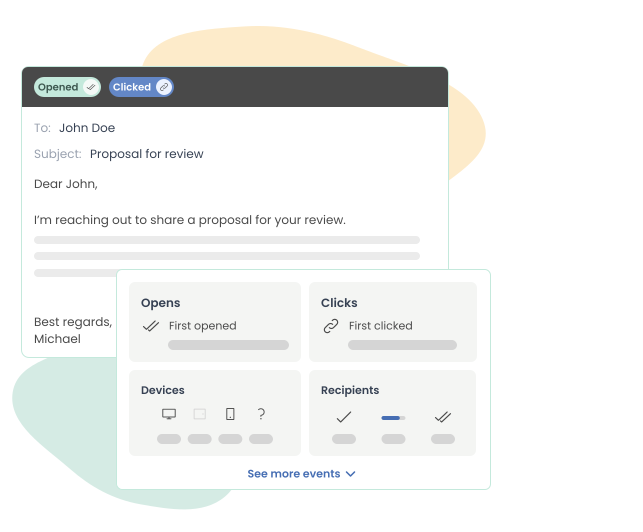
It all starts with visibility. Mailbutler tracks how your recipients interact with your emails in real time—opens, clicks, and replies—so you always know what happens after you hit send.
See when, where, and how often your emails and links are opened, with detailed insights for each individual recipient.
Turn insights into opportunities
Real-time engagement data from email tracking powers Mailbutler’s smart follow-up recommendations.
By continuously monitoring opens, clicks, and replies of your sent emails, our system understands how recipients interact with your emails, uncovering useful insights.
Never miss a revenue moment
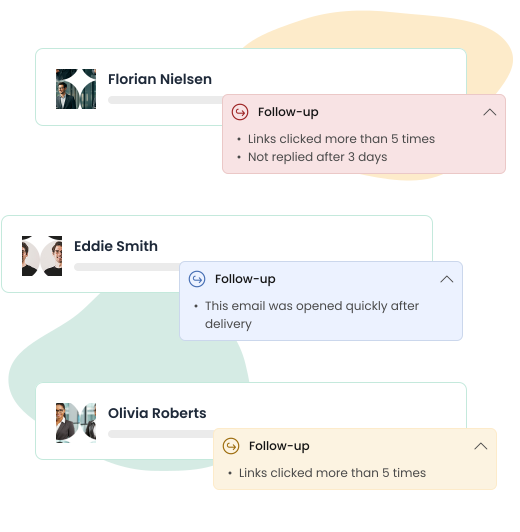
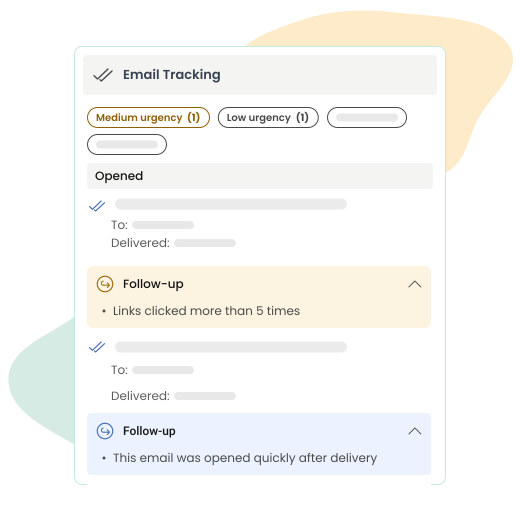
Mailbutler automatically identifies the conversations that need your attention—whether a recipient hasn’t opened your email or has engaged without replying—highlighting where a follow-up makes sense.
That way, you never miss the right moment to send a follow up reminder email to a client after no response, keeping every opportunity on track.
Know which opportunities to prioritize
Not every follow-up deserves the same attention. Mailbutler assigns urgency levels—high, medium, and low—to your follow-ups, so you can clearly see which ones matter most.
This makes it easy to prioritize your next steps and send a reminder email for follow up at exactly the right moment.

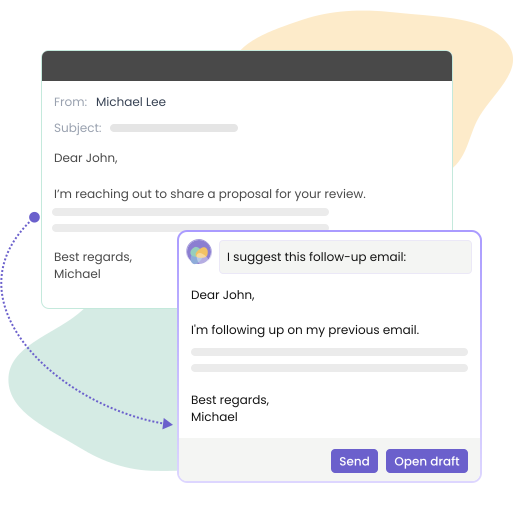
Send follow-up reminder emails to clients and close deals
Once an email is flagged for follow-up, it’s time to take action. A well-crafted follow-up reminder email to your client can make the difference between silence and a reply—or even a closed deal.
With our AI, you can generate personalized, context-aware responses, so you can effortlessly follow up on the previous email and move conversations forward.
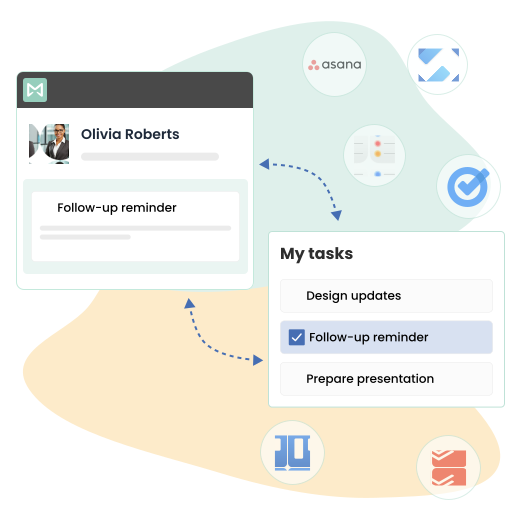
Keep everything in sync
Seamlessly align smart follow-ups with your workflow.
Sync follow-ups directly with your task manager (like Todoist or Asana) to stay organized across tools, without constantly switching between your inbox and to-do lists.

FAQs
Can I set a reminder on an email?
Can I set a reminder in Outlook to follow up on an email?
Outlook does offer a basic reminder feature, but it requires you to manually decide which emails are important and set reminders yourself. Mailbutler takes this further by using real-time tracking data to suggest follow-ups automatically. You’ll receive smart recommendations on where to follow up for maximum impact.
Can you set a reminder to follow up on an email in Gmail?
Gmail includes basic follow-up reminders, but Mailbutler’s Smart Follow-ups go much further. Recommendations are powered by real engagement insights, so you always act at the right time. Plus, when it’s time to act, Mailbutler also supports you with writing a follow up email, generating personalized, context-aware messages with AI.
Can I manage follow-ups without leaving my inbox?
Yes. Mailbutler integrates directly into your inbox and syncs with your task manager, so you can track, prioritize, and send follow-ups without switching between tools.
How do I prioritize follow-ups?
Mailbutler prioritizes your follow-ups for you by assigning urgency levels based on engagement signals. This makes it easy to focus on the conversations most likely to convert.
How do I send a professional follow-up reminder email?
With Mailbutler, writing a follow up email is quick and effortless. Our AI generates personalized, context-aware messages based on your previous conversation, helping you strike the right tone every time you follow up on the previous email. In seconds, you get a polished message that feels natural, relevant, and ready to send, without having to write it from scratch.