









How to Track Emails in Gmail (2026 Guide)
Track emails in Gmail with read receipts or a tracking extension. See opens and clicks and compare 5 tools in this 2026 guide.

The best mail merge for Mac tools in 2026, compared. Some plug into Apple Mail directly, others use Gmail or a different client — with real pricing and honest limitations for each.

Irena is an experienced content and email marketer who loves animals, slow mornings, and all things Tolkien.
Neither macOS nor Apple Mail has a native mail merge feature for sending email, so if you’re looking for mail merge for Mac, you’ll need a third-party tool. If you’ve searched for "mail merge Apple Mail," you’ve probably already found the same answer in Apple’s support forums: Pages can merge data from Contacts or Numbers into documents, but it stops there — it doesn’t send personalized emails through Mail.
This guide covers the 10 best mail merge tools for Mac in 2026. A few plug directly into Apple Mail. Others run through a Gmail account, a different email client, or your own automation setup instead — so the comparison table below flags exactly how each one connects, in case staying inside Apple Mail specifically matters to you.
| Tool | Works with Apple Mail directly? | Starting price | Best for |
|---|---|---|---|
|
Mailbutler |
Yes, extension |
$7/month billed yearly (Professional) |
Personalized outreach and follow-ups without leaving Apple Mail |
|
eM Client |
No, requires switching clients |
$39.95/year paid yearly |
A Mac desktop client with built-in mass mail and variables |
|
Pages Mail Merge |
Documents only, not emails |
Free (built into macOS) |
One-off personalized letters/labels |
|
Thunderbird + Mail Merge add-on |
No, requires switching clients |
Free |
Budget-conscious users willing to change email apps |
|
GMass |
No, Gmail only |
$20/month billed yearly (Standard) |
Users who also have a Gmail account for outreach |
|
Mailmeteor |
No, Gmail/Sheets only |
$12.99/month paid yearly (Premium) |
Lightweight Gmail merges from a spreadsheet |
|
Streak |
No, Gmail only |
$49/month billed yearly |
Gmail-based freelancers who also want a lightweight CRM |
|
Woodpecker |
Via custom SMTP/IMAP |
$24/month paid yearly |
Small teams running structured cold email sequences |
|
AppleScript / Automator |
Yes, DIY scripting |
Free |
Technical users who want full control, no subscription |
|
Zapier + Google Sheets |
Indirect, via connected accounts |
$19.99/month billed yearly |
Automating merge-and-send workflows without new software |
Prices are per user. Confirm current rates on each vendor’s site before buying.
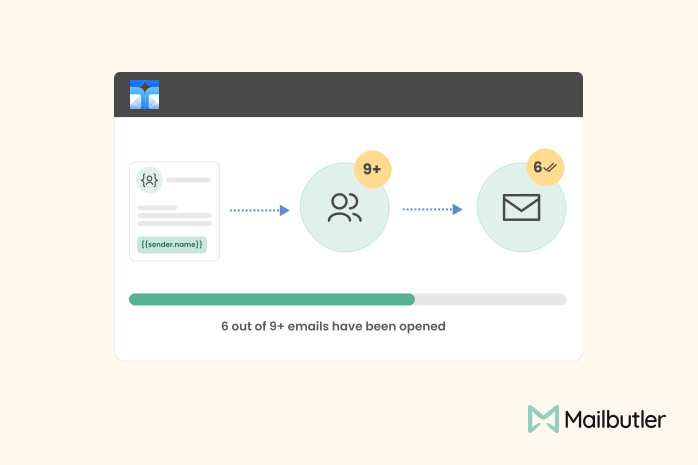
Source: Mailbutler.io
Mailbutler is a desktop and browser extension that adds features directly into Apple Mail, Gmail, and Outlook — including a dedicated Mail Merge tool built for Apple Mail users, not bolted on from a Gmail-first product.
The Mail Merge feature pulls recipient details such as name, company, and job title from Apple Contacts, Google Contacts, Outlook Contacts, HubSpot, Salesforce, or a CSV file, then drops them into placeholders inside a message template. Each recipient gets an individually addressed, individually tracked email, so you can see who opened it, when, and from where.
Mail Merge is available starting on Mailbutler’s Professional plan, priced at $7/user/month with annual billing ($11/user/month with yearly billing on the Smart plan, which adds AI writing tools and smart timing suggestions). The free Starter plan does not include Mail Merge and adds a visible watermark to sent emails.
Best for:
Limitations:

Source: eMClient.com
eM Client is a desktop email client for macOS and Windows — not a browser extension or a ported mobile app — that works as a full replacement for Apple Mail, syncing with iCloud, Gmail, Exchange, Outlook 365, and any standard IMAP or POP account.
Its built-in Mass Mail feature sends a message to a full recipient or distribution list without exposing other recipients, and supports variables inside the message so each person can still receive personalized content. Mass Mail sits behind the paid Personal tier which costs $39.95 per user per year. The free version caps you at two email accounts and is licensed for personal, non-commercial use only.
Best for:
Limitations:
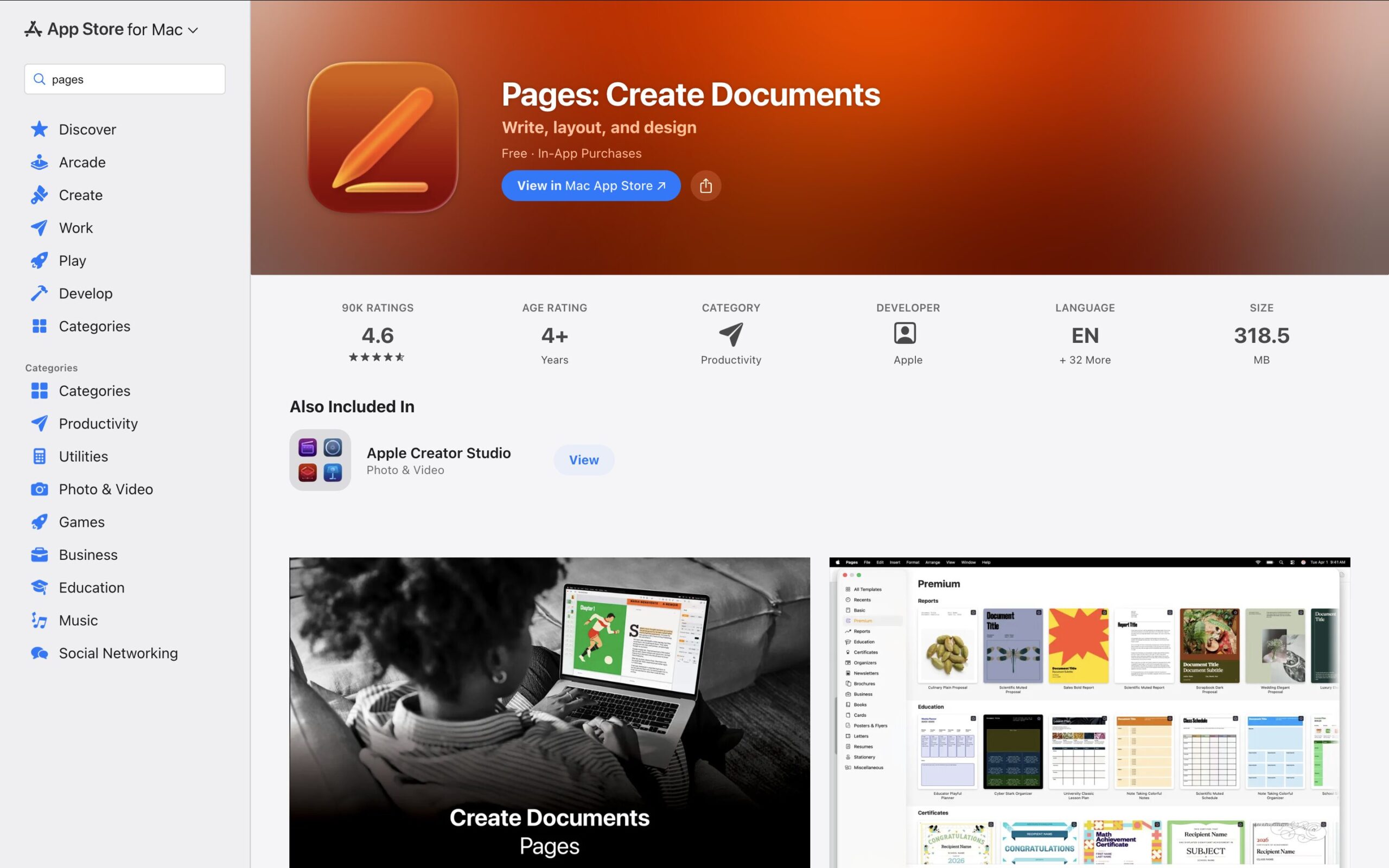
Source: Mac App Store
Apple’s own Pages app includes a genuine mail merge feature, and it’s free with any Mac. You can pull fields from Contacts or a Numbers spreadsheet into a Pages document — useful for personalized letters, certificates, or address labels.
The catch is that Pages Mail Merge produces documents, not emails. There’s no step that sends the merged output through Apple Mail; you’d still need to copy content into individual messages by hand, which defeats the purpose for anything beyond a handful of recipients.
Best for:
Limitations:
Source: Thunderbird.net
Mozilla Thunderbird is a free, open-source email client available on macOS, and its official Mail Merge add-on (built and maintained independently, distributed through Mozilla’s add-on store) is a genuinely capable option if you’re willing to add a second mail client alongside Apple Mail.
The add-on builds an individual, personalized message for each recipient from a draft and a CSV or address book source, entirely on your machine, without routing your list through a third-party server. It’s actively maintained, with updates as recently as 2026 to support current Thunderbird releases.
Best for:
Limitations:
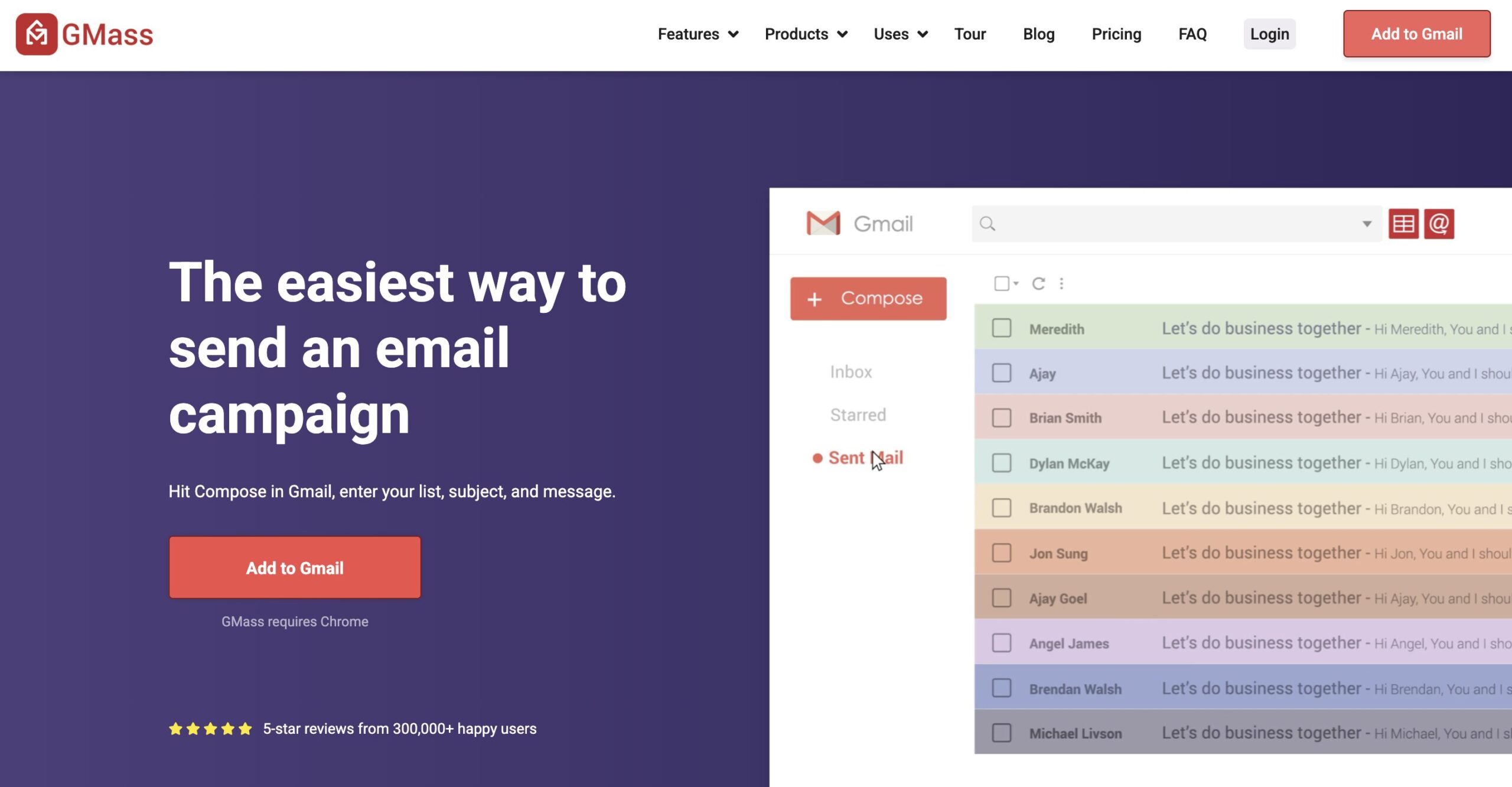
Source: GMass.co
GMass is a Chrome extension that turns Gmail into a mail merge and light cold-email tool, pulling personalization from a connected Google Sheet. It’s one of the most established names in this space and sends through your actual Gmail account, which helps with deliverability compared to bulk senders that route mail through unfamiliar servers.
As of 2026, GMass pricing starts at $20/month on the annual Standard plan, rising for Premium (follow-up sequences, A/B testing) and Professional (inbox rotation) tiers.
Best for:
Limitations:
Source: Mailmeteor.com
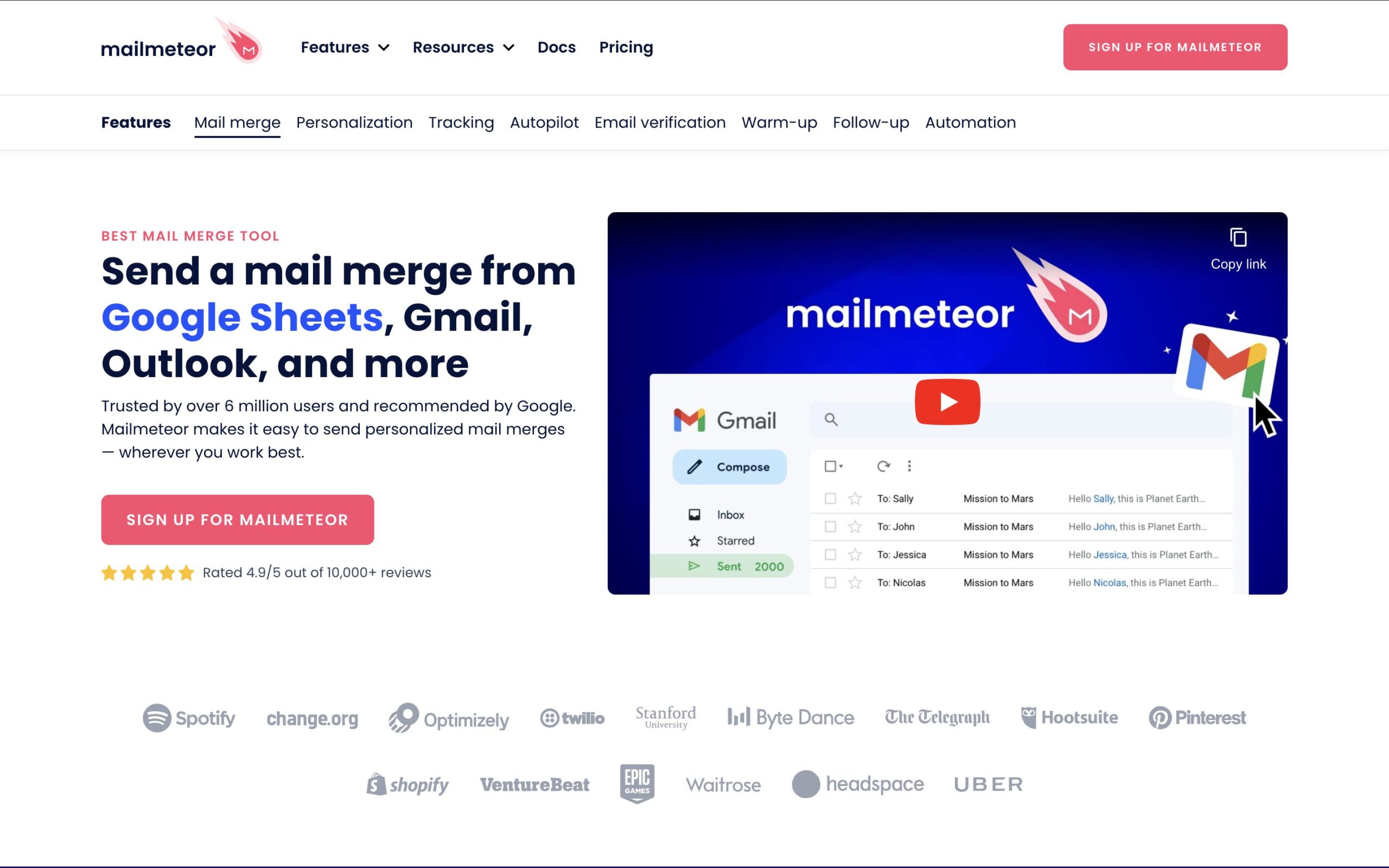
Mailmeteor is a Google Sheets add-on in the same category as GMass and the older Yet Another Mail Merge (YAMM), letting you build a spreadsheet of recipients and merge fields, then send personalized emails through Gmail.
It offers a genuinely free tier for light use, with a Premium plan at $12.99 per user/month billed annually for higher sending limits, tracking, and scheduling — making it one of the cheaper entries in this list if Gmail is an option for you.
Best for:
Limitations:

Source: Streak.com
Streak is a lightweight CRM that installs as a Chrome extension directly inside Gmail, adding pipelines, email tracking, and a mail merge feature that sends personalized bulk emails through your own Gmail account rather than a third-party server.
Streak’s pricing starts at $49 per user/month billed yearly and includes up to 1,500 mail merge sends per day.
Best for:
Limitations:
Source: Woodpecker.co
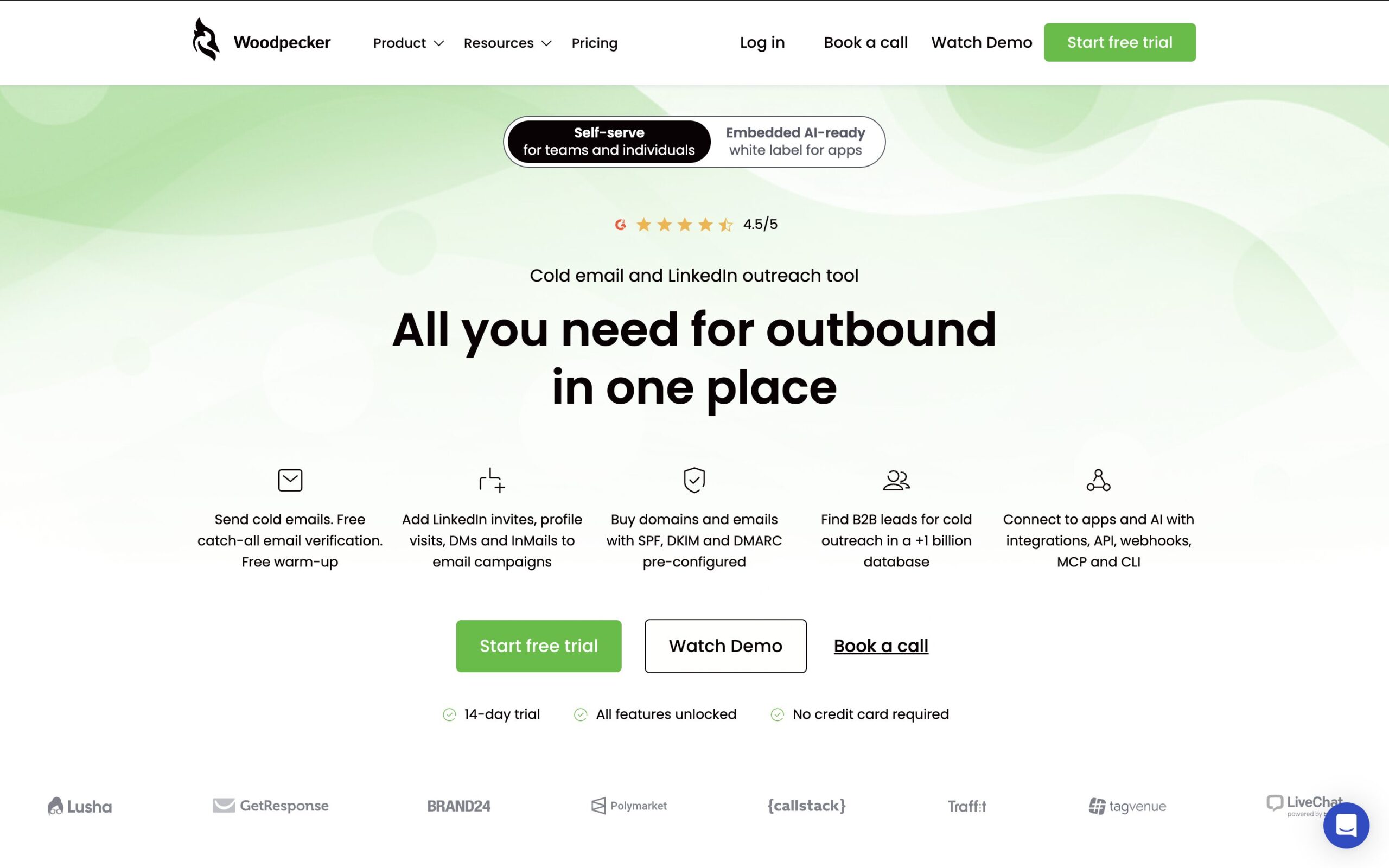
Woodpecker is a cold email and outreach automation platform aimed at B2B sales teams and agencies. Rather than sending through its own servers, it connects to your existing Gmail, Outlook, Microsoft 365, or custom SMTP account — which means it can work with a custom-domain email address you also read in Apple Mail, sending in a way that mimics human sending patterns to protect deliverability.
Pricing depends on the number of prospects you’d like to contact, starting at $24/month billed annually for up to 500 monthly contacted prospects, scaling up for higher volume.
Best for:
Limitations:
Source: Apple
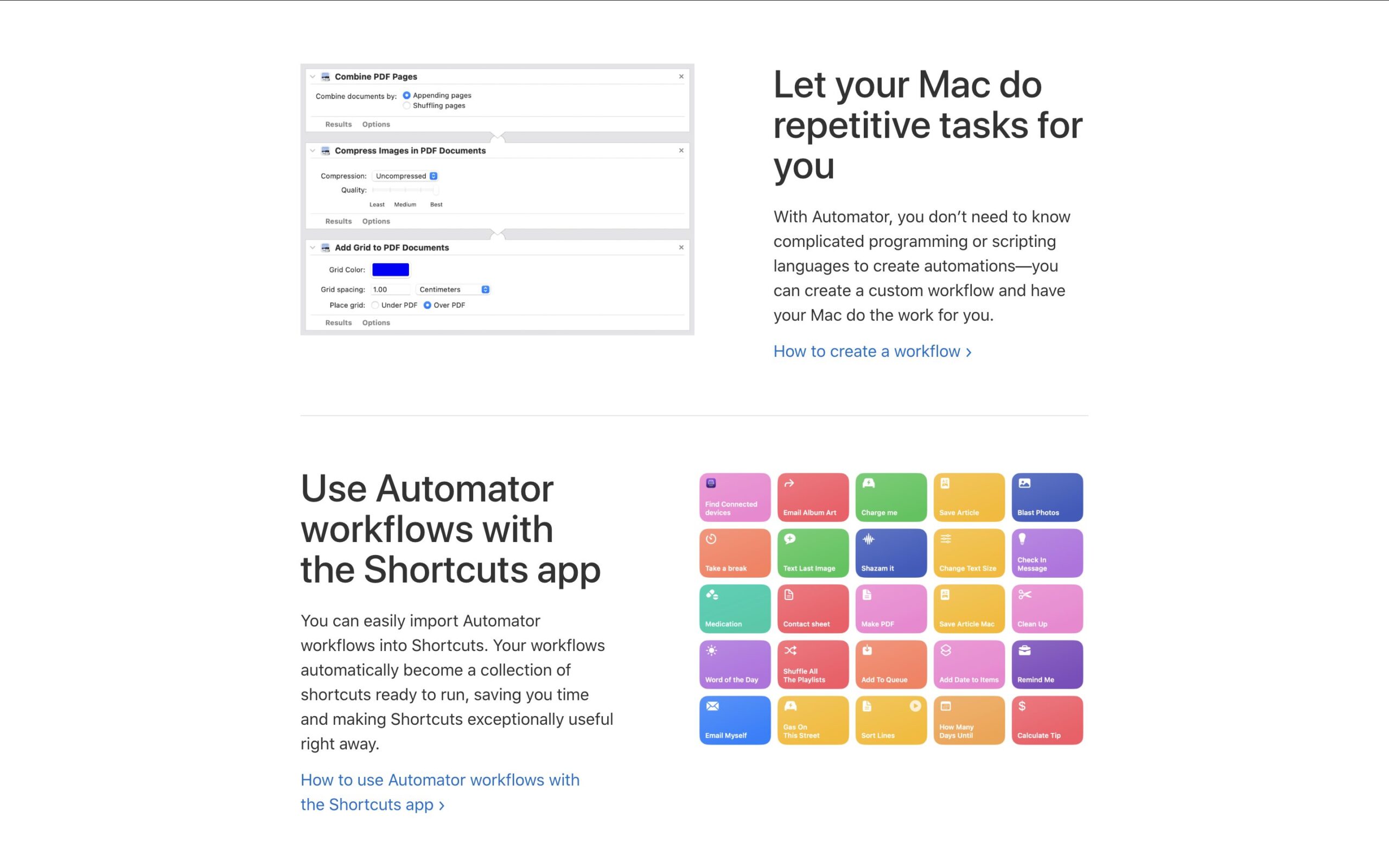
macOS ships with AppleScript and Automator, and Apple’s own community forums are full of scripts that read a CSV or Contacts group and generate individual, personalized drafts or sends inside Apple Mail. This isn’t a packaged product, but it’s a real, commonly used approach, and it costs nothing beyond your time.
Best for:
Limitations:
Source: Zapier.com
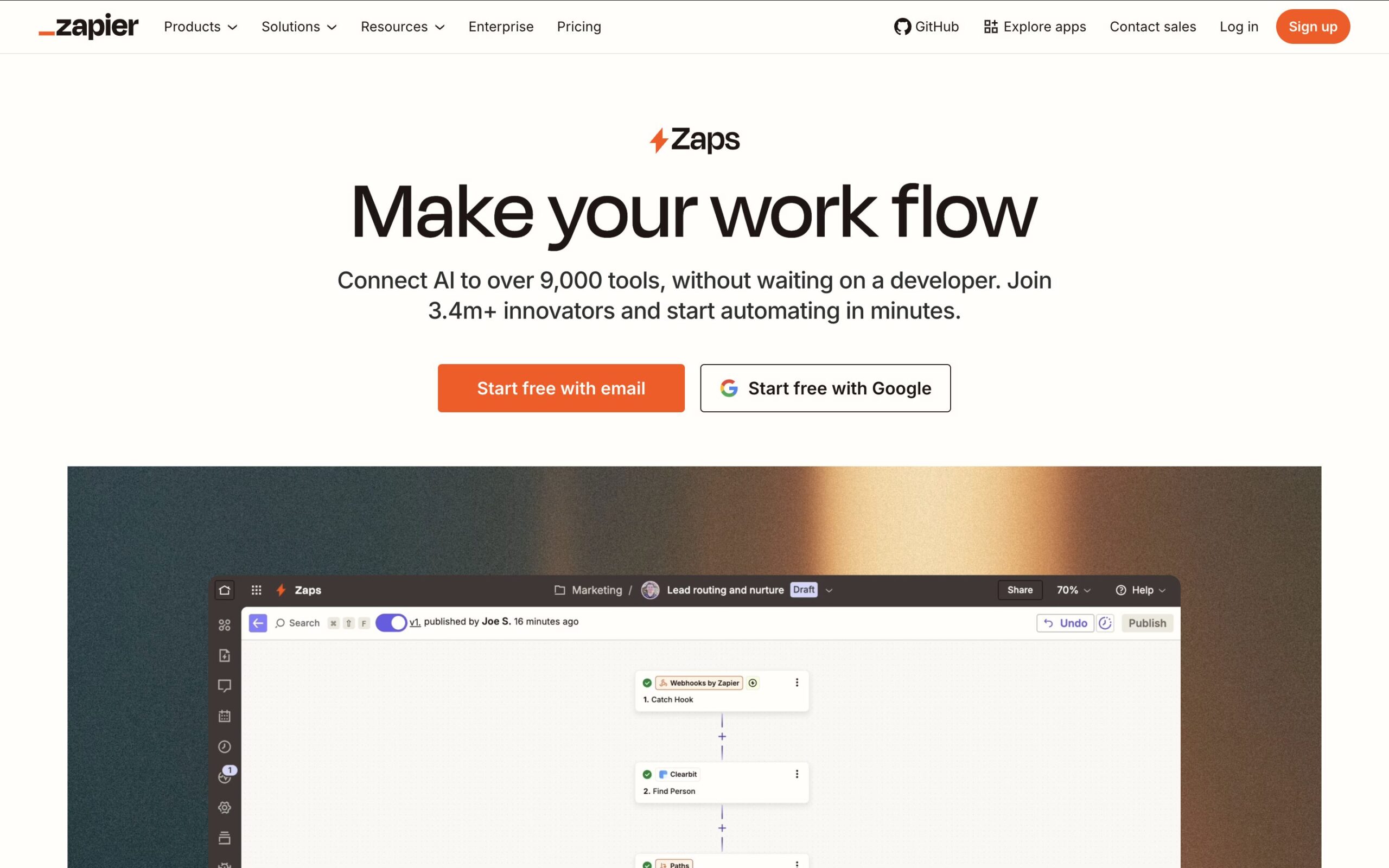
Zapier isn’t a mail merge tool by itself, but it’s a common way people automate a merge-and-send workflow without buying dedicated software: a new row in a Google Sheet triggers a personalized email sent through a connected Gmail, Outlook, or SMTP account.
Zapier’s free plan covers light, infrequent use; paid plans start at $19.99/month paid yearly for more tasks and multi-step "Zaps."
Best for:
Limitations:
| If you care most about... | Pick |
|---|---|
|
Staying inside Apple Mail, with advanced email tracking |
Mailbutler |
|
A Mac client with built-in mass mail |
eM Client |
|
Free, document-only personalization |
Pages Mail Merge |
|
A free, privacy-first option (switching clients) |
Thunderbird + Mail Merge add-on |
|
Gmail-based outreach with follow-up sequences |
GMass |
|
The cheapest Gmail-based option |
Mailmeteor |
|
Light CRM plus merge sends in Gmail |
Streak |
|
Structured, multi-step B2B cold outreach |
Woodpecker |
|
Full control, zero subscription cost |
AppleScript / Automator |
|
Automating merge sends into an existing workflow |
Zapier + Google Sheets |
None of macOS’s built-in apps send a genuine mail merge, so the best mail merge for Mac comes down to which email account you actually use day to day, and how much you want that merge to live inside the app you already read your mail in.
If you use Apple Mail and want to keep sending from it, with your existing Apple Contacts and without adopting a second client, Mailbutler is the strongest fit on this list: it’s a privacy-first Apple Mail extension, Mail Merge pulls directly from Apple Contacts or a CSV, and per-recipient tracking tells you who actually opened what you sent.
Mailbutler isn’t free for Mail Merge specifically, and sending volume is still bound by your underlying email account’s limits. However, for solo professionals, consultants, and small teams doing outreach, follow-ups, or client updates on a Mac, it’s a more complete fit than tools built Gmail-first, provided Apple Mail is genuinely where you want to work.
If you’re on a Mac but your outreach lives in Gmail, or your work is genuinely high-volume and sales-sequence-driven, Woodpecker, GMass, Mailmeteor, or Streak are all reasonable options — just know you’re sending through a different account than whatever’s in Apple Mail.
And if you want to spend nothing and don’t mind either scripting or switching clients entirely, AppleScript, Automator, or Thunderbird’s Mail Merge add-on are great free routes.




Track emails in Gmail with read receipts or a tracking extension. See opens and clicks and compare 5 tools in this 2026 guide.

Mixmax alternatives for 2026: compare 5 tools on price, features, and platform support to find the right fit.

Looking beyond Mailsuite? We compared 10 email tracking and mail merge tools for Gmail and Outlook, with 2026 pricing and trade-offs.

10 Scribe alternatives compared, focusing on pricing, brand governance features, and honest trade-offs for teams of every size.

Top 5 alternatives to MailTracker for Gmail, with real pricing, feature breakdowns, and honest trade-offs to help you pick the right one.

Looking for the best Outlook mail merge tool? We compare 5 options on pricing, personalization depth, and data privacy to help you pick the right one.