









5 Best Mixmax Alternatives
Mixmax alternatives for 2026: compare 5 tools on price, features, and platform support to find the right fit.

10 best Gmail productivity extensions in 2026: Compare features, pricing, and use cases to find the right fit.

Irena is an experienced content and email marketer who loves animals, slow mornings, and all things Tolkien.
Gmail is where many professionals actually spend their day, but the stock inbox doesn’t track opens, schedule per recipient, merge a contact list, or let a team share a thread. Extensions fill that gap — and there are dozens of them, most doing one thing well and little else.
This list focuses on Gmail extensions that add real productivity value: tracking, scheduling, mail merge, team collaboration, writing help, signatures, and security. We looked at official pricing pages, vendor documentation, and independent review platforms (G2 and Capterra) for each entry.
For this list, we prioritized extensions that:
| Extension | Productivity angle | Best for | Watch out for |
|---|---|---|---|
|
Tracking, scheduling, mail merge, shared inbox, and signatures in one extension |
Professionals and SMBs that want one tool instead of five |
Heavier tracking features are gated to higher tiers |
|
|
Full CRM pipeline built into Gmail |
Sales, hiring, and deal tracking without leaving the inbox |
No permanent free CRM tier; AI credits are metered |
|
|
Send later, snooze, and conditional follow-up reminders |
Inbox zero habits and “remind me if they don’t reply” workflows |
Personal plan excludes Google Workspace addresses |
|
|
Budget scheduling, templates, and light sequences |
Freelancers who want scheduling plus basic outreach |
Feature depth is thin once you compare it to dedicated tools |
|
|
Sales engagement: sequences, tracking, and CRM sync |
Small sales teams running outreach from Gmail |
Per-seat pricing climbs fast once you need Salesforce/HubSpot sync |
|
|
Shared inboxes and Kanban boards inside Gmail |
Support and ops teams that triage email as a group |
No free tier; performance complaints at high email volume |
|
|
Simple, low-cost read receipts |
Anyone who just wants to know if an email was opened |
Free plan brands your emails and caps tracked opens |
|
|
Real-time grammar, tone, and AI rewriting |
Anyone who writes a lot of emails and wants cleaner copy |
Not built for scheduling, tracking, or collaboration at all |
|
|
Branded, templated email signatures |
Teams that want consistent signatures without any design work |
Pricing and plan names vary by source — confirm on-site |
|
|
PGP encryption for sensitive Gmail threads |
Anyone who occasionally needs to send truly confidential emails |
Recipients need PGP too, or you send password-protected emails instead |
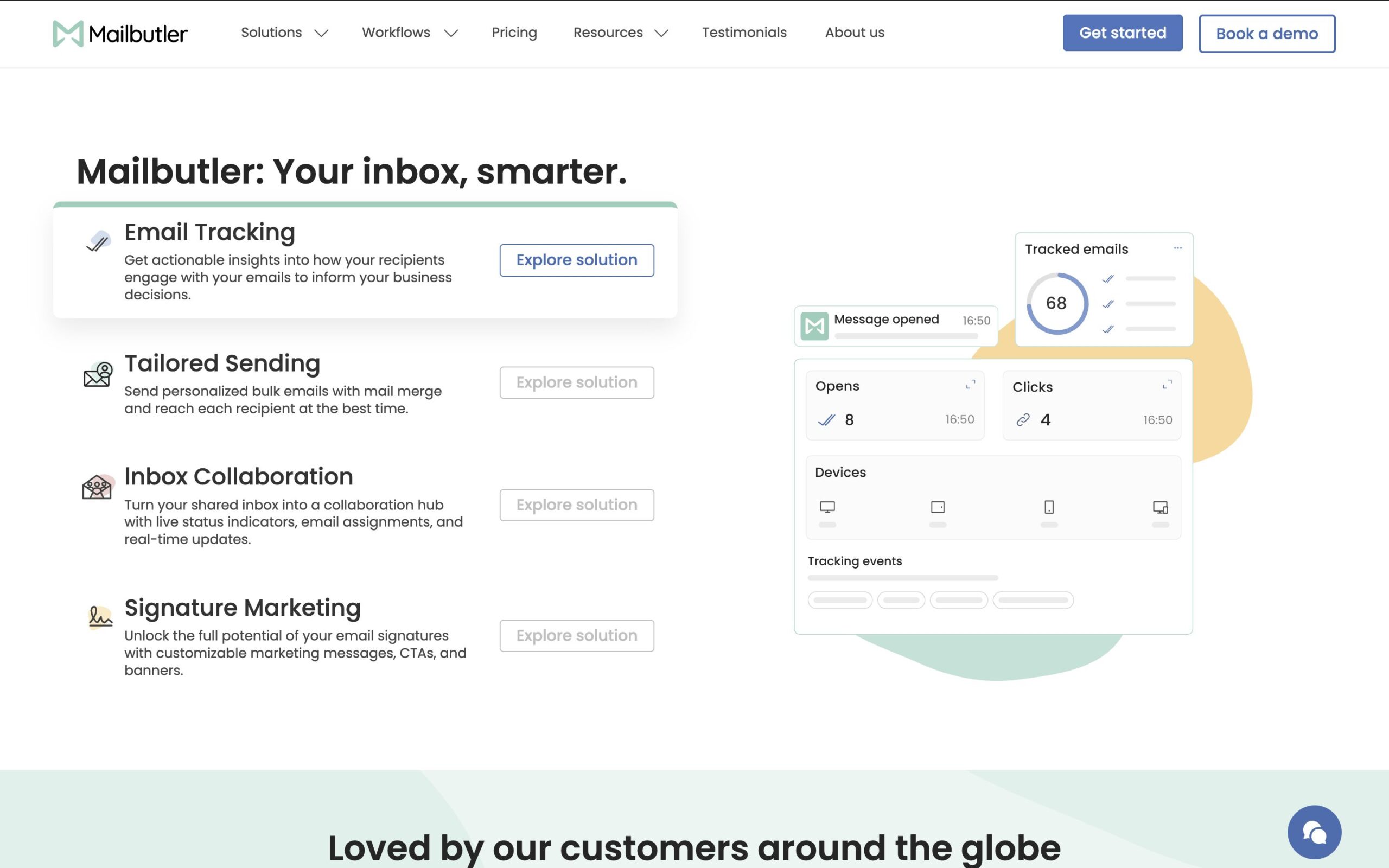
Source: Mailbutler.io
Mailbutler is a Gmail extension that bundles several of the features other tools on this list sell separately: email tracking, send-later scheduling, mail merge, shared inbox collaboration, and signature tools, alongside AI writing assistance, notes, and tasks attached to individual emails.
The tracking goes beyond a simple open receipt — it covers engagement history, device and location data, and per-recipient tracking, along with AI-powered follow-ups and CRM sync.
Scheduling works per recipient rather than as a single blanket send time, which matters if your contacts are spread across time zones. Mail merge lets you personalize a batch send without leaving Gmail, and the signature tools double as a lightweight signature marketing channel — useful for teams that want every outgoing email to also promote a webinar, offer, or update.
The collaboration layer is aimed at small teams rather than enterprise help desks: teammates can assign emails and share notes, tasks, signatures, and templates so everyone sees the same context on a shared account. That’s a narrower scope than a dedicated shared inbox tool like Gmelius, but it means teams get collaboration without adopting a second platform.
Mailbutler has a free-forever plan that includes limited features and adds a visible watermark to outgoing emails. Paid tiers start from $5/user/month for the tracking-focused Starter plan, up to the all-inclusive Business plan that adds a custom tracking subdomain and CRM sync.
Use Mailbutler if:
Skip it if:
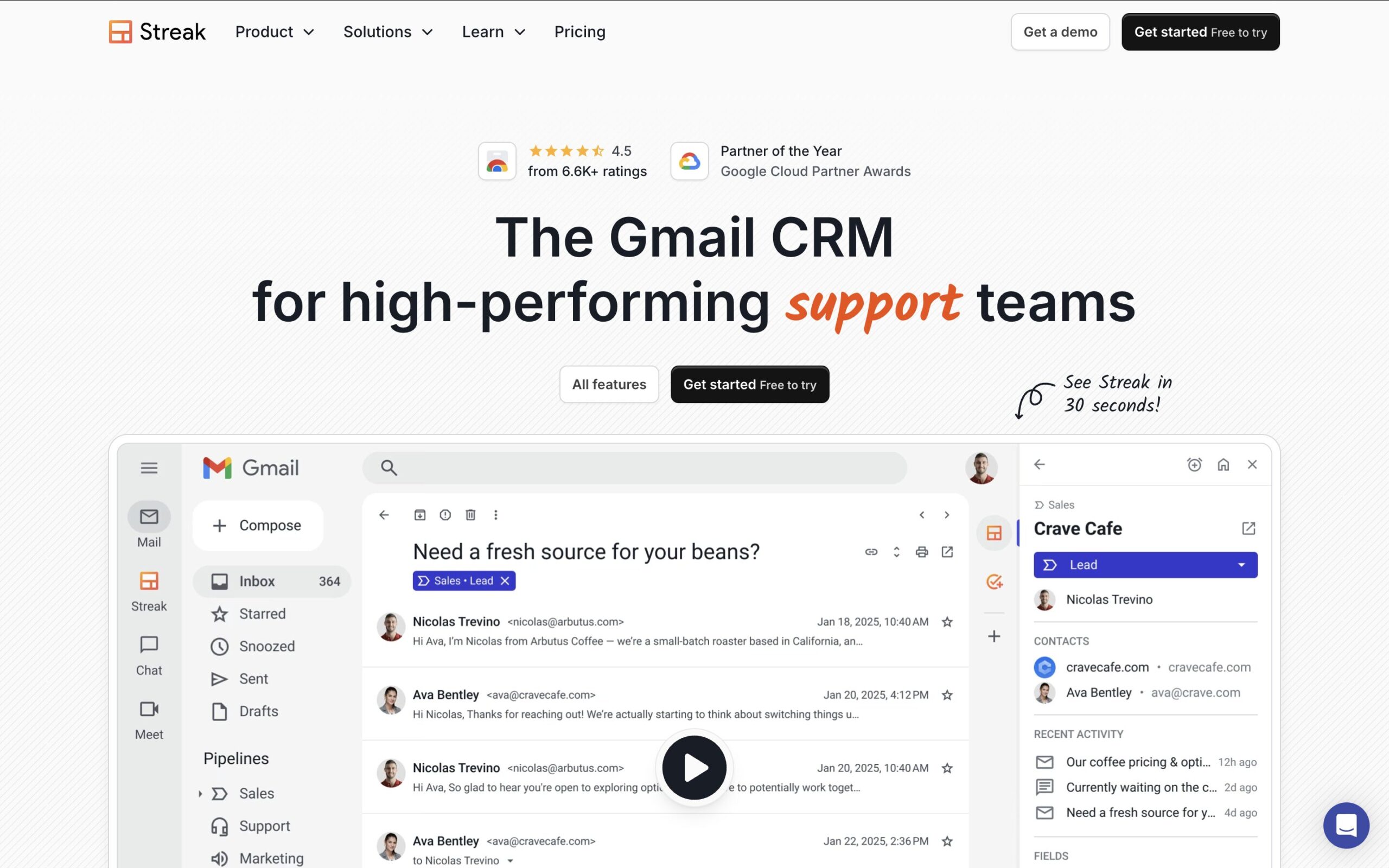
Source: Streak.com
Streak turns Gmail into a full CRM: pipelines, deal stages, shared contacts, and mail merge, all inside the inbox you already use. It works inside Gmail and other Google Workspace apps, and is one of the more established CRM tools for small businesses, startups, and freelancers.
Every deal links back to the email thread, contacts, tasks, and files tied to it, so a click on a pipeline card shows the full history without a separate search. Streak’s mail merge sends personalized bulk emails through your actual Gmail account rather than a third-party server, which helps with deliverability.
Streak’s official pricing lists Pro at $49/user/month (annual) or $59 billed monthly, Pro+ at $69/$89, and Enterprise at $129/$159, each with an AI credit allowance that doesn’t roll over month to month. There’s no permanent free CRM tier anymore — only email power tools (tracking, snippets, limited mail merge) stay free indefinitely.
Use Streak if:
Skip it if:

Source: BoomerangGmail.com
Boomerang popularized send-later scheduling and inbox snoozing years before Gmail added native versions of both. What Boomerang still does that Gmail doesn’t: conditional follow-up reminders ("bring this back if nobody replies in three days"), Inbox Pause to stop new mail from appearing while you focus, and Respondable, an AI writing coach that scores your draft before you send it.
Pricing runs from a free Basic plan (10 message credits/month — barely enough to trial the tool) through Personal at roughly $5/month, Pro at roughly $15/month, and Premium at roughly $50/month for Salesforce/CRM integration and priority support (all annual-billed rates).
The credit system counts any scheduled send, response-tracking use, or read receipt against the monthly allowance, and the Personal plan is limited to Gmail addresses only — Google Workspace accounts need the Pro tier.
Use Boomerang if:
Skip it if:
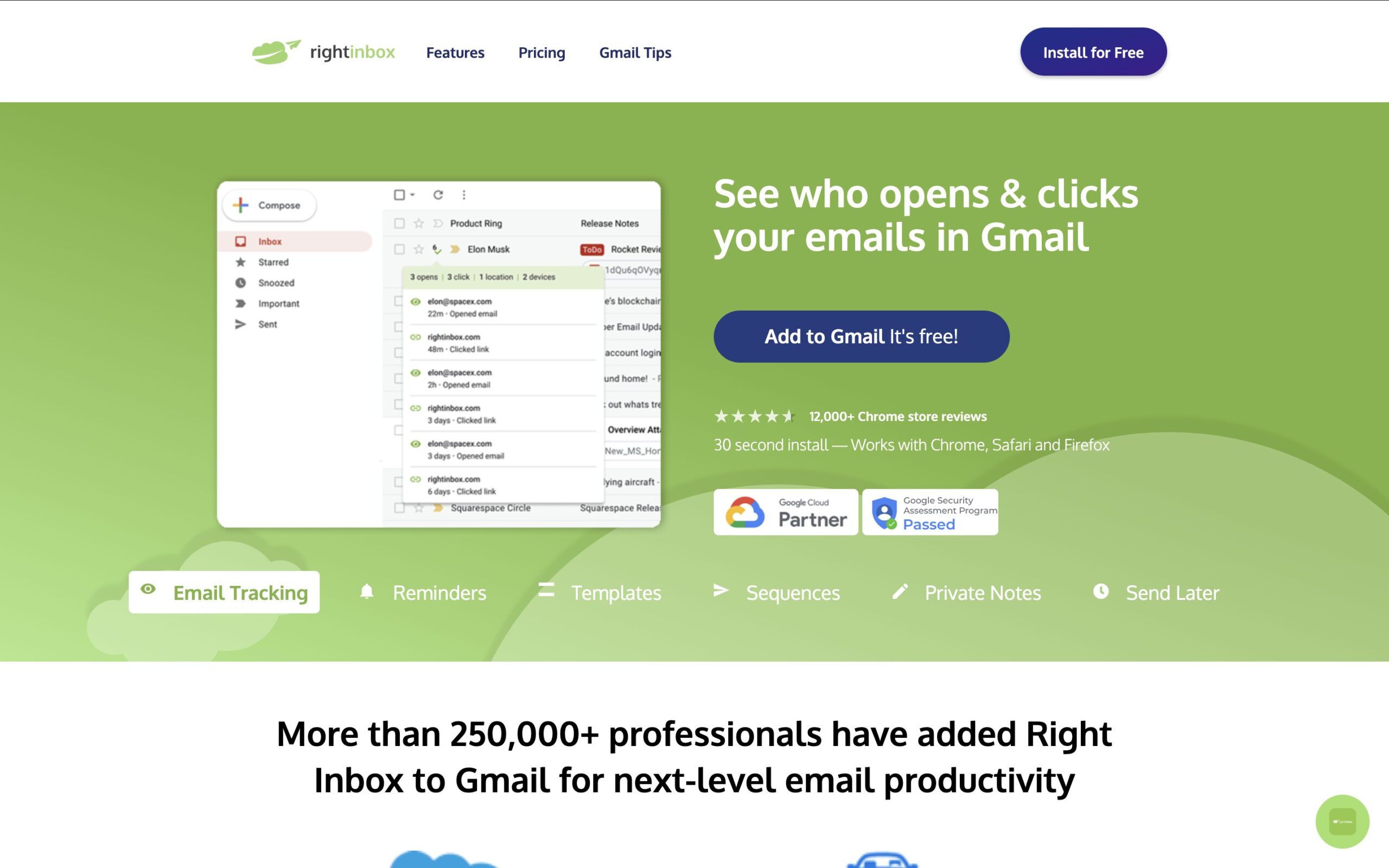
Source: RightInbox.com
Right Inbox packages scheduling, templates, reminders, and light email sequences into one inexpensive extension. It adds email scheduling to send messages at optimal times, plus tracking to monitor when emails are opened and clicked, on top of templates and automated follow-ups.
It’s positioned as a lighter, cheaper alternative to Boomerang and sits well for freelancers or small business owners who want scheduling and basic outreach tools without paying for a full sales engagement platform. Higher tiers add CRM integrations with Salesforce, Zoho, and Pipedrive.
Plans start around $7.95/month for individual use, with team and professional tiers priced higher; a limited free plan is available to trial the extension first.
Use Right Inbox if:
Skip it if:
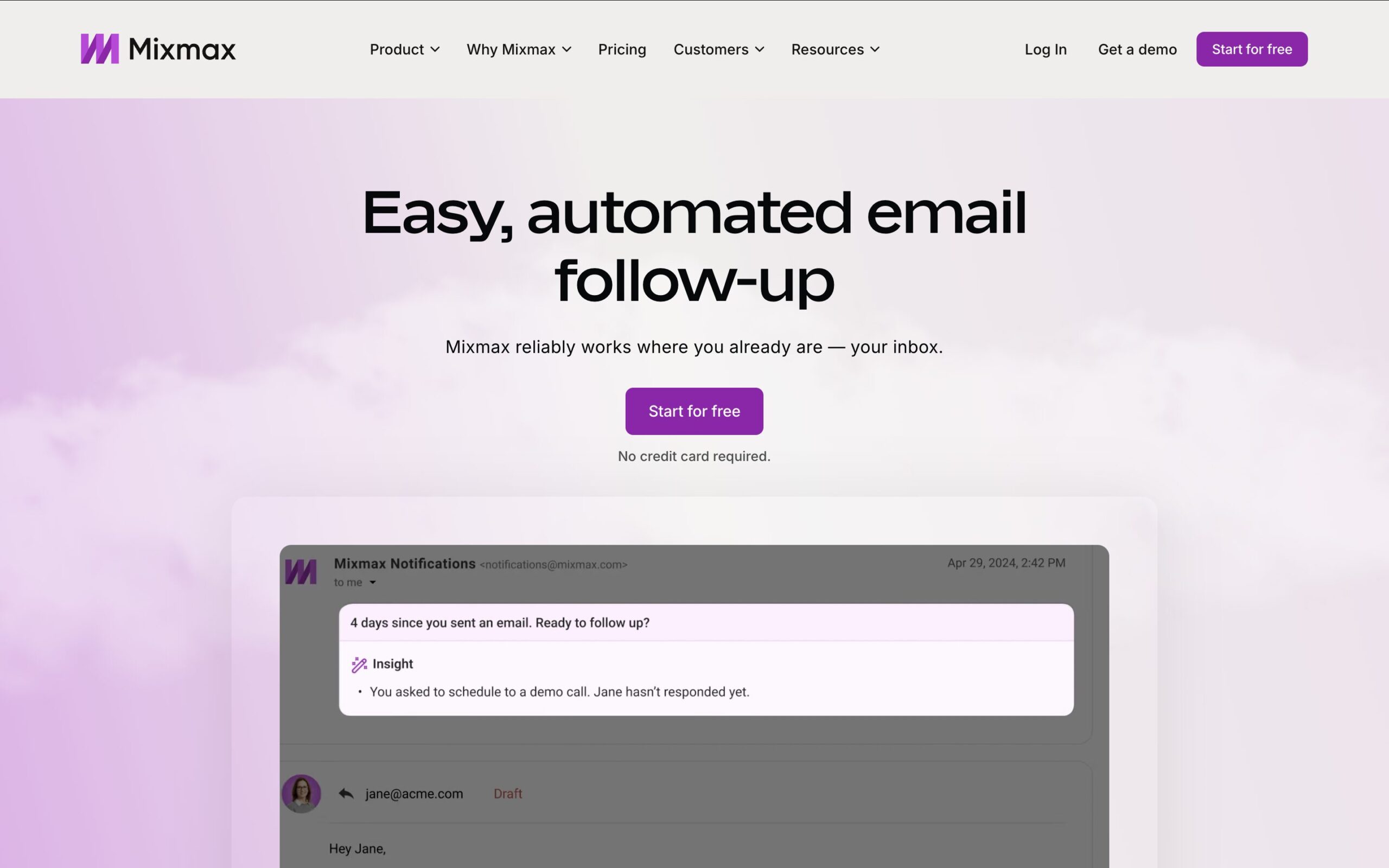
Source: Mixmax.com
Mixmax is a sales engagement platform built as a Gmail sidebar rather than a separate app. It enhances Gmail with tracking, sequences, scheduling, and analytics directly inside the inbox interface instead of replacing your email workflow, and everything happens without leaving Gmail.
Mixmax’s sequence builder runs from the compose window, supporting multi-step automated follow-ups and subject-line A/B testing. CRM sync with Salesforce or HubSpot is available on higher tiers. Pricing generally spans from around $29/user/month for SMB-oriented plans up to roughly $89/user/month for the bundle that includes full CRM sync, sequences, and AI features. Enterprise pricing is custom.
Use Mixmax if:
Skip it if:

Source: Gmelius.com
Gmelius turns Gmail into a team collaboration workspace: shared inboxes, shared labels, internal notes, and Kanban-style boards for turning emails into task cards. It’s aimed at support, ops, and small sales teams that need to triage a shared address like support@ or sales@ as a group, without adopting a separate help desk platform.
Gmelius pricing has shifted several times across 2025 and 2026, but current tiers cluster around $19–25/user/month for shared inboxes and automation, rising to roughly $40/user/month for advanced automation, integrations, and reporting. There’s no permanent free plan — only a short trial. Some reviewers flag noticeable load-time slowdowns inside Gmail once email volume grows, which is worth testing before committing to the extension.
Use Gmelius if:
Skip it if:
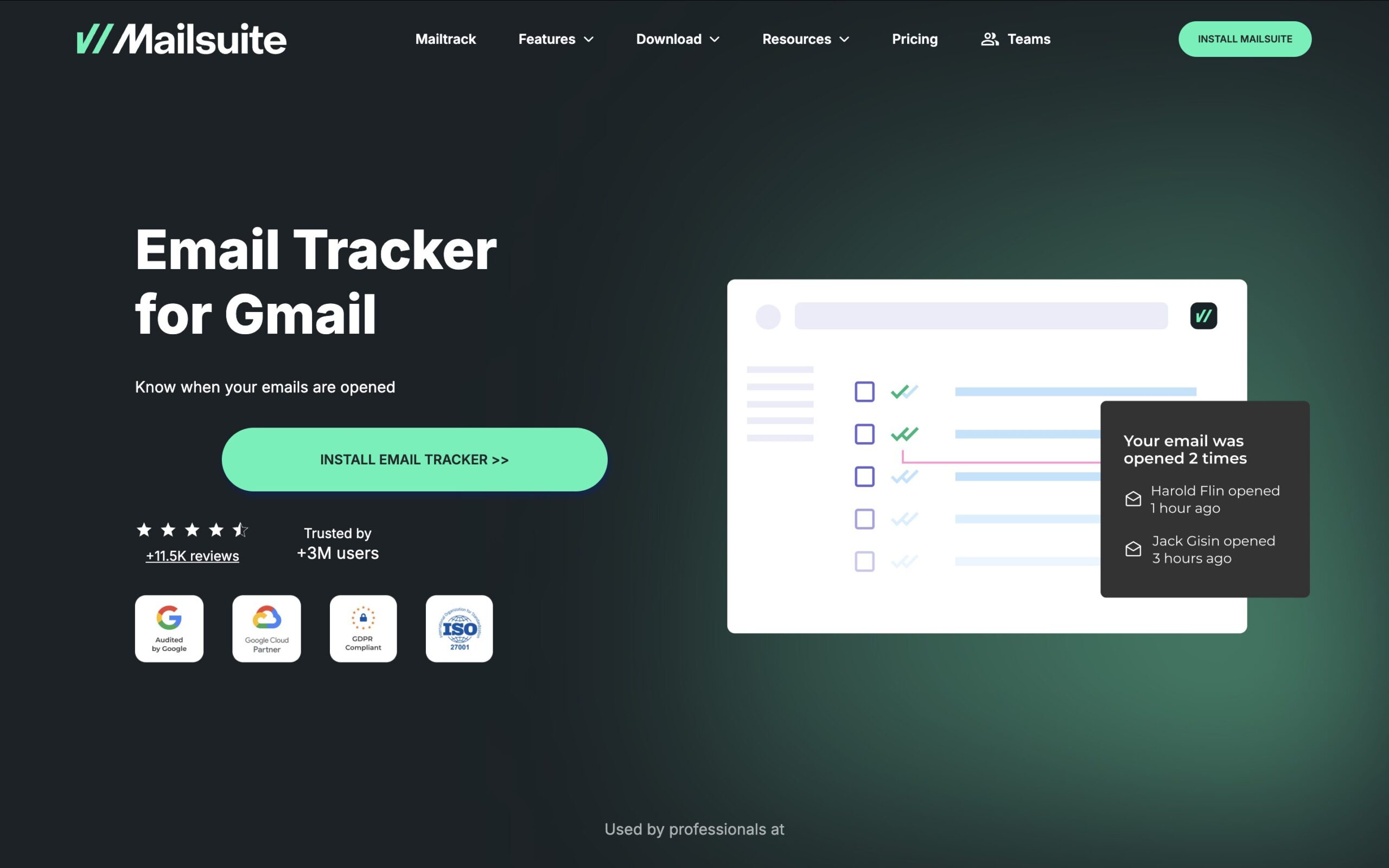
Source: Mailsuite.com
Mailtrack, rebranded Mailsuite in 2024, is one of the most widely installed Gmail tracking extensions, adding WhatsApp-style checkmarks that show when a recipient opens your email. It’s the simplest, cheapest way to get basic read receipts inside Gmail.
The free plan gives unlimited basic tracking but stamps a visible "Sent with Mailtrack/Mailsuite" watermark on every email and caps some features. Paid plans remove the branding and unlock link tracking and campaign sending, generally running around $10–12/user/month.
Use Mailtrack if:
Skip it if:

Source: Grammarly.com
Grammarly isn’t Gmail-specific, but its browser extension works inside the Gmail compose window and is one of the most-installed productivity extensions for anyone who writes a lot of emails. It checks grammar, spelling, tone, and clarity in real time, and its AI features can rewrite full sentences or adjust tone on request.
Grammarly’s Free plan covers real-time grammar and spelling checks plus a limited monthly allowance of AI prompts. The paid Pro plan — which folded the older Premium and Business tiers into one offering — costs $12/month billed annually (or $30/month billed monthly) and adds full-sentence rewrites, plagiarism detection, and a much larger AI prompt allowance, while supporting team features for organizations that need shared style guides. Enterprise pricing is custom.
Use Grammarly if:
Skip it if:
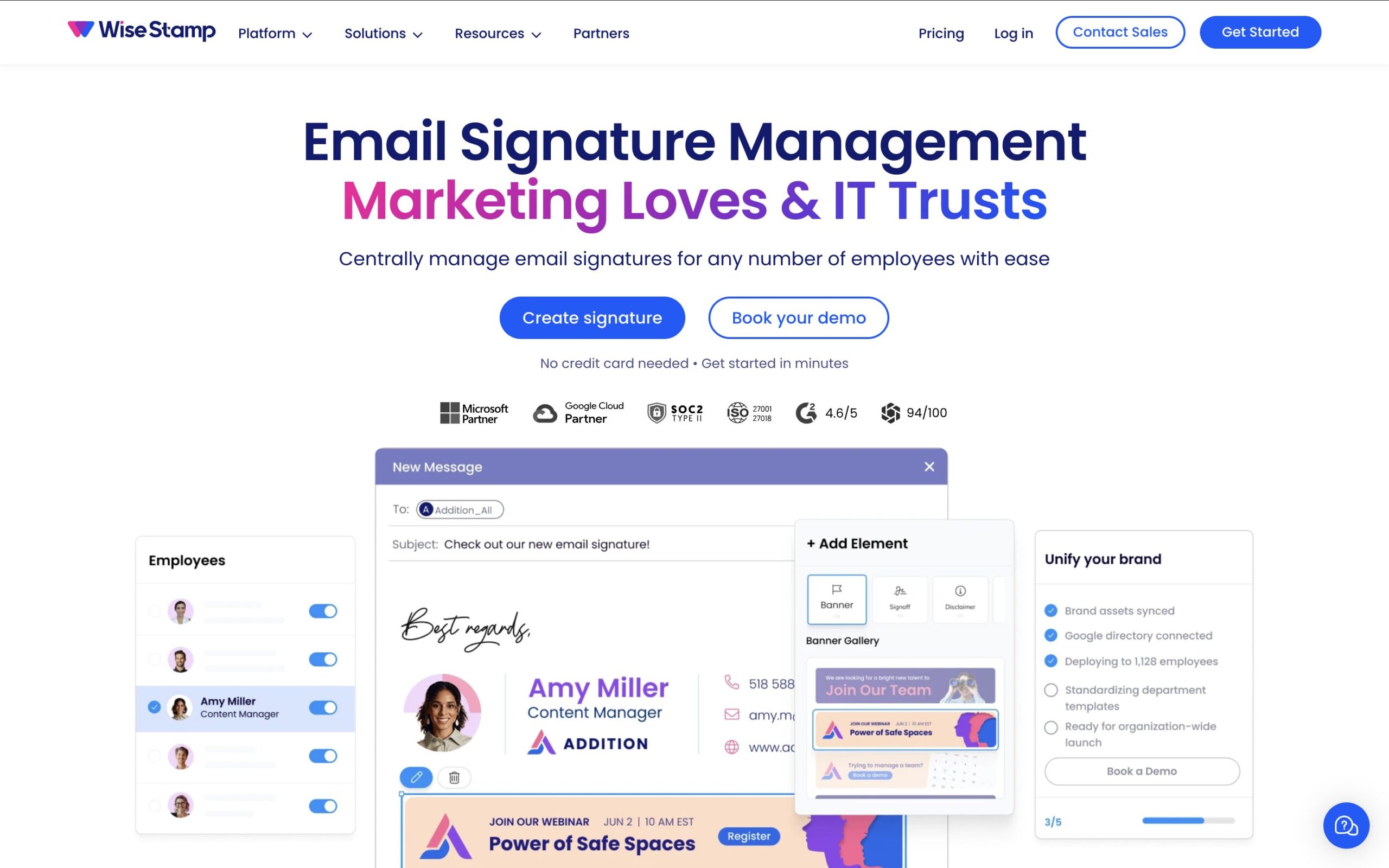
Source: WiseStamp.com
WiseStamp is a dedicated email signature builder and management tool that works as a Gmail extension alongside Outlook and other clients. It focuses on one thing — professional, branded signatures with templates, social links, and banners — rather than trying to be a general productivity suite.
For teams, that narrow focus is the appeal: you can standardize how every employee’s email looks without a design project. Pricing is inconsistently reported across review sites, with personal plans generally starting in the single digits per month and team/business plans priced higher. Confirm current rates directly on WiseStamp’s website before committing, since third-party listings disagree noticeably here.
Use WiseStamp if:
Skip it if:
Source: FlowCrypt.com
FlowCrypt adds PGP-based end-to-end encryption to Gmail through a "Secure Compose" button. It lets you generate a PGP key in a few clicks, send encrypted attachments, sign messages, and exchange encrypted email even with recipients who don’t use FlowCrypt themselves, using password-protected email as a fallback.
This is a niche but genuinely useful category: most productivity extensions on this list optimize for speed and visibility, while FlowCrypt exists for the opposite reason — sending something that specific recipients, and only those recipients, can read. The core Gmail extension for individuals is free. Workspace-level Client-Side Encryption and enterprise key management are separately priced and require a Google Workspace Enterprise Plus or Education Plus license, with custom enterprise pricing.
Use FlowCrypt if:
Skip it if:
| If you care most about... | Pick |
|---|---|
|
One extension covering tracking, scheduling, mail merge, and signatures |
Mailbutler |
|
A full CRM pipeline inside Gmail |
Streak |
|
Conditional follow-up reminders and inbox pause |
Boomerang |
|
Budget scheduling and light outreach |
Right Inbox |
|
Sales sequences with CRM sync |
Mixmax |
|
Shared inboxes and team triage |
Gmelius |
|
The cheapest possible read receipts |
Mailtrack (Mailsuite) |
|
Cleaner writing and AI rewrites |
Grammarly |
|
Branded, consistent signatures |
WiseStamp |
|
Encrypting sensitive threads |
FlowCrypt |
Most people don’t need ten extensions running in their Gmail toolbar at once — they need the two or three that solve their actual bottleneck. If that bottleneck is a single feature, the specialists on this list (Mailtrack for tracking, WiseStamp for signatures, Grammarly for writing, FlowCrypt for encryption) do that one job well and cheaply.
If the bottleneck is "I’m juggling four different extensions and still missing follow-ups," that’s the case for a bundled tool.
Mailbutler covers tracking, per-recipient scheduling, mail merge, shared-inbox-style collaboration, and signature marketing in one subscription, which is a reasonable trade for professionals and SMB teams that’d rather manage one bill and one settings panel than five.
It won’t replace a dedicated enterprise CRM like Streak’s higher tiers or a full support help desk like Gmelius at scale, but for the everyday email workflow most people are trying to fix, it’s one of the more complete options on this list.




Mixmax alternatives for 2026: compare 5 tools on price, features, and platform support to find the right fit.

Looking beyond Mailsuite? We compared 10 email tracking and mail merge tools for Gmail and Outlook, with 2026 pricing and trade-offs.

10 Scribe alternatives compared, focusing on pricing, brand governance features, and honest trade-offs for teams of every size.
Top 5 alternatives to MailTracker for Gmail, with real pricing, feature breakdowns, and honest trade-offs to help you pick the right one.

Looking for the best Outlook mail merge tool? We compare 5 options on pricing, personalization depth, and data privacy to help you pick the right one.