








5 Best Mixmax Alternatives
Mixmax alternatives for 2026: compare 5 tools on price, features, and platform support to find the right fit.

Compare the 10 best email signature management tools in 2026 — pricing, features, and best-fit use cases, from enterprise IT platforms to signature marketing tools like Mailbutler.
Irena is an experienced content and email marketer who loves animals, slow mornings, and all things Tolkien.
Every employee sends dozens of emails a day, and every one of those emails ends with a signature. That makes the email signature one of the most overlooked pieces of real estate in business communication — it’s visible, repeated constantly, and usually either outdated, inconsistent, or completely wasted.
Email signature management tools fix that. Some focus on centralized IT control across thousands of mailboxes. Others focus on turning the signature into a marketing channel with banners and click tracking. Others are built for individuals and small teams who just want a clean, professional signature without buying enterprise software.
Here are 10 email signature management tools worth trying out in 2026.
At its core, email signature management software solves one problem: keeping every outgoing email on-brand without asking each person to update their own signature by hand. Depending on the tool, that can include:
Not every business needs all of that. A 2,000-person company with a compliance requirement has different needs than a solo consultant who wants a signature that looks good and maybe drives a few clicks to a booking page. The list below covers both ends of that spectrum.
| Tool | Best for | Starting price | Standout feature(s) |
|---|---|---|---|
|
Mailbutler |
Freelancers up through growing sales, support, and customer-facing teams |
Free plan; paid plans from $5/user/month |
Signature marketing with UTM tracking, dynamic content, email tracking, mail merge, and scheduling |
|
Exclaimer |
Large enterprises on M365/Google Workspace |
~$1–$1.75/user/month, 10-user minimum |
Best-known enterprise signature platform, server-side deployment |
|
CodeTwo Email Signatures 365 |
Microsoft 365 organizations |
~$1.36/user/month, single all-inclusive plan |
No feature tiers — everything included at one price |
|
Letsignit |
Marketing-led enterprise teams |
~$1.50/user/month |
Drag-and-drop campaign designer with Azure AD sync |
|
Signitic |
Budget-conscious SMBs wanting all features included |
From €1/user/month, free under 20 users |
Full feature set (banners, campaigns, analytics) at a fraction of enterprise pricing |
|
Rocketseed |
Mid-size to large companies (50–50,000 staff) |
~$1/sender/month |
Signature banner campaigns with segmentation and analytics |
|
Bybrand |
Small teams that want design-forward signatures |
From $8/month (up to 10 signatures, 5 users) |
Polished editor with Google Workspace, Zoho, Asana, and M365 integrations |
|
Newoldstamp |
SMBs wanting signature marketing on a budget |
~$8–$11/month for small teams |
Banner campaigns and click analytics without enterprise pricing |
|
Scribe |
Marketing/IT teams focused on lead generation |
Free for up to 2 signatures; paid plans beyond that |
One-click team deploy built specifically around signature-driven lead gen |
|
WiseStamp |
Small teams and individuals |
Free tier; paid plans $19–$179/month |
Large template library, browser-based signature builder |
Source: Mailbutler.io
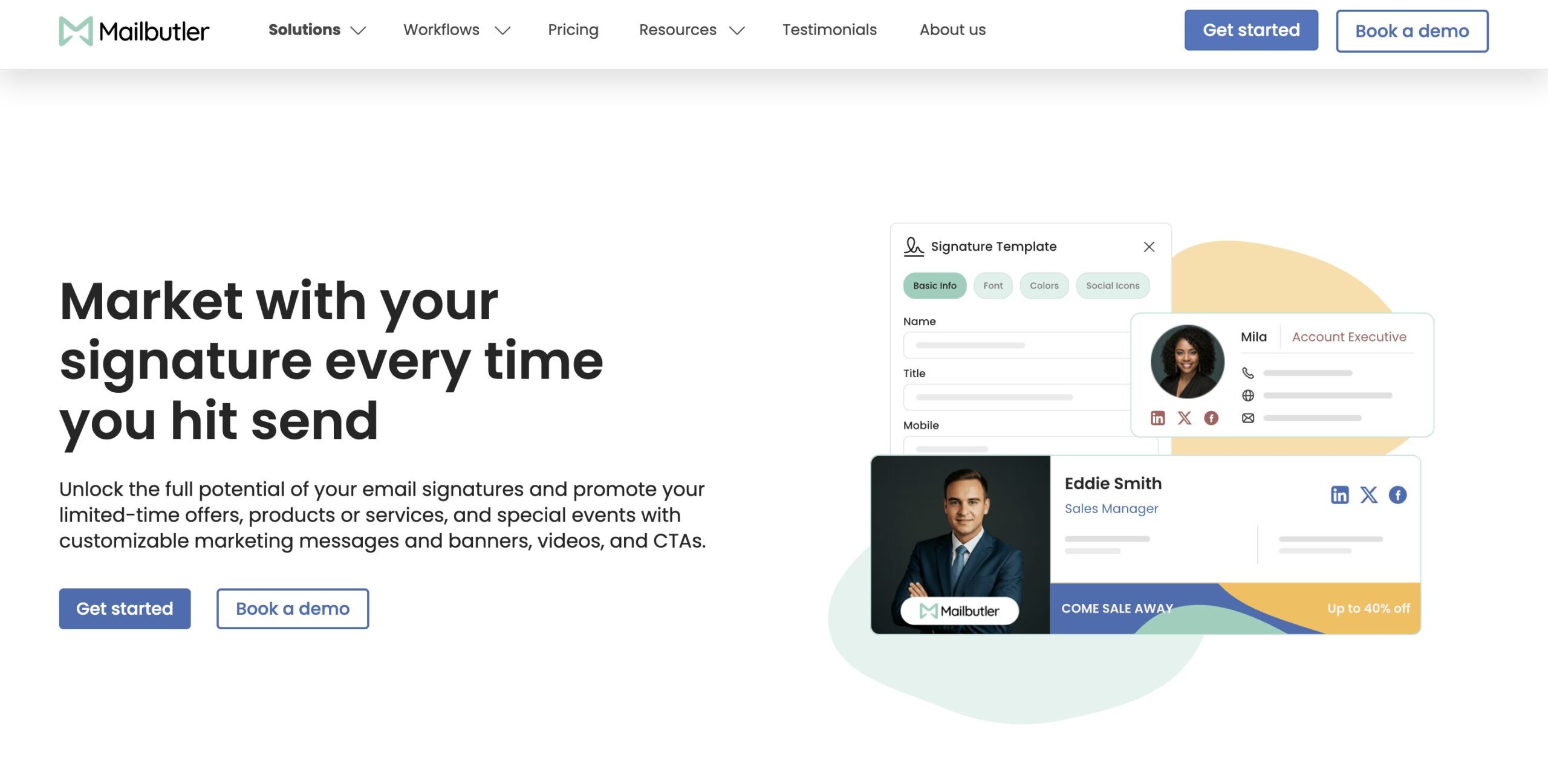
Mailbutler is an email productivity extension for Outlook, Gmail, and Apple Mail, and email signatures are one of its core features. While it’s a natural fit for freelancers and consultants, its Business plan and collaboration features (team-wide signature templates and centralized branding controls) also make it a practical option for larger sales, support, and customer success teams that want consistent signatures across dozens of reps without a separate IT deployment project.
Where Mailbutler stands out for email signature management tools is the marketing angle: its Signature Marketing solution lets you turn signatures into small campaigns, with banners, CTAs, and even embedded videos.
Two features push this further than most lightweight signature tools. UTM Link Personalization lets you add standard and custom UTM parameters to signature links, so you can track performance by sender, recipient, or subject line, with the captured data viewable directly in GA4 and CRMs like HubSpot and Salesforce.
Dynamic Content automatically pulls fresh material — your latest YouTube videos, podcast episodes, blog posts, or a Calendly link — into the signature, so it stays current across an entire team without manual edits.
Mailbutler offers a free-forever Starter plan with a visible watermark, plus paid tiers that add custom HTML signatures, automation, and collaboration features.
Use Mailbutler if:
Skip it if:
Source: Exclaimer.com
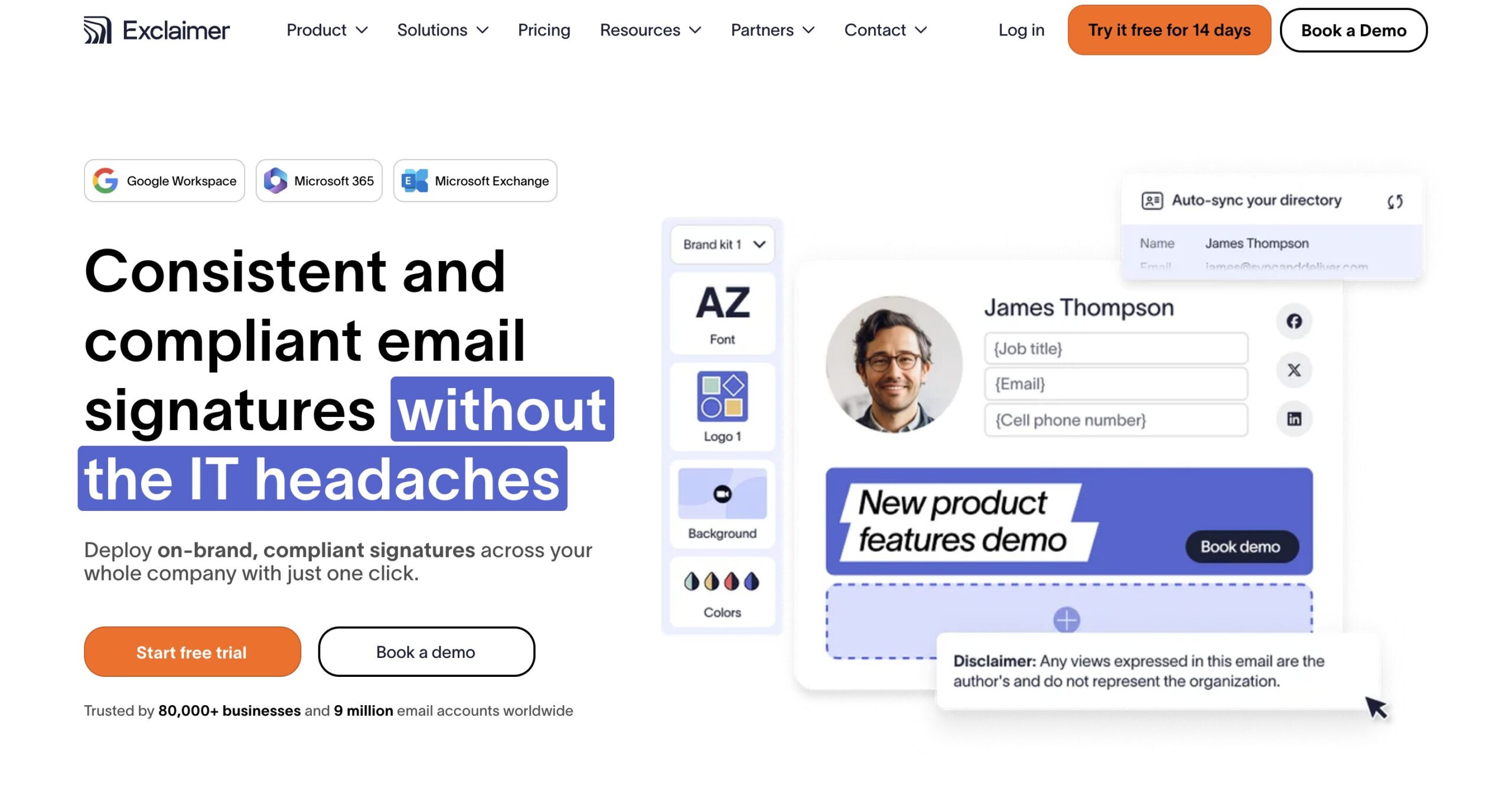
Exclaimer is one of the most recognized names in enterprise email signature management tools, used across Microsoft 365, Google Workspace, and Exchange environments. It centrally designs and deploys signatures server-side, so they apply consistently across every device and email client without end users touching anything.
Pricing is based on active mailboxes, typically starting in the $1–$1.75 per user per month range with a 10-user minimum, and costs scale with contract term and deployment complexity. Exclaimer markets itself as delivering billions of signatures annually across a large base of organizations, and it’s a common choice for companies that need compliance disclaimers, brand consistency, and delegated access for non-technical marketing teams.
Use Exclaimer if:
Skip it if:
Source: CodeTwo.com
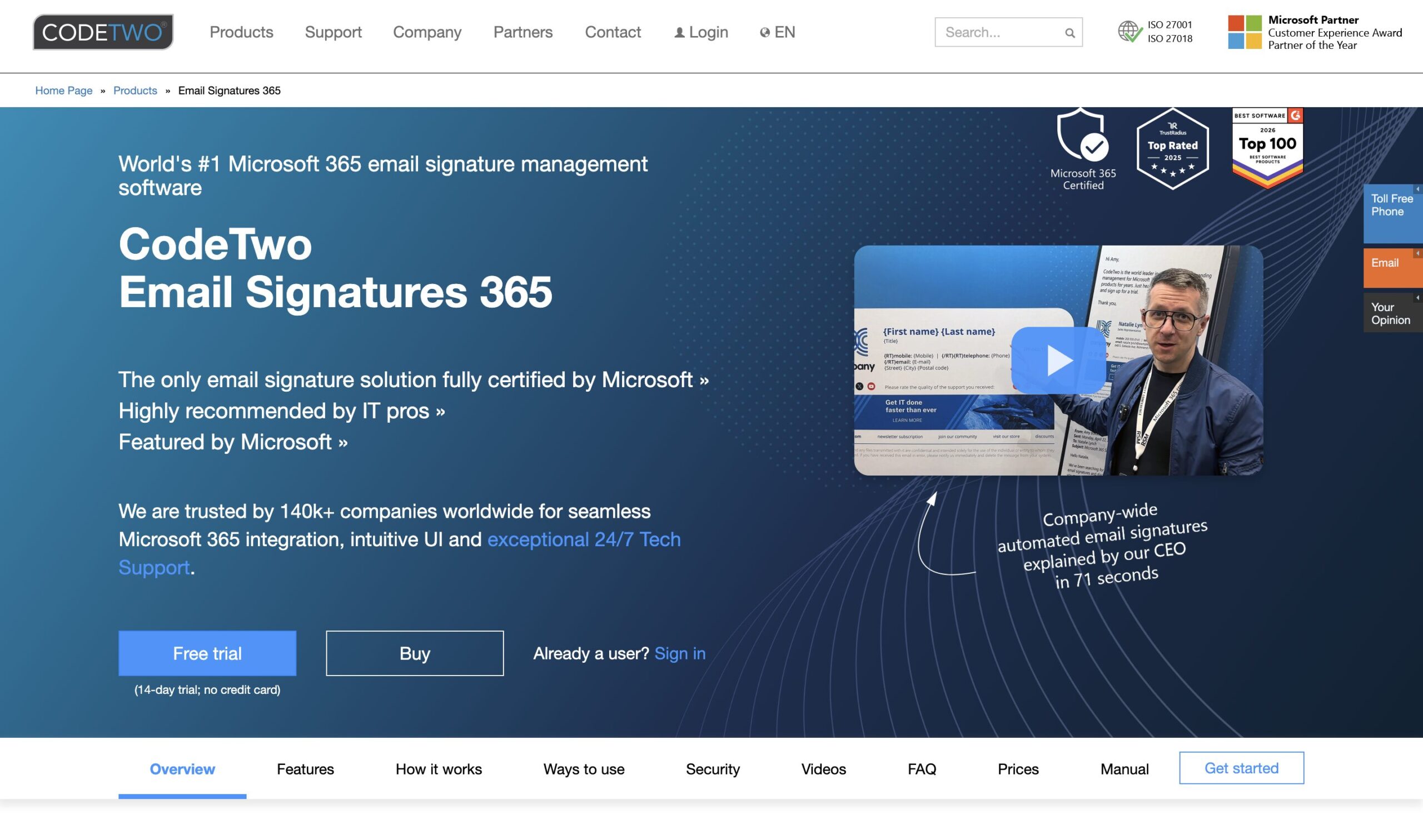
CodeTwo Email Signatures 365 is built specifically for Microsoft 365 and Exchange Online. It injects signatures server-side using transport rules and pulls employee data from Entra ID (formerly Azure AD), so signatures update automatically when staff details change.
Its main differentiator is pricing structure: it’s a single all-inclusive plan (around $1.36/user/month at the 10-user minimum) rather than a tiered system, so smaller features like CSAT surveys, banner campaigns, and an Outlook compose-time preview add-in aren’t locked behind a higher tier. It’s consistently one of the highest-rated tools in this category on review sites like Capterra and G2.
Use CodeTwo if:
Skip it if:
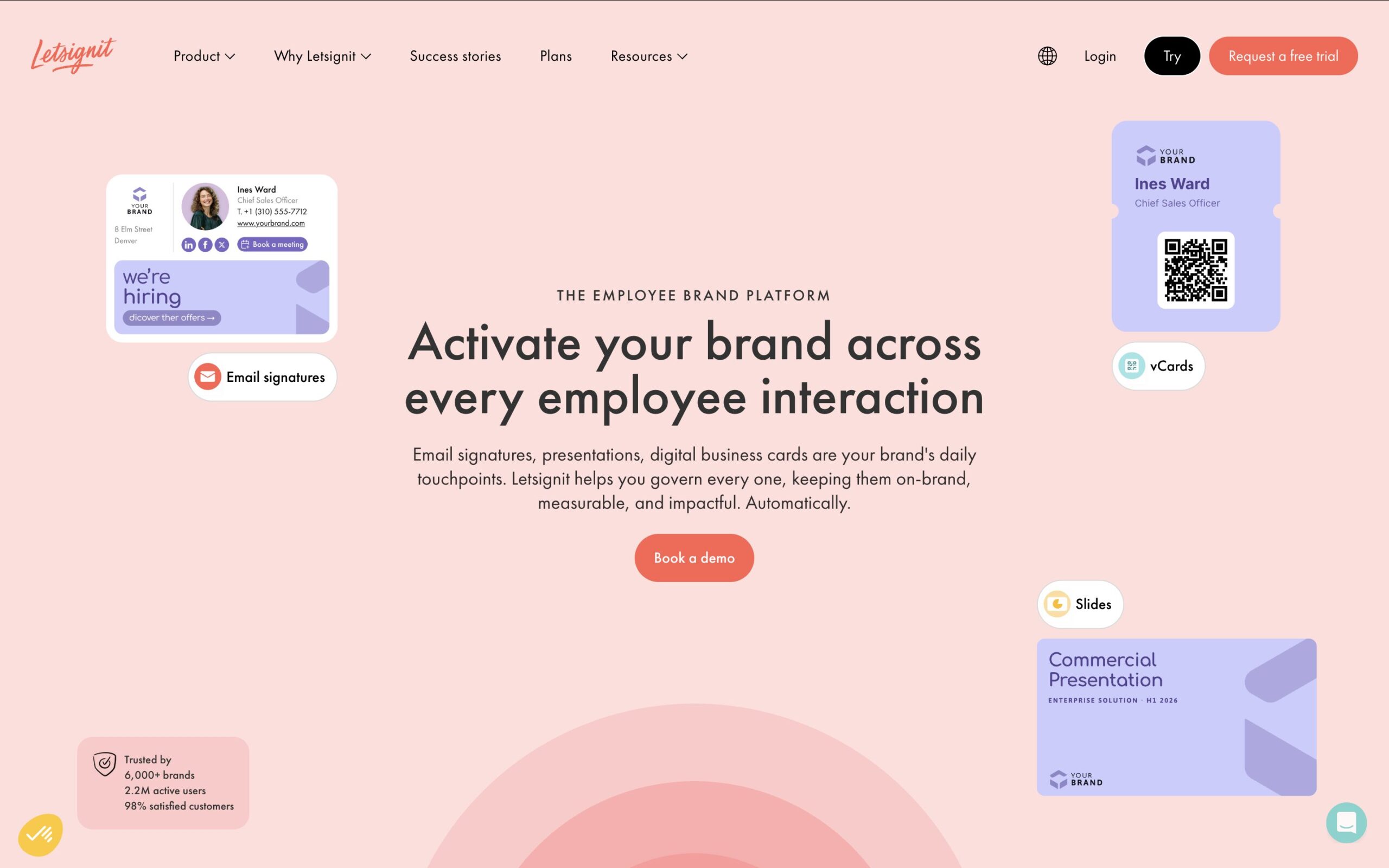
Source: Letsignit.com
Letsignit is an enterprise email signature manager aimed at marketing and communications teams as much as IT. It syncs with your company directory (including Azure AD) to auto-populate signature fields, and its drag-and-drop designer supports marketing banners, appointment links, and vCard QR codes as calls to action.
Letsignit is a Microsoft Gold Partner and holds ISO 27001/27018 certification, which matters for regulated industries. Pricing runs around $1.50/user/month based on aggregator data, positioning it between CodeTwo and Exclaimer.
Use Letsignit if:
Skip it if:
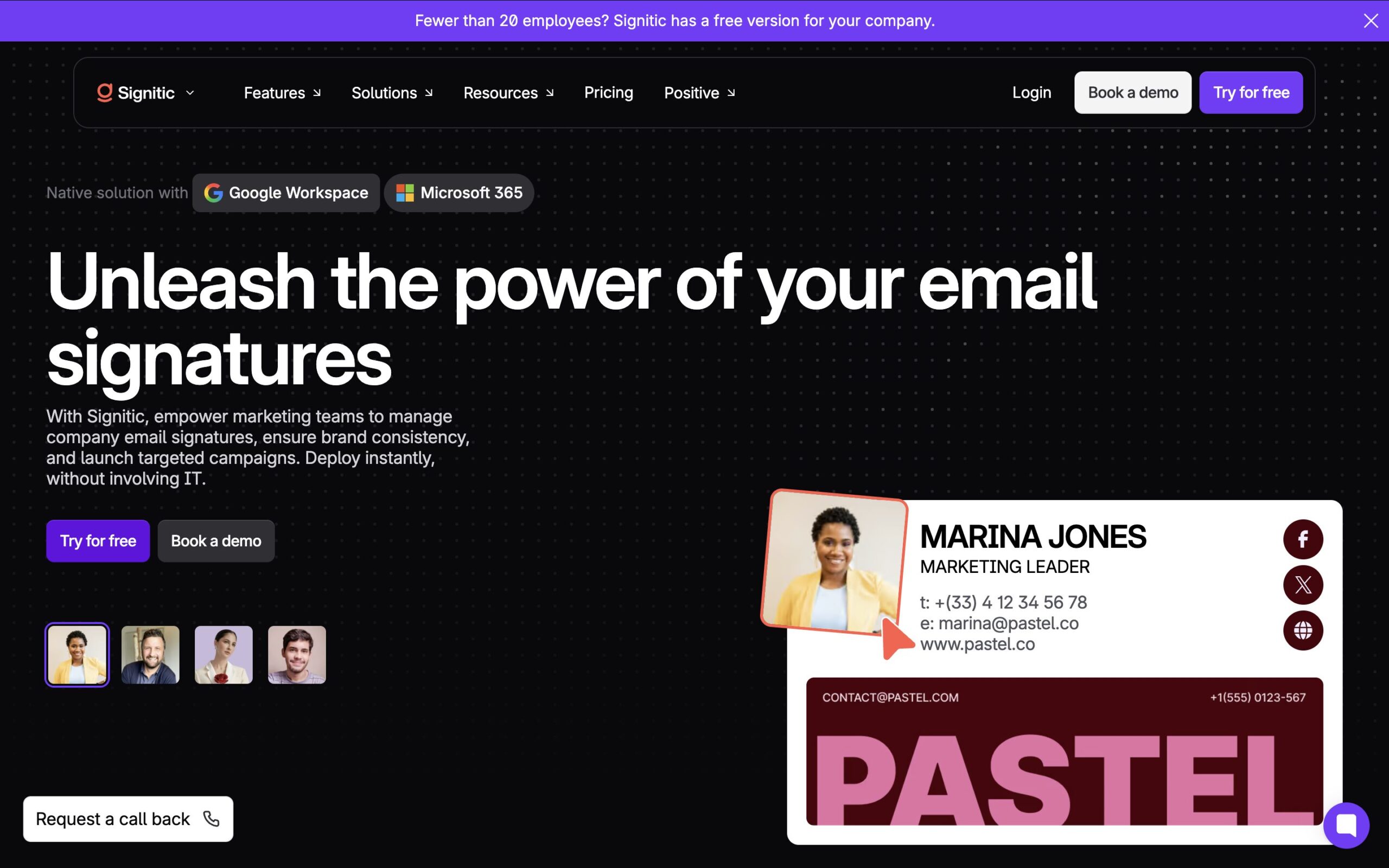
Source: Signitic.com
Signitic is a French, GDPR-compliant, ISO 27001-certified signature platform that competes on price rather than feature-gating. It syncs with Microsoft 365 and Google Workspace directories, uses a drag-and-drop block editor (including a Canva integration for design), and supports segmentation by department or entity for multi-brand organizations.
Its main pitch is that banners, campaigns, and analytics are included at every paid tier rather than reserved for higher plans — pricing starts at roughly €1 per user per month, well below Exclaimer or Letsignit, and there’s a free plan for organizations under 20 users. Reviewers note that the basics are easy to pick up, but mastering advanced features like multi-entity segmentation and sync rules takes some time.
Use Signitic if:
Skip it if:
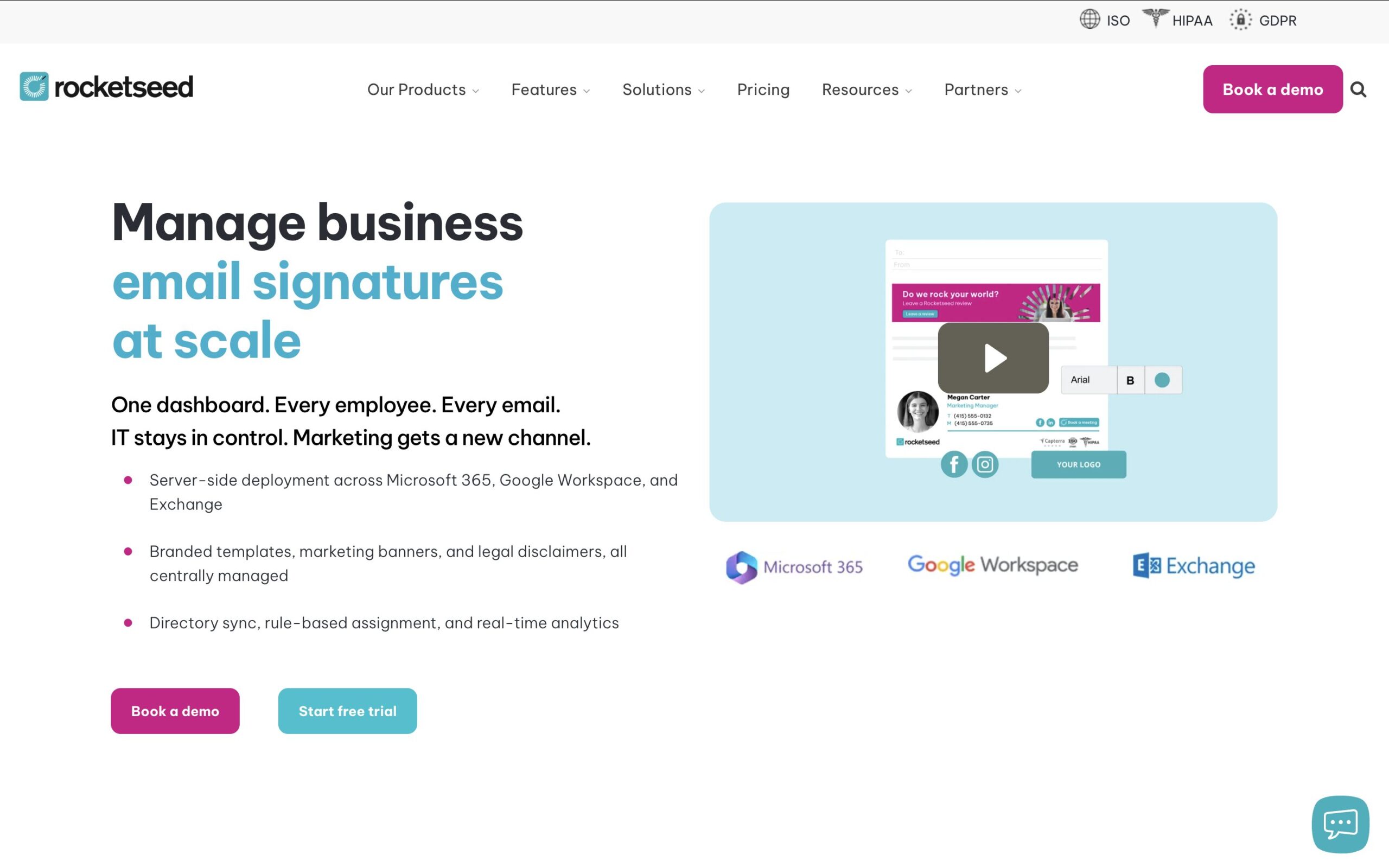
Source: Rocketseed.com
Rocketseed leans harder into signature marketing than most enterprise tools, built for companies from roughly 50 to 50,000 employees on Microsoft 365, Google Workspace, or Exchange. It centralizes signature and banner deployment and includes campaign segmentation, scheduling, and real-time click analytics in every plan rather than gating them behind higher tiers.
Rocketseed lists pricing around $1 per sender per month for up to 200 senders, plus a separate one-time setup fee for implementation and template design. It also offers a 14-day free trial, but only for businesses with 50 or more employees.
Use Rocketseed if:
Skip it if:
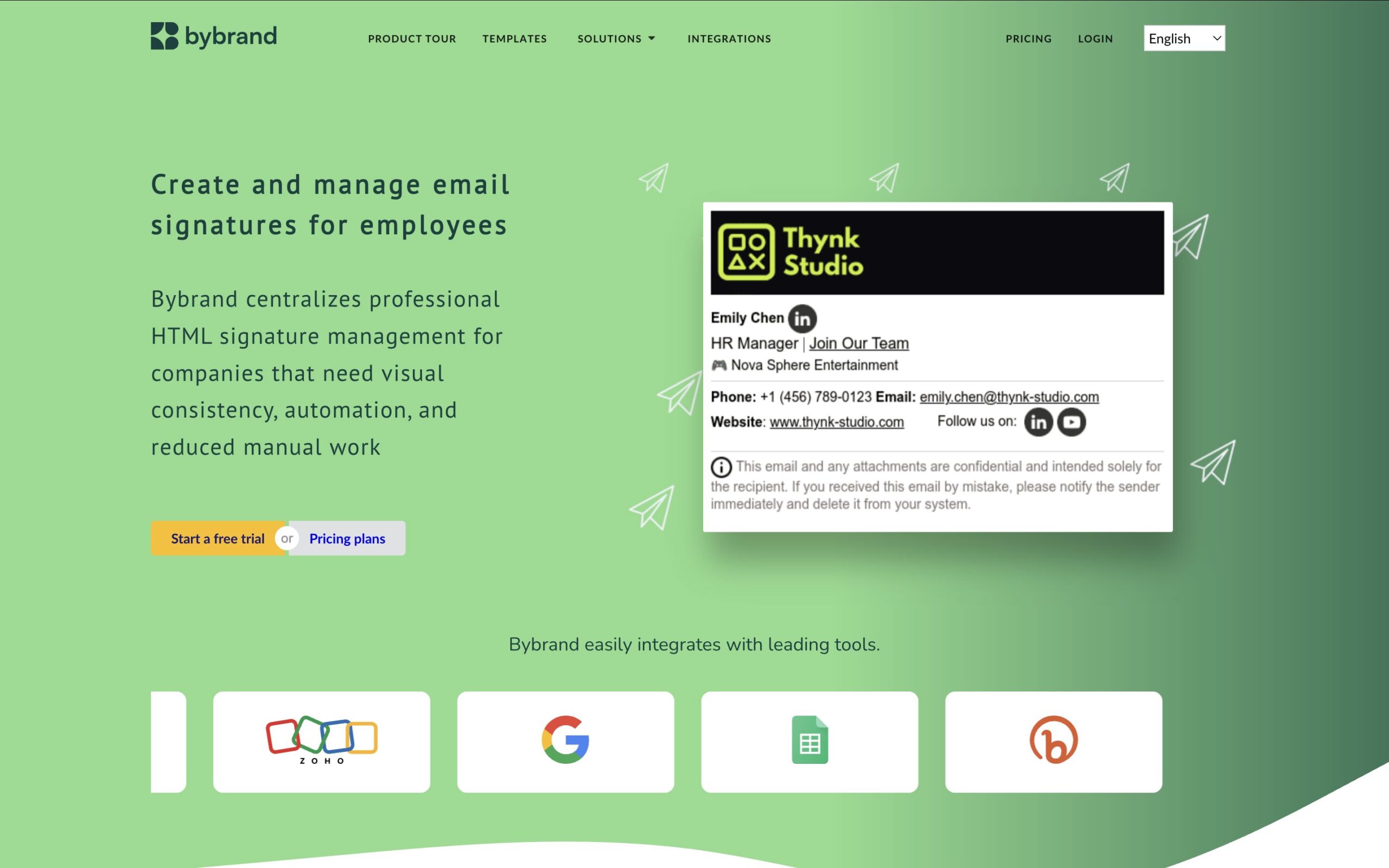
Source: Bybrand.io
Bybrand is a design-focused signature manager built for IT and marketing teams that want a polished editor without a steep learning curve. It integrates with Google Workspace, Zoho, Asana, and Freshdesk, and added Microsoft 365 support via Entra ID in 2026, letting admins import users and profile photos directly from a company directory.
Its base plan starts at around $8/month and covers up to 10 signatures and 5 users, with usage-based pricing as you scale. Reviewers consistently praise the visual design quality and template variety. The trade-off is that Bybrand’s Microsoft 365/directory sync is newer than competitors like CodeTwo or Letsignit, so very large deployments may still find it less mature on the directory-sync side.
Use Bybrand if:
Skip it if:
Source: Newoldstamp.com
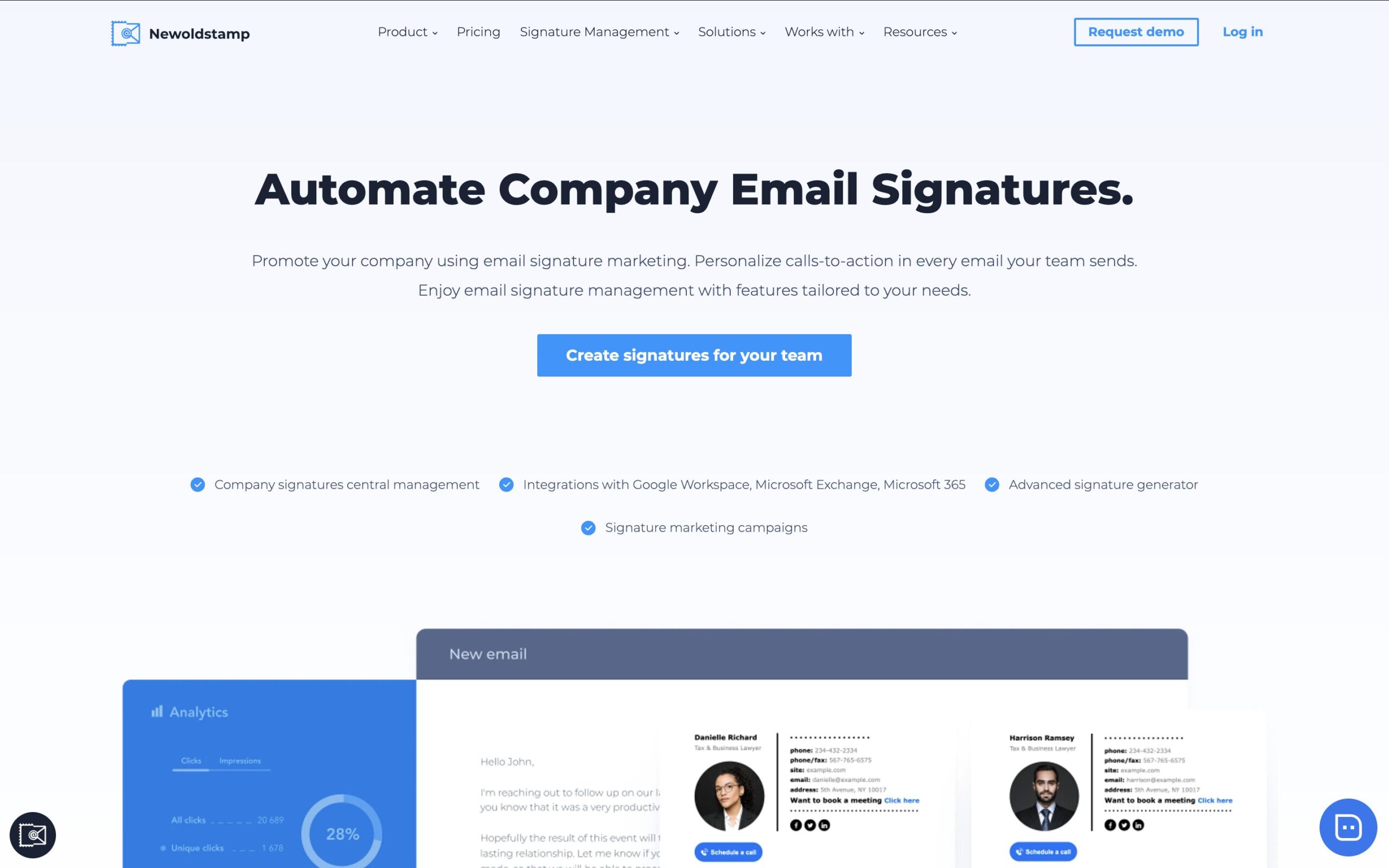
Newoldstamp sits between the enterprise platforms above and lighter individual generators. It offers central management, banner campaigns, and click analytics, but with pricing that’s more accessible to small and mid-size teams — plans have been listed from around $8/month for a Branding tier up to roughly $11/month for a Marketing tier with unlimited banners, plus per-signature pricing for larger deployments.
It integrates with Google Workspace and Microsoft 365 and uses direct integration rather than rerouting mail through its own servers, which it positions as a delivery-reliability advantage. Some reviewers note customization could be more extensive and that pricing flexibility for very small businesses is limited.
Use Newoldstamp if:
Skip it if:
Source: Scribe-mail.com
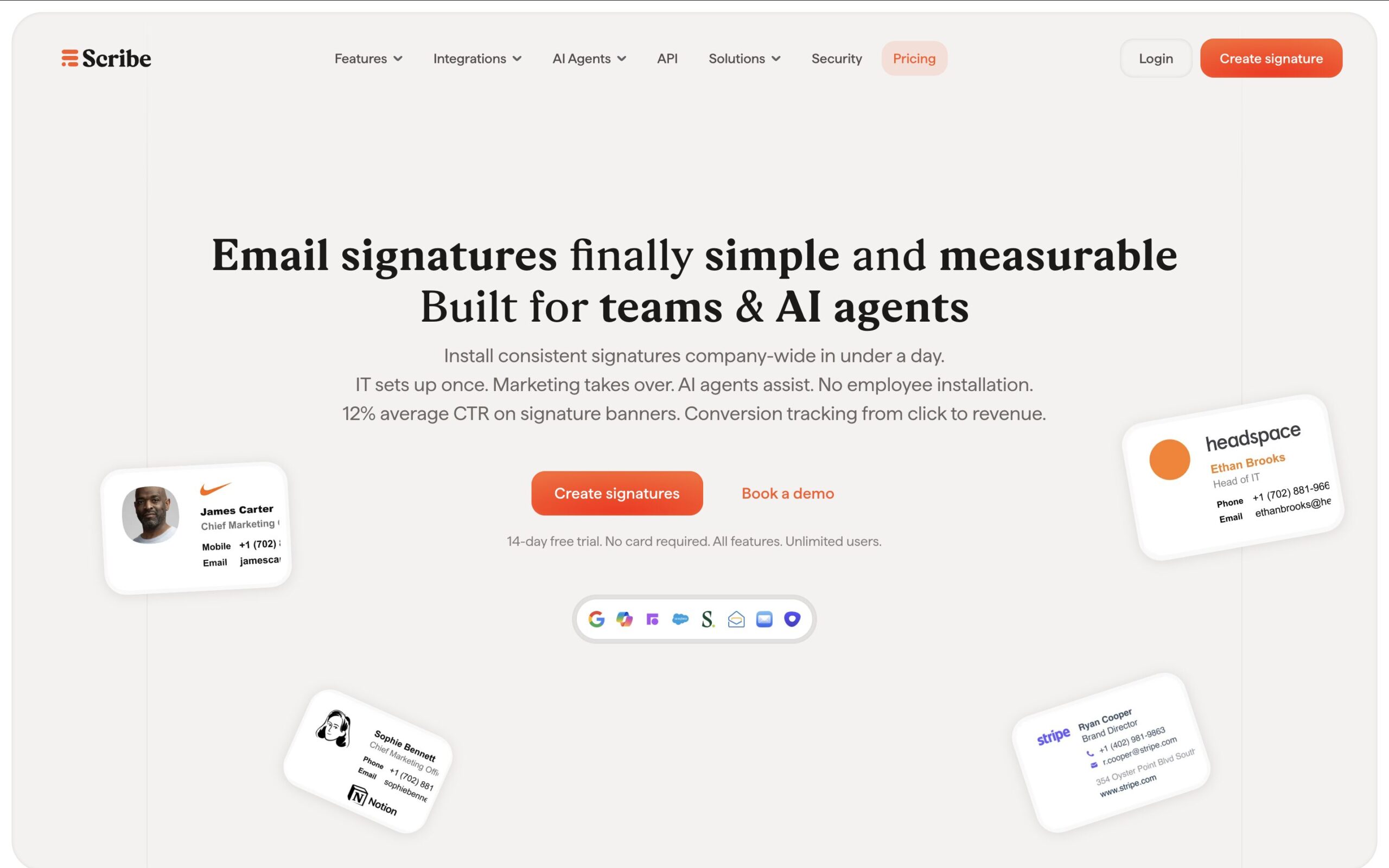
Scribe is another French signature platform built specifically around signature-driven lead generation. It supports one-click team deployment and updates, lets you create department-based signature variants for targeted messaging, and integrates with Google Workspace, Microsoft 365, and Salesforce.
Scribe markets itself around measurable lead-gen impact from signature CTAs and banners, and it schedules campaigns to automatically revert once they end, so you don’t have to remember to remove a promotion manually. It’s free for up to two signatures, which makes it easy to test before rolling out to a full team.
Use Scribe if:
Skip it if:
Source: WiseStamp.com
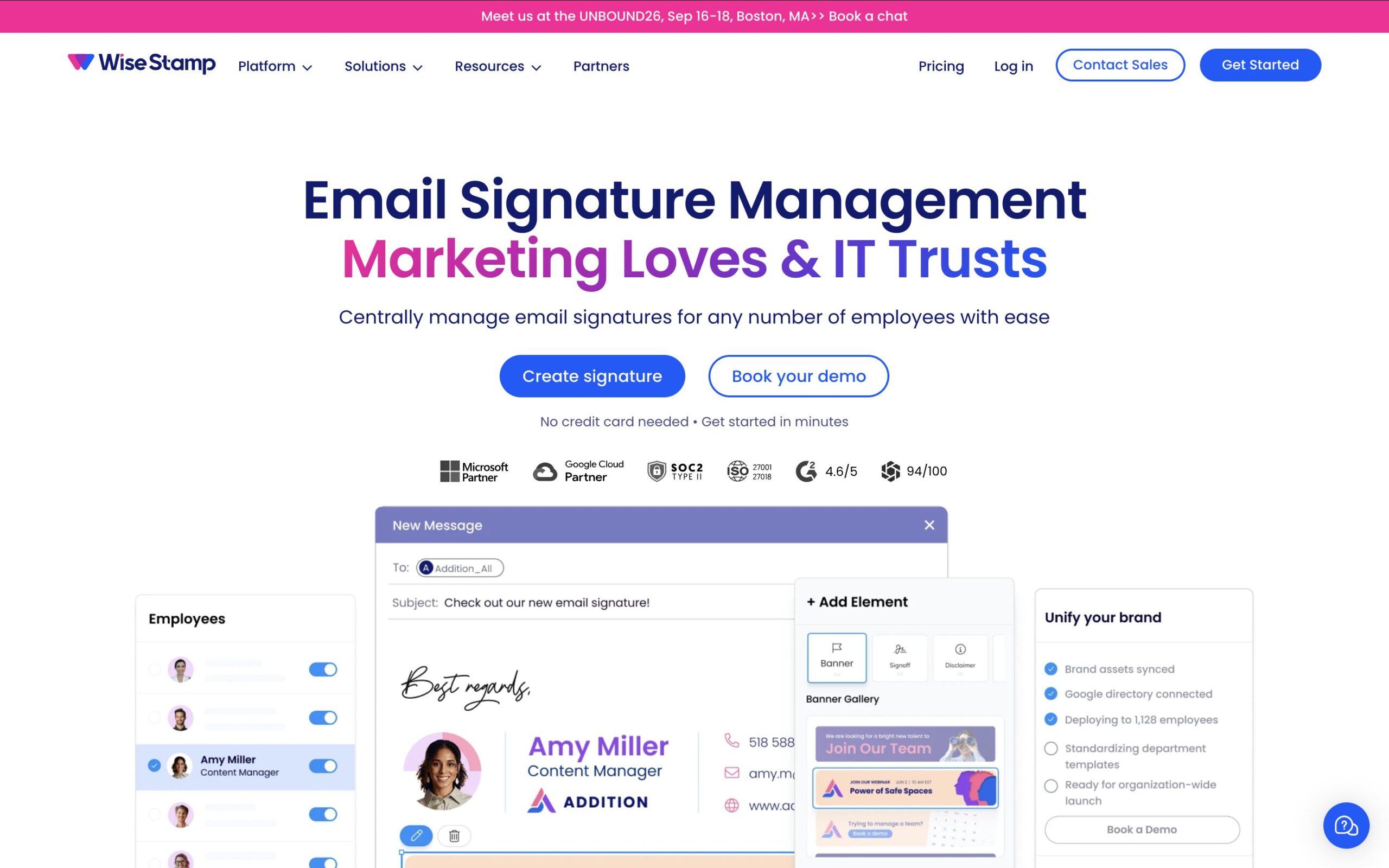
WiseStamp is an email signature generator with both individual and team-management options. It has a free tier and paid plans reported in the roughly $19–$179/month range depending on seat count and features, with per-employee pricing on team plans.
It’s popular for its large template library and drag-and-drop editor, and reviewers consistently rate its design flexibility highly. That said, a recurring theme in reviews is confusion around billing — several users report unexpected charges or difficulty finding a clear cancellation path, which is worth checking directly on WiseStamp’s pricing page before committing.
Use WiseStamp if:
Skip it if:
| If you care most about... | Pick |
|---|---|
|
Signature marketing with UTM tracking and dynamic content, bundled with email tracking and scheduling, for teams of any size that don’t need IT-managed directory sync |
Mailbutler |
|
Enterprise-grade centralized management at scale |
Exclaimer |
|
Microsoft 365-only deployment with one flat plan |
CodeTwo |
|
Marketing-led campaigns with Azure AD sync and compliance certifications |
Letsignit |
|
Full feature set at a fraction of enterprise pricing |
Signitic |
|
Banner ad campaigns with analytics included at every tier |
Rocketseed |
|
Design-forward signatures for a small team |
Bybrand |
|
Signature marketing on a small-business budget |
Newoldstamp |
|
Lead generation as the primary goal |
Scribe |
|
A large template library with a visual editor |
WiseStamp |
For large enterprises with thousands of mailboxes and compliance requirements, Exclaimer, CodeTwo, and Letsignit remain the best email signature management tools — they’re designed around IT-managed, directory-synced deployment at scale. Signitic offers much of that same feature set at a noticeably lower price point for budget-conscious teams.
For companies that want to treat the signature purely as an advertising or lead-gen channel, Rocketseed, Newoldstamp, and Scribe all lean into banner campaigns and click analytics, while Bybrand leans into design polish for smaller teams.
But not every business needs a dedicated IT deployment tool — many freelancers, consultants, and growing sales, support, or customer-facing teams just need their signature to look professional and actually do something, without adding another standalone subscription. That’s where Mailbutler fits best: it treats the signature as one part of a broader email productivity toolkit, alongside email tracking, per-recipient scheduling, mail merge, and shared inbox collaboration, all inside Gmail, Outlook, or Apple Mail.
Its UTM tracking and dynamic content features also give larger teams a way to measure and keep signatures fresh without extra tooling. If you’re already looking for ways to get more out of your inbox and want your signature to pull its weight at the same time, it’s worth starting with the free plan and seeing how far it gets you.
Pricing and feature details reflect publicly available vendor and review-site data as of 2026 and may change. Check each vendor’s official pricing page before purchasing.




Mixmax alternatives for 2026: compare 5 tools on price, features, and platform support to find the right fit.

Looking beyond Mailsuite? We compared 10 email tracking and mail merge tools for Gmail and Outlook, with 2026 pricing and trade-offs.

10 Scribe alternatives compared, focusing on pricing, brand governance features, and honest trade-offs for teams of every size.
Top 5 alternatives to MailTracker for Gmail, with real pricing, feature breakdowns, and honest trade-offs to help you pick the right one.
Looking for the best Outlook mail merge tool? We compare 5 options on pricing, personalization depth, and data privacy to help you pick the right one.

Looking for the best Front alternatives? Compare 10 shared inbox and help desk tools on price, features, and fit.