TL;DR
Writing effective formal and informal emails is a key skill in professional and personal communication. This post explains how to structure both types, provides six ready-to-use templates, and introduces Mailbutler, a tool to improve productivity, with smart templates and Mail Merge.
Introduction
Email remains one of the most common communication channels. In 2025, 376 billion emails were sent and received daily worldwide. Many professionals still struggle with tone, clarity, and timing. Learning how to write a formal email asking for information or requesting details ensures better responses and stronger relationships.
Direct answer: A formal email communicates a specific purpose clearly—requesting information, sharing updates, or seeking action.
A formal email is professional, polite, and structured. It’s used with colleagues, clients, supervisors, or institutions.
Examples
-
Asking for information from a vendor
-
Requesting approval or feedback
-
Informing stakeholders about changes or updates
Direct answer: Informal emails are friendly yet clear, often using contractions, emojis, or casual greetings like “Hi” or “Hey.”
Informal emails are casual and conversational, usually for friends, family, or close coworkers.
1. Use a Clear Subject Line
Examples:
Fact nugget: A concise subject line improves open rates and comprehension.
2. Professional Greeting
Options:
-
Dear Mr./Ms. [Last Name],
-
Hello Dr. [Last Name],
-
To Whom It May Concern, (if unknown recipient)
Avoid casual greetings like “Hey.”
3. State Purpose Early
Present your main reason upfront for clarity.
Example:
- I am writing to request the updated specifications for your Q4 product launch.
4. Body: Context & Details
Use short paragraphs (2–4 lines) and bullet points to simplify requests:
- Could you please provide:
- Latest pricing list
- Minimum order quantities
- Lead time for delivery
Common sign-offs:
-
Sincerely,
-
Best regards,
-
Thank you for your time,
Include your full name, title, and contact info. Adding a professional email signature boosts credibility and can even subtly promote your brand.
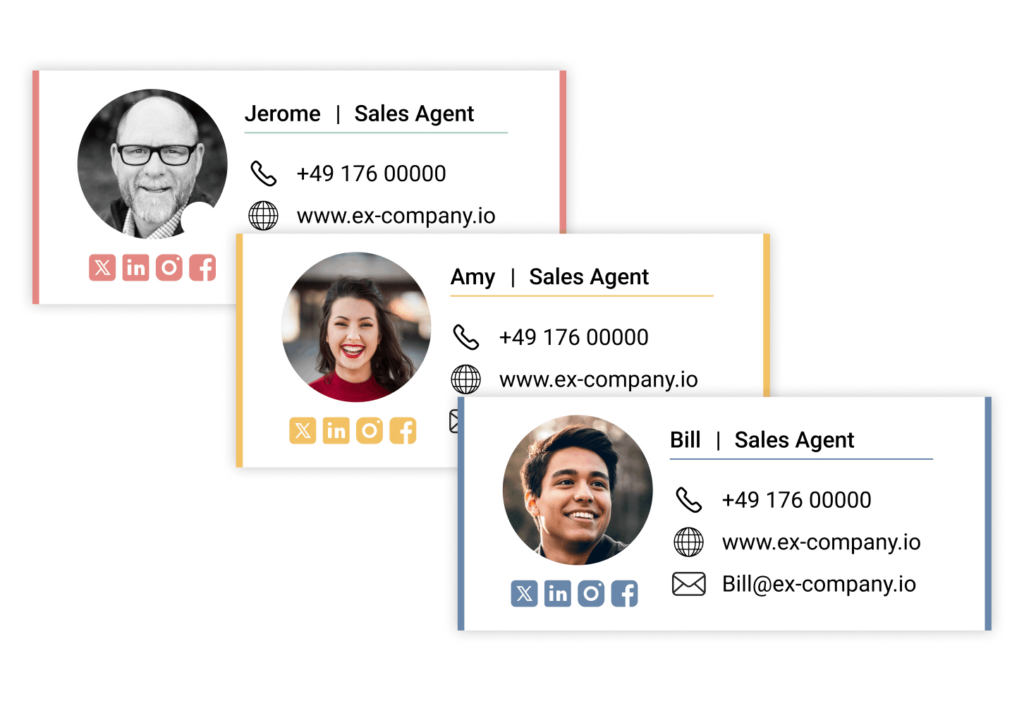
Mailbutler's Signature feature
1. Friendly Subject Line
Examples:
2. Casual Greeting
-
Hi [First Name],
-
Hey [Nickname],
-
Hello!
3. Main Message
Keep it short and conversational:
- I was thinking we should try that new café on Main Street this Friday. What do you think?
4. Warm Closing
-
Cheers,
-
Talk soon,
-
Thanks!
Optional: P.S. or emoji if appropriate.
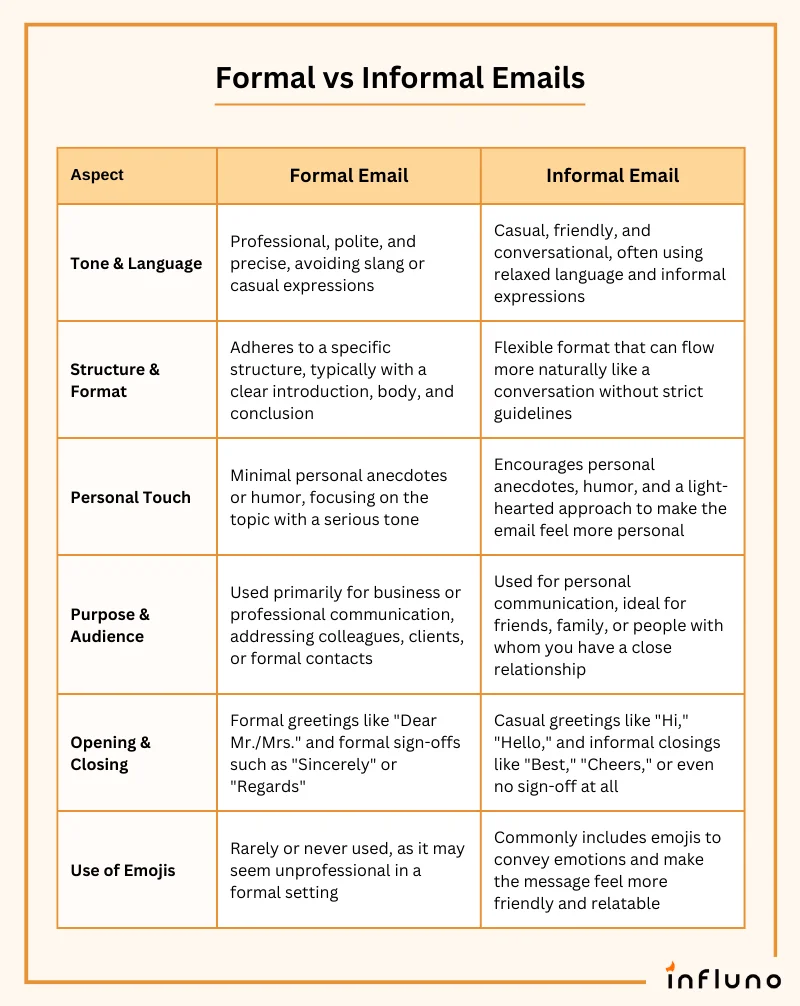
Source: Influno
Common Scenarios
Be specific, explain why, and give a timeline:
- I would appreciate if you could share the current schedule for our project milestones by Monday.
Polite urgency helps:
- I am following up on my previous email to request the final budget figures at your earliest convenience.
Include facts and next steps:
- I am writing to inform you that the Q1 board meeting has been rescheduled to March 5th, 10:00 AM.
6 Ready-to-Use Templates
Subject: Request for Latest Monthly Sales Figures
Dear [Name],
I hope you are well. I am writing to request the latest monthly sales figures for our Northeast region. Could you send the report by Tuesday? This will help prepare our quarterly review.
Thank you in advance.
Best regards,
[Your Name] | [Title] | [Company]
Subject: Product Specification Request
Dear [Vendor Name],
We plan to place a bulk order and need specifications for [Product Name], including pricing, minimum quantities, and delivery timelines.
Thank you for your cooperation.
Sincerely,
[Your Name] | [Title] | [Company]
Subject: Update: Office Relocation
Hello Team,
I am writing to inform you that our Berlin office will relocate to [Address] effective March 1. Please review the attached logistics plan and share any concerns by Friday.
Best regards,
[Your Name]
Subject: Dinner This Weekend?
Hey [Name],
Hope you’re doing great! Fancy grabbing dinner this Saturday? There’s a new grill downtown.
Cheers,
[Your Name]
Subject: Quick Question
Hi [Name],
Quick one—do you have the slides from yesterday’s meeting? If yes, could you send them over? Thanks!
Thanks,
[Your Name]
Subject: Checking In 😊
Hey [Name],
Just checking in on my last email—any updates on the travel plan? Excited to finalize details!
Talk soon,
[Your Name]
How Mailbutler Helps
Mailbutler boosts email productivity with:
-
Templates: Create templates with placeholders—manually or with AI—and insert them into your messages with a single click.
-
Mail Merge: Send personalized emails to multiple recipients at once. Pull contact details from your CRM, contacts app, or CSV file, and automatically fill in placeholders for a personal touch.
-
Smart Timing: Schedule your emails to land at the perfect moment for each recipient, maximizing engagement.
-
Tracking Gain detailed insights into your emails, including device, location, and exact open times—so you always know when your message is noticed.
Mailbutler works with Outlook, Gmail and Apple Mail, streamlining emails.
Fact nugget: Using email templates can save professionals up to 2–5 hours per week on repetitive messaging.
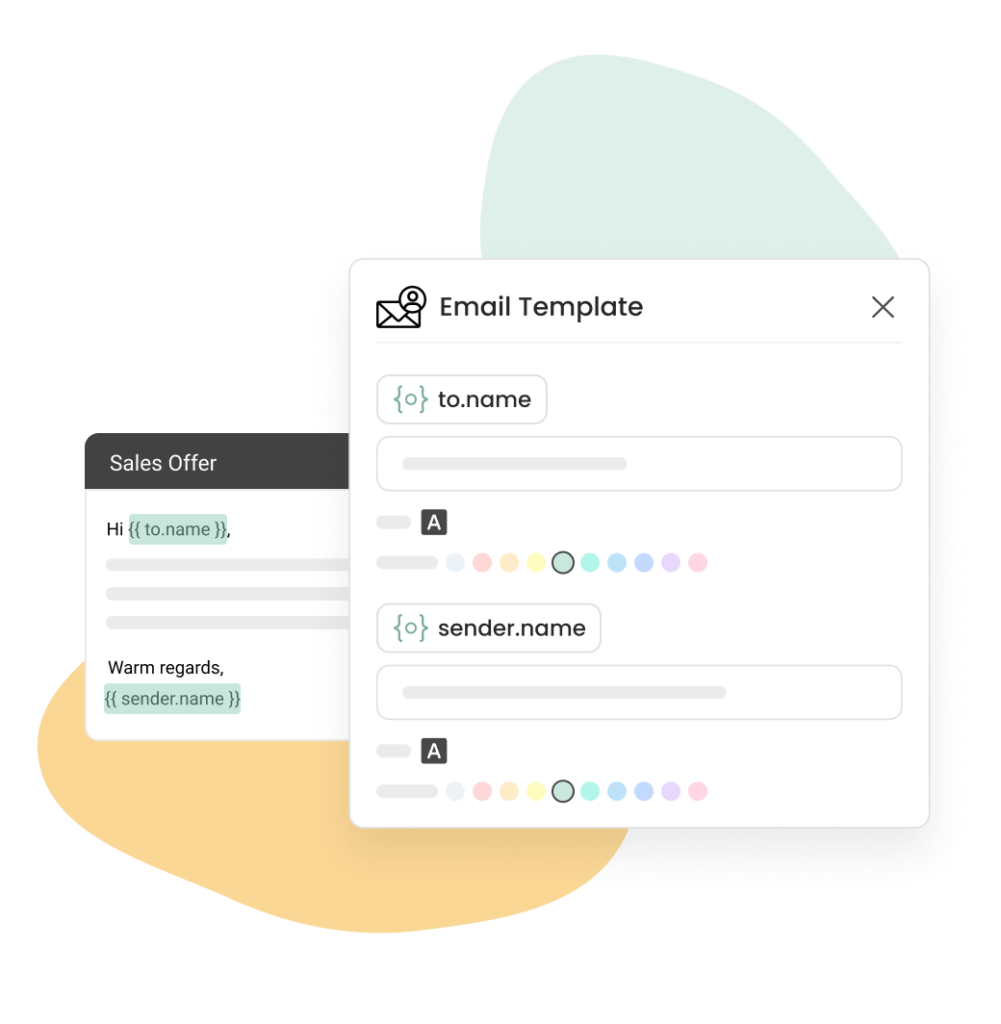
Mailbutler's Message template feature
FAQ
What is the difference between formal and informal email?
Formal emails use professional language; informal emails are casual and friendly.
Can I use emojis in formal emails?
Generally no, unless accepted by the recipient.
Should I follow up if there’s no reply?
Yes. A polite follow-up increases the likelihood of a response.
From a thread titled “How do you guys write mail professionally? Do you still use 'Dear'?” (on r/developersIndia)
Okay this happened with me. I addressed the client by writing Hi in the mail and my manager told me that was very unprofessional.
From a thread titled “Is it rude in English to start and end letters/e‑mail with Hi and // name?” (on r/NoStupidQuestions)
It very much depends on who you are writing to. … It’s not rude, and arguably hasn’t been for quite some time, but it is less formal and may not be appropriate for certain occasions.
From a thread titled “Email structure in professional environments?” (on r/work)
All professional correspondence should have: [Greeting], [content], [farewell], Your name. … Even if you are sent an unprofessional email or reply, you should typically reply with formal standards.
Conclusion & Key Takeaways
-
Formal emails require clarity, structure, and professionalism.
-
Informal emails are friendly, concise, and casual.
-
Always state your purpose early when requesting or sharing information.
-
Use short paragraphs, bullets, and clear subject lines for readability.
-
Tools like Mailbutler improve workflow, templates, and tracking.
-
Customize the 6 templates above for any situation.