





10 Best Email Trackers for Gmail in 2026
Email tracker for Gmail: 10 tools compared for 2026, including Mailtrack, Mailbutler, and HubSpot Sales, on pricing and tracking depth.

The best Apple Mail extensions in 2026 for tracking, group sending, and keyboard filing, with real pricing and honest trade-offs.

Irena is an experienced content and email marketer who loves animals, slow mornings, and all things Tolkien.
Apple Mail is fast, free, and deeply integrated with macOS and iCloud, and recent versions have added real productivity features natively: send later (scheduled sending), follow-up reminders, and one-click unsubscribes are all built in.
But it still doesn’t track opens or link clicks, run mail merge, filter spam beyond the basics, manage saved distribution lists for group sending, or file messages with a keystroke. That’s where a Mail extension comes in.
This guide covers the 5 best Apple Mail extensions in 2026 — tools that install directly into the Mail app itself, rather than working as a separate service or client. It covers what each one actually does, who it’s built for, and what it costs.
Apple discontinued the old-style Mail plugin system starting with macOS Sonoma, in favor of a more restricted "Mail extension" framework (MailKit). Some once-popular tools (MailTags being the best-known example) never made the jump and are now discontinued, so it’s worth checking that any extension you install has actually been rebuilt on the current framework rather than relying on the old plugin architecture.
Every tool below is a genuine Mail extension that runs inside Apple Mail on current macOS versions — not an IMAP-based service that works alongside Mail, and not a separate email client. Broadly, they fall into a few categories:
Many people end up running two of these side by side — for example, Mailbutler for tracking and mail merge alongside SpamSieve for spam filtering — since each extension typically stays in its own lane.
| Extension | Category | Starting price |
|---|---|---|
| Mailbutler | Tracking, mail merge, AI, collaboration | Free tier; paid from $5/user/mo |
| SpamSieve | Spam filtering | $39.99 one-time |
| ListMailer | Saved distribution lists (no merge/personalization) | Free (limited); Pro one-time ~$5 |
| MsgFiler | Keyboard filing | Freemium; lifetime unlock available |
| GPG Suite | Encryption | Free tools; paid Mail extension |
Source: mailbutler.io
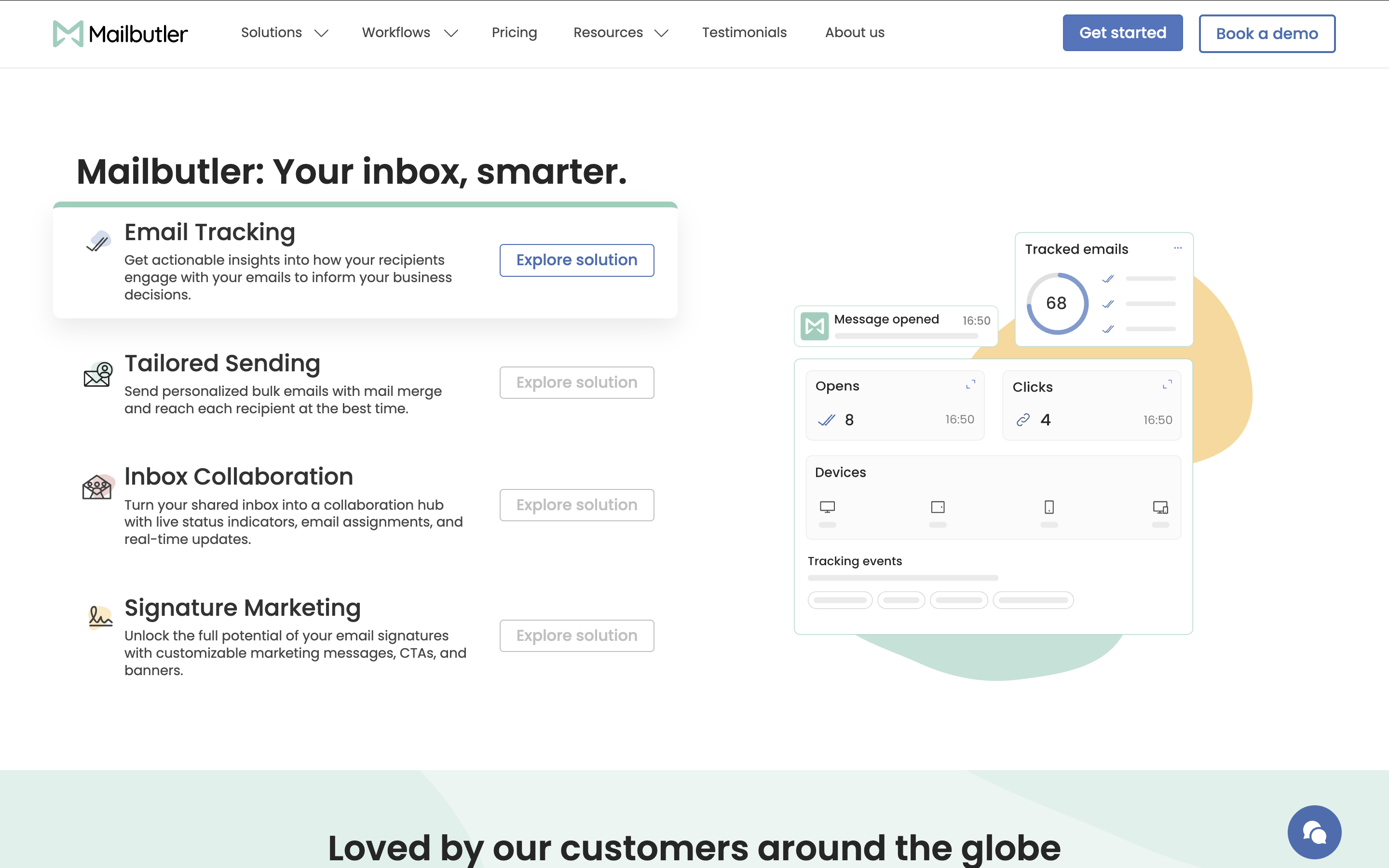
Mailbutler is the most complete Apple Mail extension on this list. It installs directly into Mail and adds powerful features Apple Mail doesn’t have natively: email tracking with open and click notifications, per-recipient tracking for group sends, mail merge from Apple Contacts or a CSV, reusable templates, and an AI assistant that can draft, summarize, and improve emails.
Mailbutler also layers extras onto features Apple Mail already has in basic form — its scheduled sending includes Cloud Delivery, so a scheduled email goes out even if your Mac is off or disconnected at send time, whereas native Send Later queues the message locally on your device.
What sets Mailbutler apart from the single-purpose Apple Mail extensions further down this list is that it also covers team workflows. Starting on the Professional plan, Inbox Collaboration adds email assignments, shared notes and tasks, tags, and automation rules — useful for small teams that share a support or sales inbox without adopting a full helpdesk platform. The Smart plan layers on AI-driven follow-up suggestions, engagement history, and send time recommendations.
Pricing starts at $5/user/month for the Starter plan ($4/user/month if billed annually), with a free tier also available. From there, Professional runs $9/user/month, Smart is $14/user/month, and Business pricing is custom for larger teams that need CRM sync and custom tracking subdomains.
Use Mailbutler if:
Skip it if:
Source: c-command.com/spamsieve
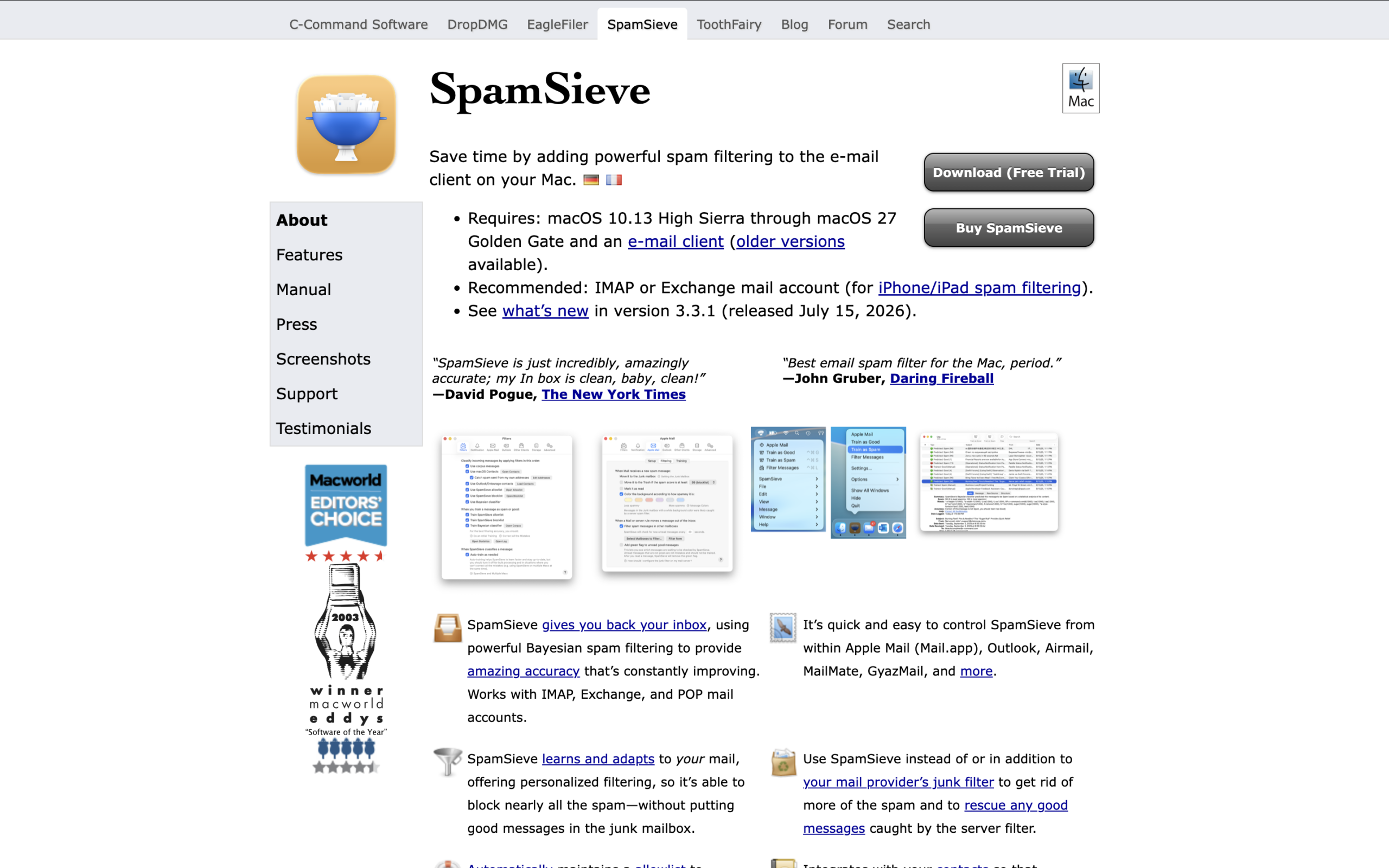
SpamSieve is a dedicated Bayesian spam filter that plugs into Apple Mail and several other Mac email clients. Apple Mail’s built-in junk filter is decent, but SpamSieve is built to learn continuously from what you mark as spam or not-spam, and long-time users routinely report accuracy in the high 90s once it’s trained.
It’s a one-time purchase rather than a subscription — $39.99 for new users, with a discounted upgrade price for previous owners — which makes it one of the more cost-effective tools on this list over a multi-year horizon.
Use SpamSieve if:
Skip it if:
Source: listmailer.carrd.co
ListMailer overlaps a little with Mailbutler’s mail merge functionality, but solves a simpler version of the same problem: emailing the same group of people repeatedly without rebuilding the recipient list every time.
Where Mail Merge personalizes each message with data pulled from Apple Contacts, a CRM tool, or a CSV, ListMailer just recalls a flat, saved list — no merge fields, no contact data source to set up.
It’s a compose extension that lives in Apple Mail’s toolbar: click its icon in a new message, pick a saved list, and the recipients populate instantly. It can also pull addresses straight out of the To, CC, or BCC fields of an email you’re viewing and save them to a list, filtering duplicates automatically.
ListMailer is a genuinely small, single-developer app — worth knowing going in, since it doesn’t yet have the review history or track record of the other tools on this list, though it is a real Mail extension built on Apple’s current MailKit framework rather than a legacy plugin.
The free version caps out at 3 lists with 25 recipients each. A one-time Pro purchase (roughly $5) unlocks unlimited lists and recipients with no subscription.
Use ListMailer if:
Skip it if:
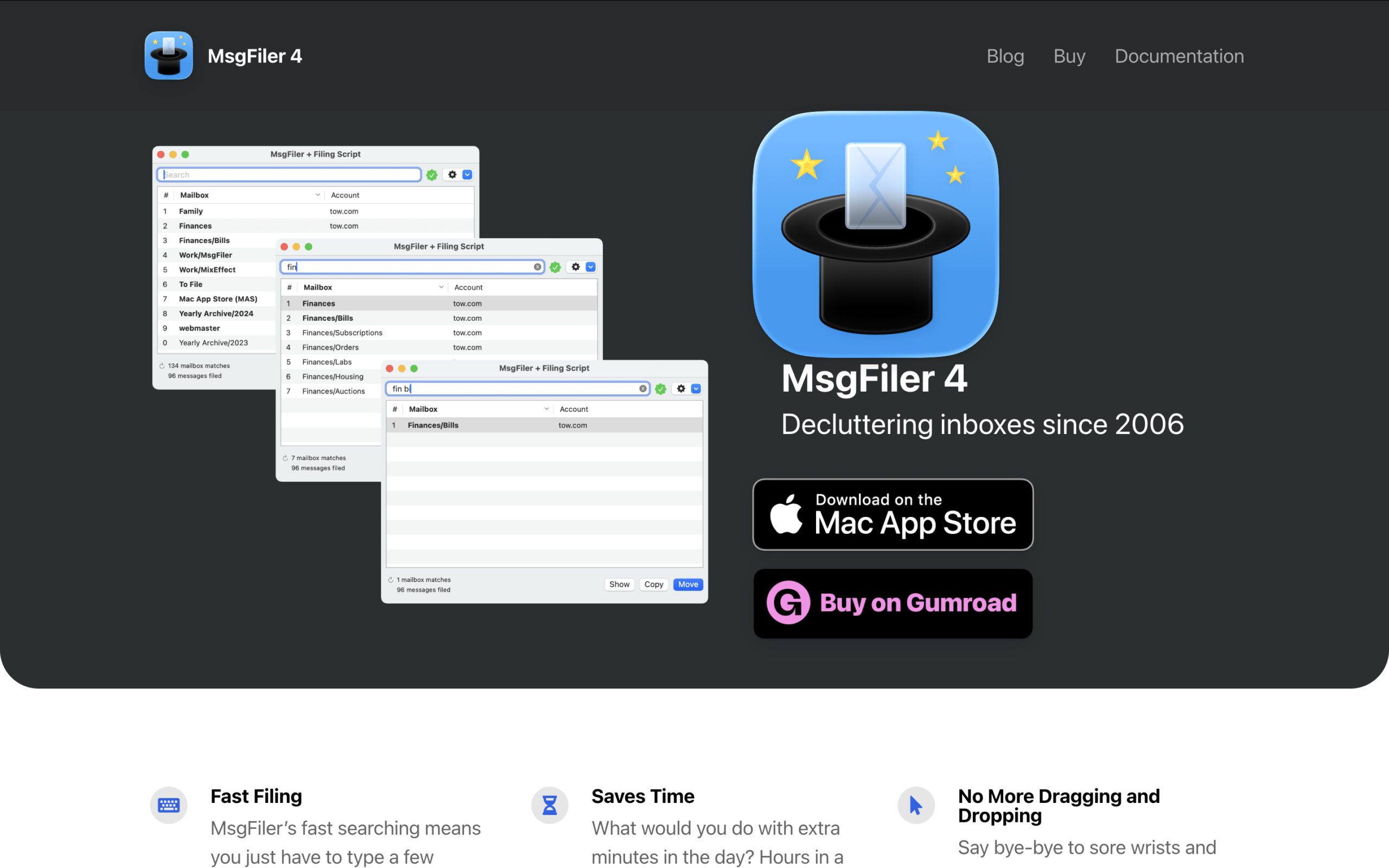
Source: msgfiler.com
MsgFiler is a small, focused extension that solves one problem well: moving messages into folders without touching the mouse. Type a few letters of a mailbox name and the message files itself — a big time-saver if you maintain a deep folder hierarchy or manage multiple accounts.
MsgFiler 4 was rewritten from the ground up on Apple’s current Mail extension framework after the old plugin version stopped working, and it’s kept pace with recent macOS releases since. It’s distributed through the Mac App Store and Gumroad, available in a limited freemium mode, as a subscription, or as a one-time lifetime unlock for users who plan to stick with Apple Mail long-term.
Use MsgFiler if:
Skip it if:
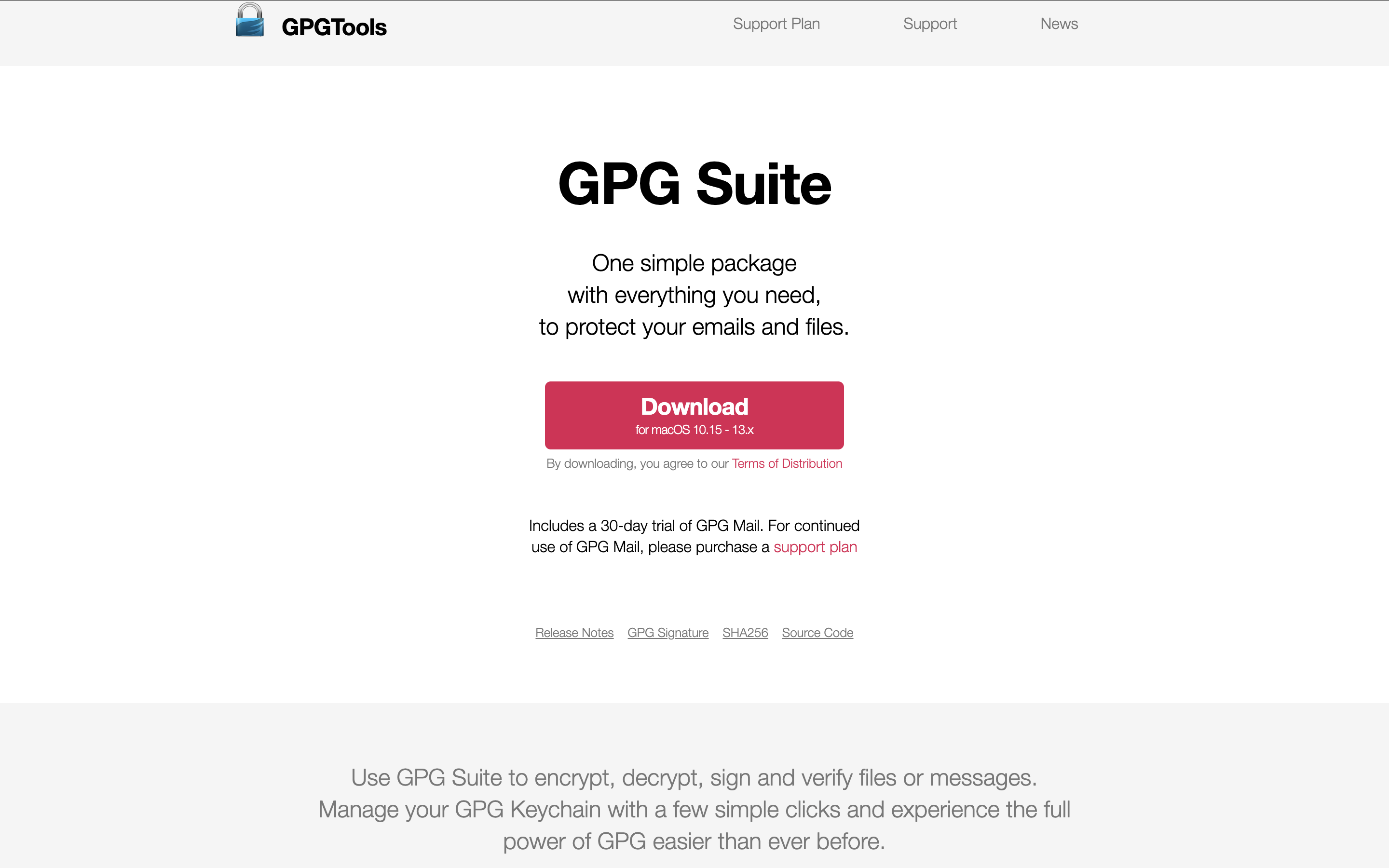
Source: gpgtools.org
For anyone who needs to encrypt or digitally sign emails, GPG Suite (formerly GPGTools) brings OpenPGP encryption directly into Apple Mail’s compose window, alongside a key manager and system-wide encryption services. It’s the most established way to do PGP encryption natively on a Mac.
The underlying GnuPG engine and key management tools are free and open source, but the Apple Mail integration (GPG Mail) requires a paid license after a 30-day trial. Worth knowing: GPG Mail had to be rebuilt from scratch as a modern Mail extension after Apple discontinued legacy plugins, and the rebuilt version has continued to receive updates through recent macOS releases — but as with any young extension, check GPGTools’ known-issues page for your specific macOS version before relying on it for sensitive mail.
Use GPG Suite if:
Skip it if:
| If you care most about... | Pick |
|---|---|
| All-in-one tracking, mail merge, AI, and team collaboration | Mailbutler |
| Stopping spam that slips through Apple Mail’s filter | SpamSieve |
| A simple saved recipient list, without mail merge or personalization | ListMailer |
| Fast, keyboard-only filing into folders | MsgFiler |
| PGP encryption inside Apple Mail | GPG Suite |
SpamSieve, ListMailer, MsgFiler, and GPG Suite are each excellent at one specific job — filtering, group sending, filing, and encryption respectively — and worth adding if that’s your main pain point.
But for freelancers, consultants, and SMB teams that need tracking, scheduled sending, mail merge, and shared inbox collaboration together, Mailbutler is the most complete extension on this list, and the only one built to grow from a solo Professional plan into full team collaboration without switching tools.




Email tracker for Gmail: 10 tools compared for 2026, including Mailtrack, Mailbutler, and HubSpot Sales, on pricing and tracking depth.
How to track emails in Apple Mail, plus the 3 tools that actually work — real pricing, honest limitations, and setup notes.

Inbox automation tools compared for 2026 — Mailbutler, Missive, Front, Gmelius, and Clean Email — on rule depth, pricing, and best fit.

10 best Gmail productivity extensions in 2026: Compare features, pricing, and use cases to find the right fit.
Compare the 10 best email signature management tools in 2026 — pricing, features, and best-fit use cases, from enterprise IT platforms to signature marketing tools like Mailbutler.