




10 Best Email Trackers for Gmail in 2026
Email tracker for Gmail: 10 tools compared for 2026, including Mailtrack, Mailbutler, and HubSpot Sales, on pricing and tracking depth.

How to track emails in Apple Mail, plus the 3 tools that actually work — real pricing, honest limitations, and setup notes.
Irena is an experienced content and email marketer who loves animals, slow mornings, and all things Tolkien.
Apple Mail doesn’t tell you when someone opens an email you sent. There’s no built-in open tracking, no read receipts by default, and iCloud Mail doesn’t add that capability either.
If you want to know whether a message actually got read, you need a third-party tool — and it’s worth understanding how they work before you pick one, since not all of them integrate with Apple Mail the same way.
This guide covers what Apple Mail can and can’t do natively, what Apple’s Mail Privacy Protection changes about open tracking, and the 3 tools that genuinely work with Apple Mail today.
Apple Mail supports scheduled sending and follow-up reminders natively, but it has no built-in way to know if a recipient opened your message. Two manual workarounds exist, and it’s worth knowing their limits before reaching for a third-party tool:
Disposition-Notification-To header to your outgoing mail via a Terminal command, which asks the recipient’s mail server or client to send a read confirmation. This is unreliable on its own: many mail clients ignore the request entirely, and Apple Mail itself doesn’t act on these headers the way it once did on older macOS versions.Because neither of these is dependable at scale, most people who need real tracking turn to a dedicated tool instead.
Since iOS 15, Apple’s Mail Privacy Protection pre-loads incoming messages — including any tracking pixel inside them — before the recipient ever opens them. This is a privacy feature for people receiving mail, but it has a side effect for anyone sending tracked emails: if your recipients are on Apple Mail or iCloud Mail with MPP enabled, pixel-based tracking tools can register a false "open" the moment the message lands, not when it’s actually read.
This doesn’t affect the tools below, which track emails you send from Apple Mail — that’s a separate mechanism. But if a meaningful share of the people you email are Apple Mail users, treat your own open-rate data with some skepticism regardless of which tool you use, and weigh clicks and replies more heavily than raw opens.
These are the only three tools we could verify are both (a) actively maintained and (b) genuinely built to track emails sent from Apple Mail, rather than requiring a client swap or a browser extension Apple Mail doesn’t support. Most "email tracking" tools on the market only work with Gmail or Outlook — that rules out the vast majority of the category for Apple Mail users.
| Tracker | Tracking approach | Pricing shape | Best for | Watch out for |
|---|---|---|---|---|
| Mailbutler | Apple Mail extension: opens, clicks, per-recipient tracking | Free tier; paid from $5/user/mo ($4/user/mo billed annually) | Full tracking without leaving Apple Mail | Free tier is watermarked and limited |
| iReceiptMail | Read-receipt requests inside Apple Mail’s compose window | One-time paid license after a 7-day trial | A lightweight "was it opened" signal | Recipient needs a compatible client too — no clicks or analytics |
| Mail Tracer | Companion iOS app running alongside the Apple Mail app | Free; Pro unlock around $29.99 one-time | Casual, no-setup tracking on iPhone | Independent reviews report inconsistent open detection |
Source: mailbutler.io
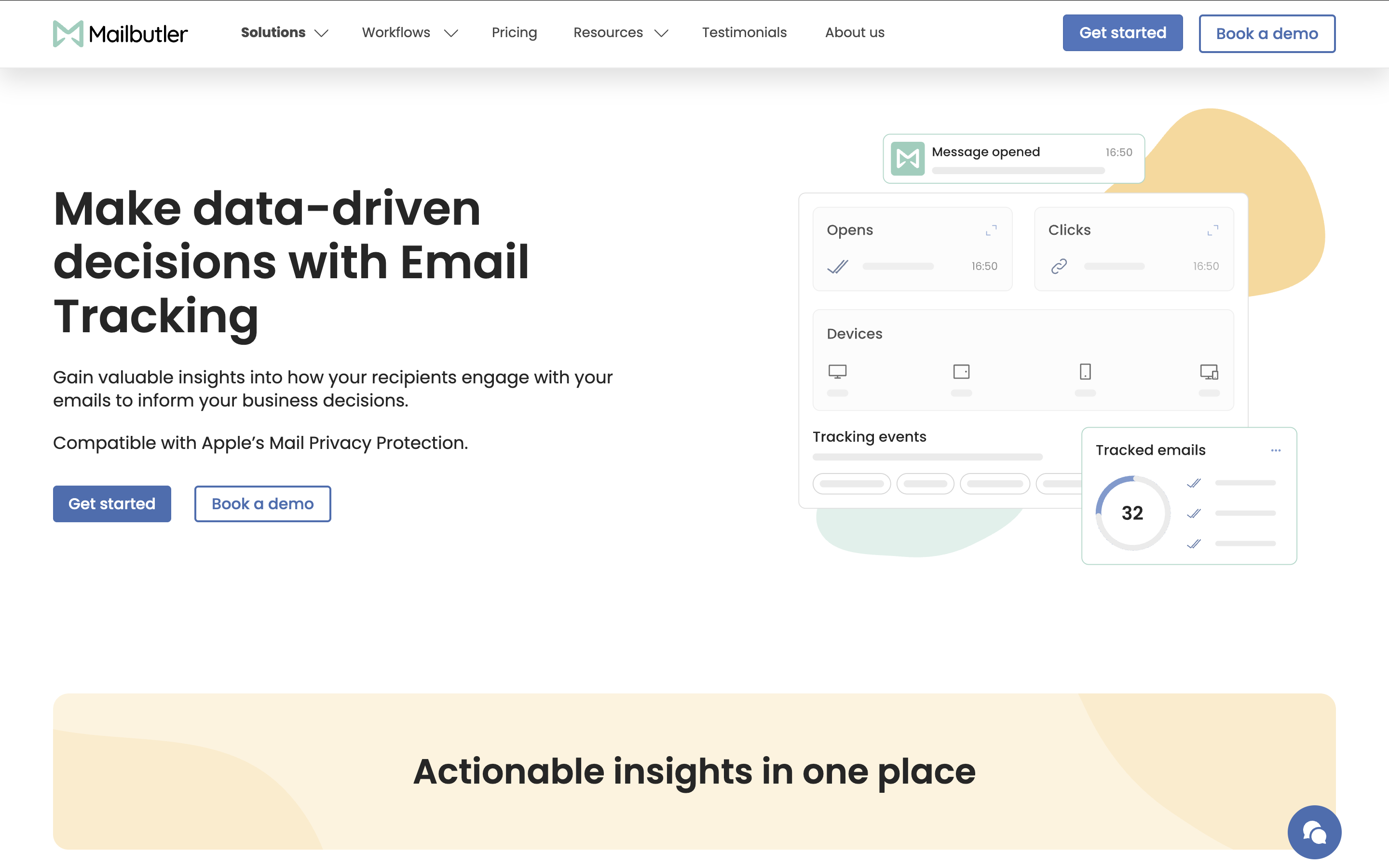
Mailbutler is the only tool here that installs directly into Apple Mail as an extension rather than running alongside it or replacing it. It adds open and click tracking, and its per-recipient tracking shows you exactly who opened a message or clicked a link when you send to a group.
Real-time open and click notifications are included from the Starter plan onward. The Smart plan adds per-recipient tracking, a full engagement history, and device and location details, plus Smart Follow-ups — an AI feature that flags tracked emails as high, medium, or low urgency based on opens and clicks, and can draft the follow-up for you.
A custom tracking subdomain, IP blacklisting (so a coworker you’ve CC’d opening the email doesn’t trigger a notification), and CRM Tracking Data Sync that pushes opens, clicks, and device and location details straight into HubSpot or Salesforce are Business-plan features.
Pricing starts at $5/user/month ($4/user/month billed annually) for the Starter plan, with a free 14-day trial available to try tracking before committing. Professional runs $9/user/month and adds inbox collaboration features; Smart is $14/user/month and layers on AI-assisted follow-ups and engagement history.
Use Mailbutler if:
Skip it if:
Source: ireceiptmail.com
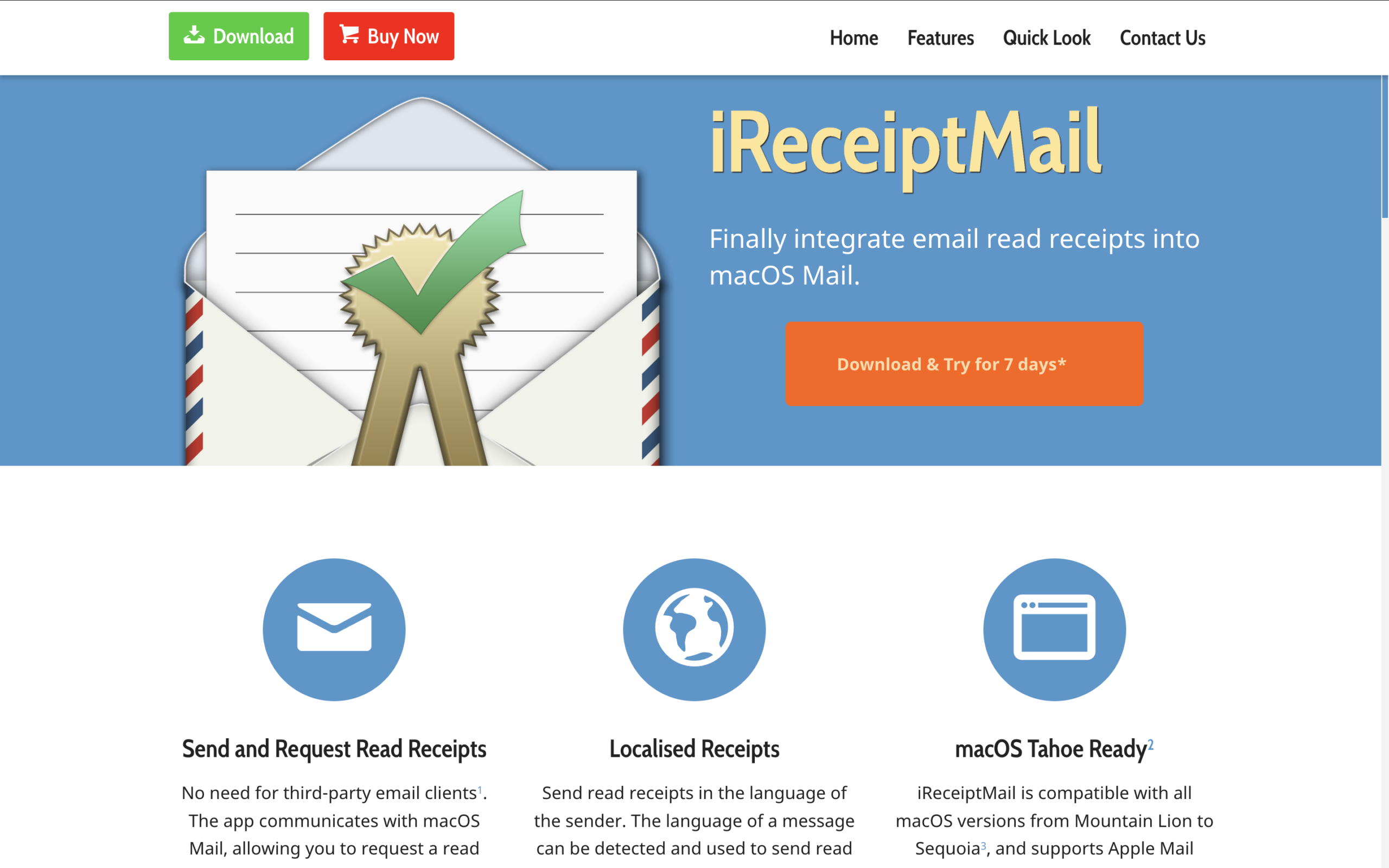
iReceiptMail takes a different technical approach: instead of a tracking pixel, it uses the read-receipt request/response mechanism that’s long been part of email, wired into Apple Mail’s compose window and menu bar.
That distinction matters. A pixel-based tracker registers an open as soon as an image loads, regardless of what the recipient’s mail app supports. iReceiptMail’s read receipt only works if the recipient is also running Apple Mail with iReceiptMail (or another read-receipt-aware client like Outlook or Thunderbird), and the recipient effectively has to allow the receipt to send.
For colleagues and clients on similar setups, that’s a more transparent way to track opens than a hidden pixel. For cold outreach to strangers on unknown clients, it will miss most of your audience.
It’s a macOS menu bar app with a 7-day free trial, followed by a one-time paid license rather than a subscription.
Use iReceiptMail if:
Skip it if:
Source: mailtracer.app
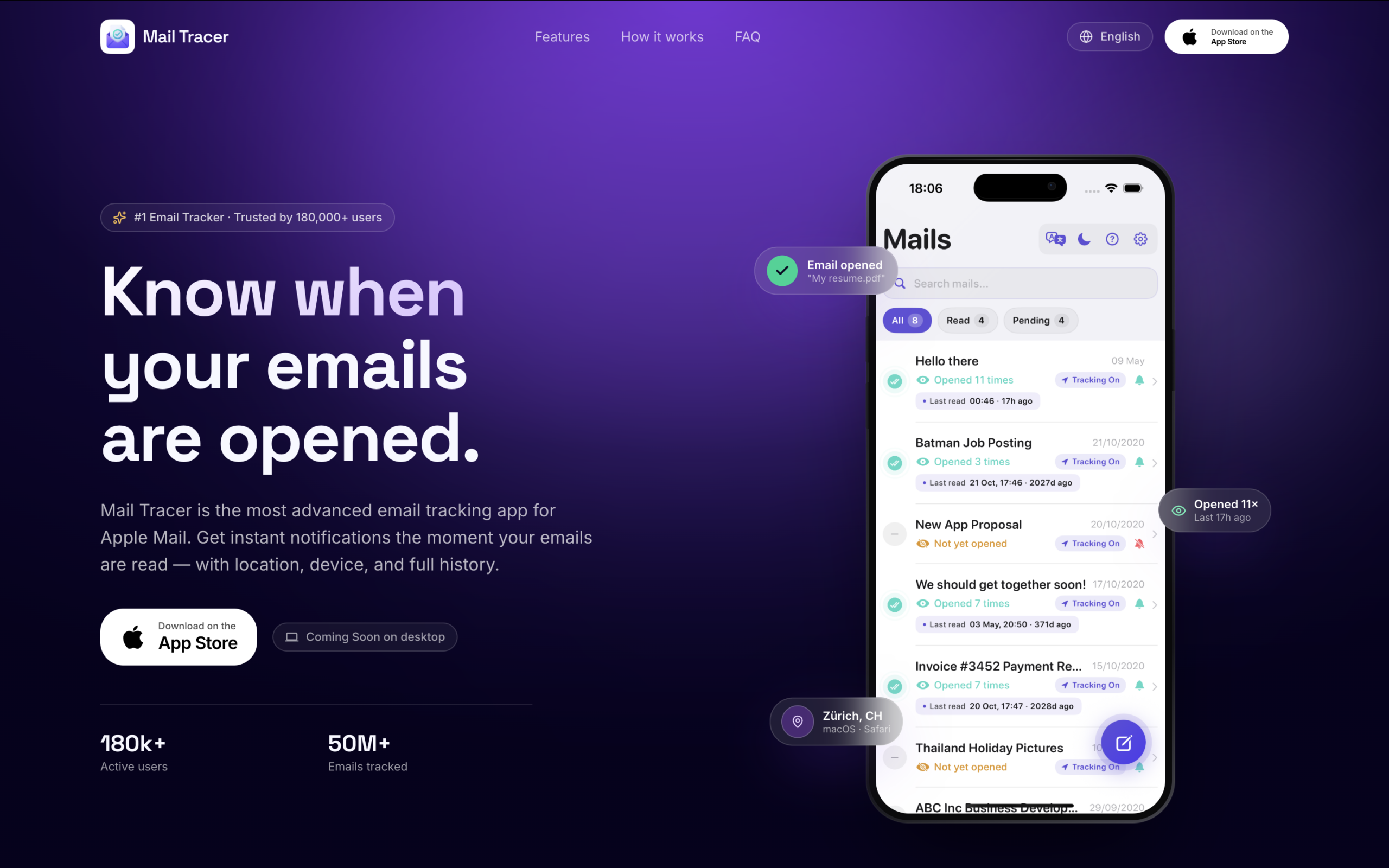
Mail Tracer is an iOS app that tracks emails sent from Apple’s native Mail app on iPhone, without integrating into Mail itself — it runs alongside it. The free tier offers unlimited tracking with real-time open alerts; a one-time Pro unlock, priced around $29.99, removes the ad-supported signature and adds priority support.
It’s worth being upfront about this one: independent app review aggregators have flagged Mail Tracer’s tracking as inconsistent, and its user-legitimacy scores run low compared to the other tools here. Some reviewers report accurate opens; others report false positives or missed reads. It’s free to try, so there’s little risk in testing it yourself, but it shouldn’t be your only tracking method for anything business-critical.
Use Mail Tracer if:
Skip it if:
| If you care most about... | Pick |
|---|---|
| Full tracking plus mail merge, scheduling, and collaboration, without leaving Apple Mail | Mailbutler |
| The simplest "was it opened" signal, one-time cost | iReceiptMail |
| Free, no-commitment tracking to test on iPhone | Mail Tracer |
If you’re willing to leave Apple Mail entirely, email clients like Canary Mail and Mailbird bundle read receipts or open tracking into a full inbox replacement, plus their own AI or multi-account features. That’s a bigger switch than installing an extension, so it’s worth trying one of the three tools above first if staying in Apple Mail matters to you.
Apple Mail’s biggest gap for anyone emailing professionally is the lack of native tracking, and there’s no built-in fix worth relying on — the Terminal header trick is too inconsistent to build a workflow around.
Of the tools that actually work with Apple Mail, iReceiptMail and Mail Tracer each solve a narrower slice of the problem: a lightweight receipt for cooperative recipients, or a free, casual iPhone-only option.
For freelancers, consultants, and SMB teams that want complete open, click, and per-recipient tracking — plus room to grow into mail merge and shared inbox collaboration later — Mailbutler is the most complete option that works with Apple Mail as-is.




Email tracker for Gmail: 10 tools compared for 2026, including Mailtrack, Mailbutler, and HubSpot Sales, on pricing and tracking depth.
Inbox automation tools compared for 2026 — Mailbutler, Missive, Front, Gmelius, and Clean Email — on rule depth, pricing, and best fit.

The best Apple Mail extensions in 2026 for tracking, group sending, and keyboard filing, with real pricing and honest trade-offs.

10 best Gmail productivity extensions in 2026: Compare features, pricing, and use cases to find the right fit.
Compare the 10 best email signature management tools in 2026 — pricing, features, and best-fit use cases, from enterprise IT platforms to signature marketing tools like Mailbutler.