














10 Best Mailsuite Alternatives in 2026 (Free & Paid)
Looking beyond Mailsuite? We compared 10 email tracking and mail merge tools for Gmail and Outlook, with 2026 pricing and trade-offs.

Learn from experts on email signature usage and get inspired by 11 examples showcased in this Mailbutler's guide.
Irena is an experienced content and email marketer who loves animals, slow mornings, and all things Tolkien.
Email signatures are an extremely versatile part of the email communication process.
Not only are they a great way to show off your brand and project a professional image, but they can also - perhaps surprisingly - be a powerful marketing tool.
Professionals use email signatures for a number of reasons because they know how powerful signatures can be!
Learn more about how experts use email signatures in this article.
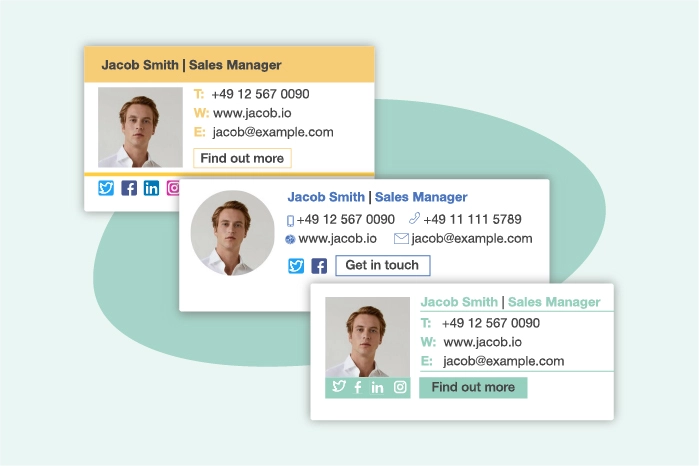
The most popular email signatures are, of course, the ones that work the best! A great email signature should contain all of the most important information, such as your contact details and a photograph of you, but also be concise and well-designed.
The most popular and the best email signatures are also responsive on all devices, so your recipient can see all your information regardless of whether they're on a desktop or on mobile.
To make a beautiful, responsive and professional-looking email signature, why not try out Mailbutler?
Mailbutler lets you customize everything, from your company logo to your fonts, and share signatures with your whole team so everyone stays on brand.
Find out more about Mailbutler later in this article!
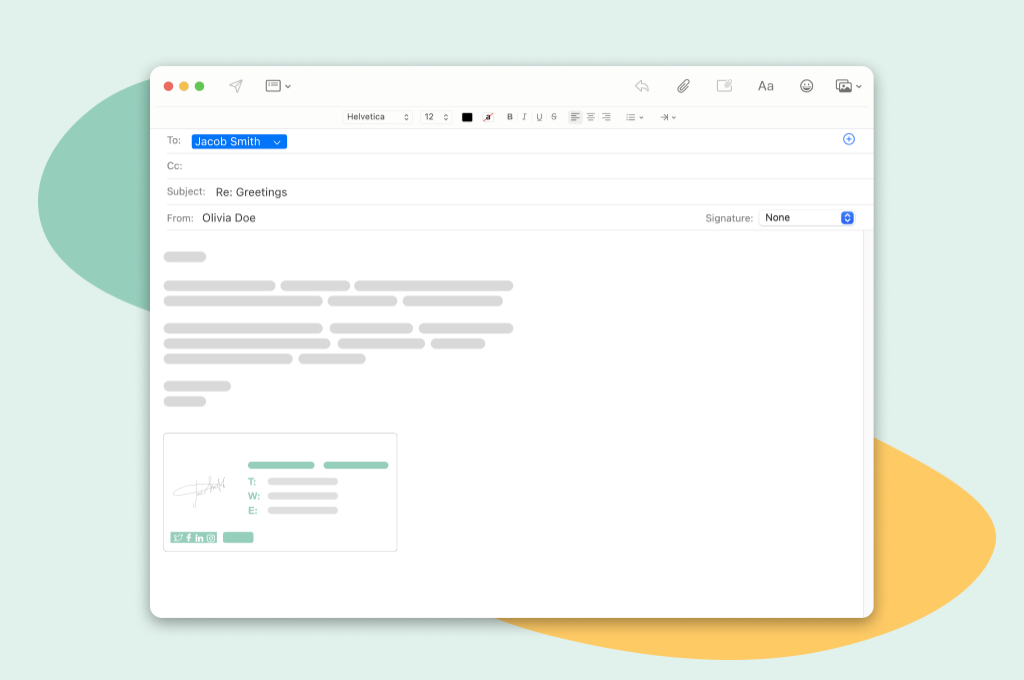
As mentioned above, having a professional email signature is great for a number of reasons, including brand awareness and marketing, but the most important reason why your signature should look fantastic is to convey a professional image.
Related post: Apple Mail signature
Every time you send an email, you're putting yourself and your company out there, so you want to present the best possible version of your company you can.
Make sure you design your signature well so it looks as good as possible! Also, implement strong security measures and follow DMARC policy to protect both your email content and the information in your email signature from unauthorized access or security threats.
Interested to learn how experts are using email signatures in their daily lives? We asked 13 professionals to tell us more about it.
I'm using email signatures to promote my website and blog. Every time I send out an email, my signature includes a link to my website.
This helps to increase traffic to my site, and it also helps to build my brand.
You can include a variety of information in your signatures, such as your name, company name, website address, social media links, and more.
To help with accessibility, make sure your signature is HTML-friendly so that it can be read by email clients that don't support rich text or images.
Use colors and fonts that are easy to read and keep the overall design simple.
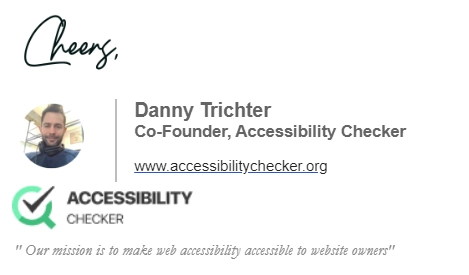
Danny Trichter - Co-Founder, Accessibility Checker
Having an email signature saves me a lot of time when signing off on an email, as I don't have to add "Best regards" at the end every time.
It helps my emails look professional and reassures the recipient that the information in the e-mail is not a scam or sent by another person.
This helps build trust in my business and me. As a CEO, I also have to maintain my professionalism and look approachable by providing more information about me and my business to the recipient.
For example, my email signature includes my first and last name, designation i.e. CPCU and CEO, company name, direct-dial phone number, contact email, company website, and my business's logo.
Here is the sample:
My email signature also encourages the recipient to click on my business's website, which increases the website traffic. The logo contributes to brand awareness because they will recognize my company the next time they see it.
Rhett Stubbendeck - Chief Executive Officer, LeverageRx
I use my email signature to showcase social proof and make it easier for potential customers and business partners to trust our brand.
As a business development lead, my work entails reaching out to potential customers and business partners.
So, to humanize my efforts and to gain trust from our first point of communication, my email signature includes my professional photo, our social media links, a legal disclaimer, and a link to customer reviews in Trustpilot.
Attaching an image to my name helps put a personal touch on my email communication and helps build trust, especially when I am just starting a connection.
The social media links and legal disclaimer portion are customary.
But putting the link to customer reviews is a deliberate move to extend the role of email signatures for brand trust building.
Linking to our customer reviews makes us collect customer feedback easier and encourages email recipients to try our offers through previous customers’ votes of confidence.

Stacey Kane - Business Development Lead, EasyMerchant
I use a custom-made signature design to make it look more appealing and professional.
I also like to include links in my signatures, such as the one to my website and personal LinkedIn. 99% of the time, I use email for business, which is why my email signature serves as a driving agent for my business website and LinkedIn.
In particular, I like to always include links to my LinkedIn profile so that others can reach out and connect with me over there.
Chelsea Cohen - Co-Founder, SoStocked
Running a pet website, I use my email signature to show that I am a real person with a real dog!
There are a lot of imitators in the pet space looking to make money without even having a pet, so using my email signature to show that I am a true dog owner is a great opportunity to build trust and rapport.
I'll also occasionally use my email signature to promote new ebooks or online courses we've developed, but I'll only put those in the signature for a limited period of time.
Megan Marrs – Founder, K9 of Mine
Incorporating a digital business card in your e-mail signature is a must.
With your digital business card, you can include everything you would want a potential client or customer to know such as basic contact information, samples of your work, payment links, and videos
Not to mention, most companies include analytics so you can determine which links have been viewed and clicked on.
This greatly enhances your outreach and networking efforts.
Samantha Brandon - Founder, SamanthaBrandon.com
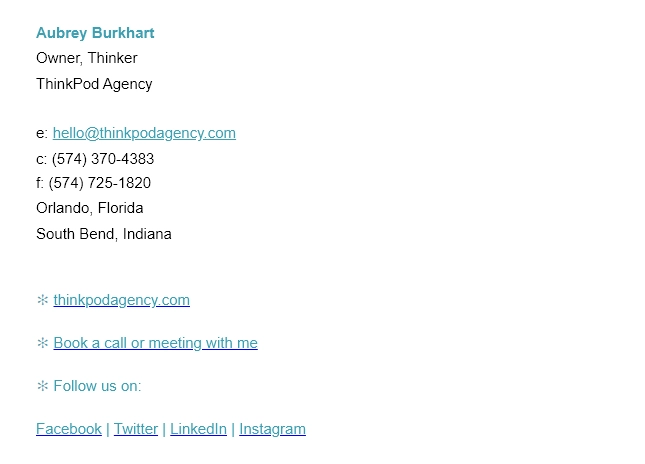
Mailbutler has been a must-have for our digital agency for years. It has helped keep the team’s email signatures consistent, clean, and updated easily.
Our custom signatures (below) have also been awesome lead generators.
We’ve experimented with a few different signatures over the years, and through Mailbutler’s link tracking feature, we found that simple yet informative signatures are the way to go for engagement and leads.
Aubrey Burkhart - Owner, ThinkPod Agency
I’ve always thought that it was absolutely crucial that your signature tells the person you’re emailing as much as possible about you.
That’s why I always include all of my social media pages and accounts, as well as a link to my website, as that combination of all of these things provides a comprehensive overview of who I am, and what I do for a living.
It gives the person that I’m contacting my personal and professional online life story, which helps them to feel relaxed and comfortable enough to answer my message and deal with me on a personal level.
And that element of human contact enables and allows me to develop a deal and long-lasting relationships with my clients and business associates. It’s all about the personal touch.
Adam Enfroy - Founder, AdamEnfroy.com
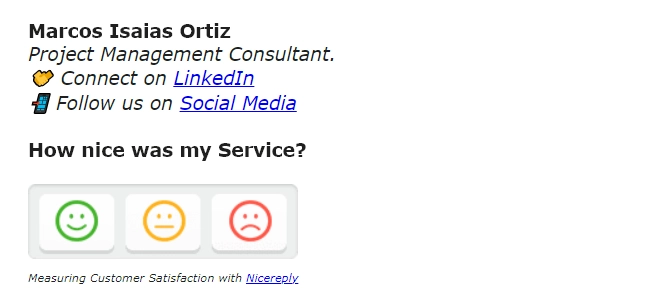
My company uses email signatures to do NPS and Customer Service Surveys! This has helped us increase the response rate to about 43%.
It is pretty convenient to use the signature space on the closing email of a service interaction to get a quick and accurate evaluation. Measuring KPIs the right way.
Here is an example of what it looks like:
Marcos Isaias – Founder, misaias.com
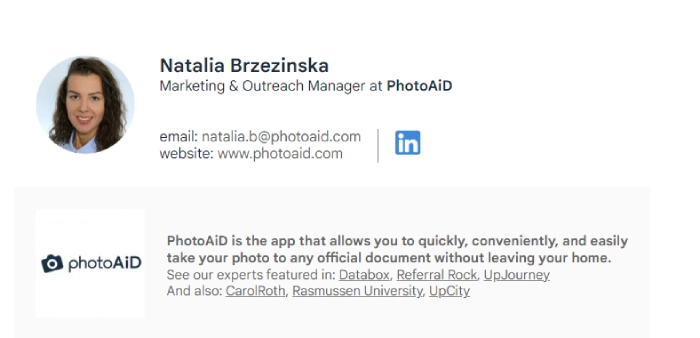
The purpose of an email signature goes beyond sharing my contact information - it’s an excellent way to build the brand image.
So, our managers’ signatures include the logo and a short description of our company that briefly introduce it to the recipient.
Below, we list outlets that featured our experts’ insights.
The point is to establish our brand's credibility. As a result, our email signatures portray our business in just a few lines and without intrusiveness.
Natalia Brzezinska - Marketing & Outreach Manager, PhotoAiD
Most people think that email signatures are nothing more than a way to include contact information at the end of an email.
However, there is much more to an email signature than meets the eye.
When used correctly, an email signature can be a powerful marketing tool. You can encourage recipients to visit your website or follow you on social media to grow your social media by including a brief call-to-action in your signature.
You can also use your signature to promote special offers or upcoming events. In addition, an email signature can help to build trust and credibility by providing recipients with your professional title and company name.
With so many benefits, it is clear that email signatures are more than just a simple form of contact information.
When used correctly, they can be a powerful asset for any business.
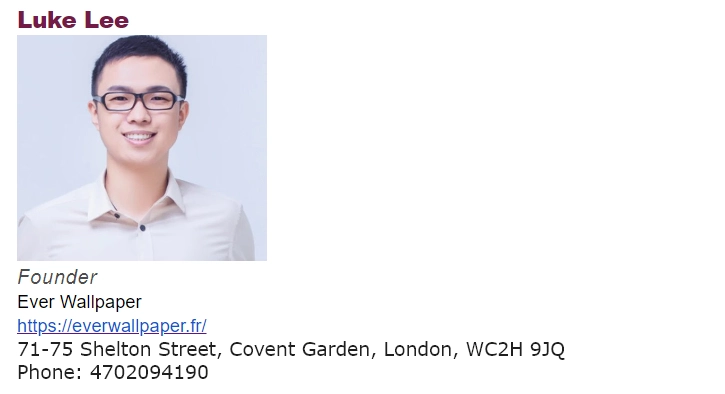
Luke Lee – Founder, Ever Wallpaper
Email signatures can be the difference between somebody taking you seriously or not. They add an extra layer of credibility when sending or responding to emails. However, there is a right and a wrong way to create email signatures.
Here is the wrong way:
- Change in a font size
- Too many elements
- More than two colors
- Large social media icon
You need an email signature that’s clean, concise, and gets your point across. While a quick bio is helpful, you don’t need to write a three-page document highlighting your greatest achievements.
With that being said, there are some things you should include. I recommend picking your primary social media account and hyperlinking to it in your email signature.
You’ll also want to add some contact details so potential clients and business owners can get in touch - and I’m not talking about your email.
Include your Calendly and a link where people can schedule a meeting. This helps take your conversations away from email and onto the phone.
Robin Roy Krigslund-Hansen – Founder, Formula Swiss
If you're going to design different types of signatures, you should make sure that they appear equally as nice on mobile as they do on a desktop computer.
Brand emails can be sent on a regular basis, and sometimes they contain information that can't be read on a mobile device.
That does not need to be the case with your email. Make sure to format it correctly so that it can adapt to the appropriate platform.
Alex Savy - Co-Founder and Editor-in-Chief, ComfyNorth
So there you have it - how and why to use a great, well-designed email signature from none other than the experts themselves.
Marketing, promotion, brand awareness, professionalism, customer satisfaction - who knew there were so many different things you can do with a simple email signature?
Just remember: your signature needs to be well-designed, concise, and responsive. If you do all of that, you're sure to have success. Now go forth and use your signature!




Looking beyond Mailsuite? We compared 10 email tracking and mail merge tools for Gmail and Outlook, with 2026 pricing and trade-offs.

10 Scribe alternatives compared, focusing on pricing, brand governance features, and honest trade-offs for teams of every size.
Top 5 alternatives to MailTracker for Gmail, with real pricing, feature breakdowns, and honest trade-offs to help you pick the right one.
Looking for the best Outlook mail merge tool? We compare 5 options on pricing, personalization depth, and data privacy to help you pick the right one.

Looking for the best Front alternatives? Compare 10 shared inbox and help desk tools on price, features, and fit.
Compare the 5 best email trackers for Outlook in 2026 — from lightweight add-ins to Salesforce-native tools.